SOC Automation & Threat Intelligence Platform (Sentinel + SOAR)
Category: Security
Scenario: SOC wants automated enrichment and consistent incident handling. Example: 'Kendaks SOC' ingests TI feeds (TAXII), enriches alerts, and auto-opens tickets.
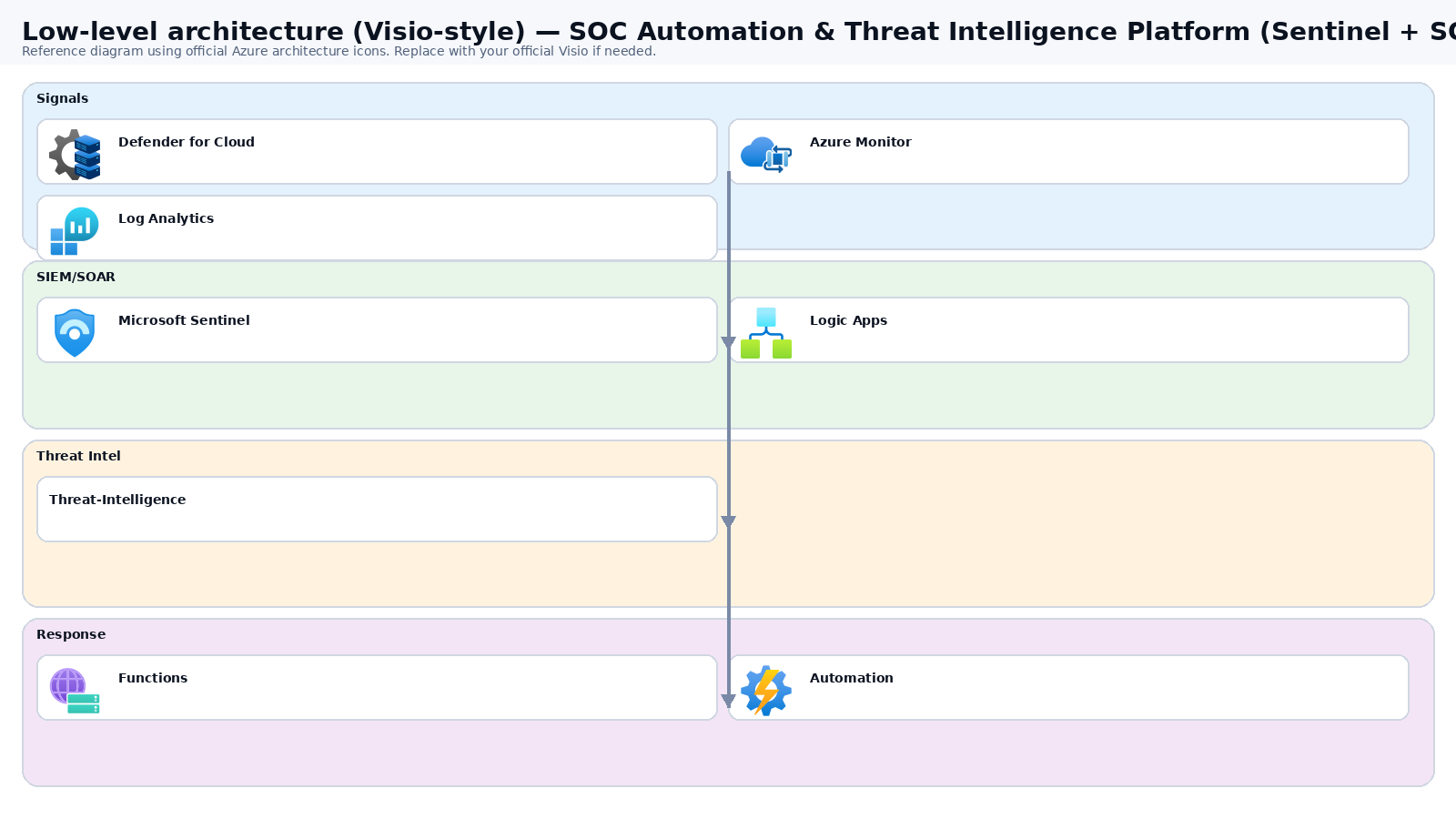
Architecture diagram
High-level view of the main components and data/control flows.
Low-level architecture diagram (Visio-style)
Implementation view (networking, security, ops). Click to open full size.
Low-level architecture details
(No low-level text provided.)
Step-by-step implementation
Step 1/6

Define SOC use cases and data sources
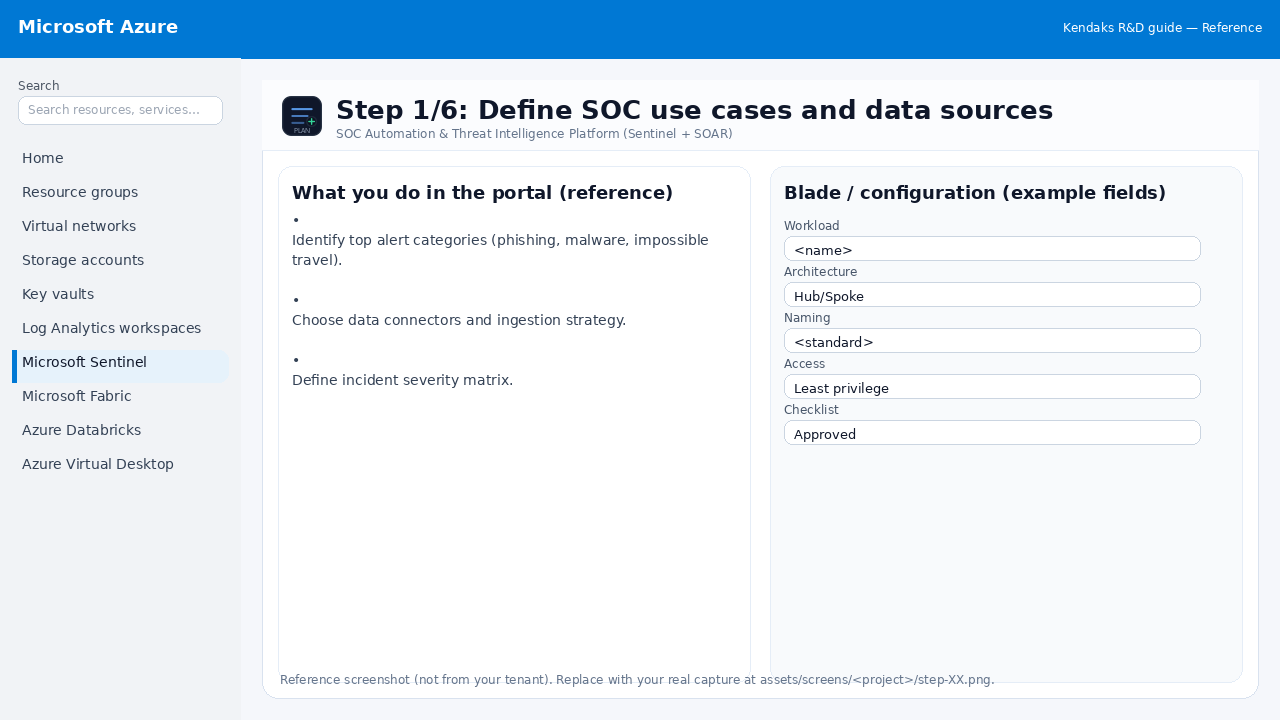 Reference portal screenshot (click to zoom). Replace with your tenant capture if needed.
- Identify top alert categories (phishing, malware, impossible travel).
- Choose data connectors and ingestion strategy.
- Define incident severity matrix.
Validation checklist
- Stakeholders have signed off the scope, SLAs, and data/security requirements.
- You have documented naming standards, environments, and ownership (RACI).
Step 2/6

Deploy Sentinel in Defender portal and connect logs
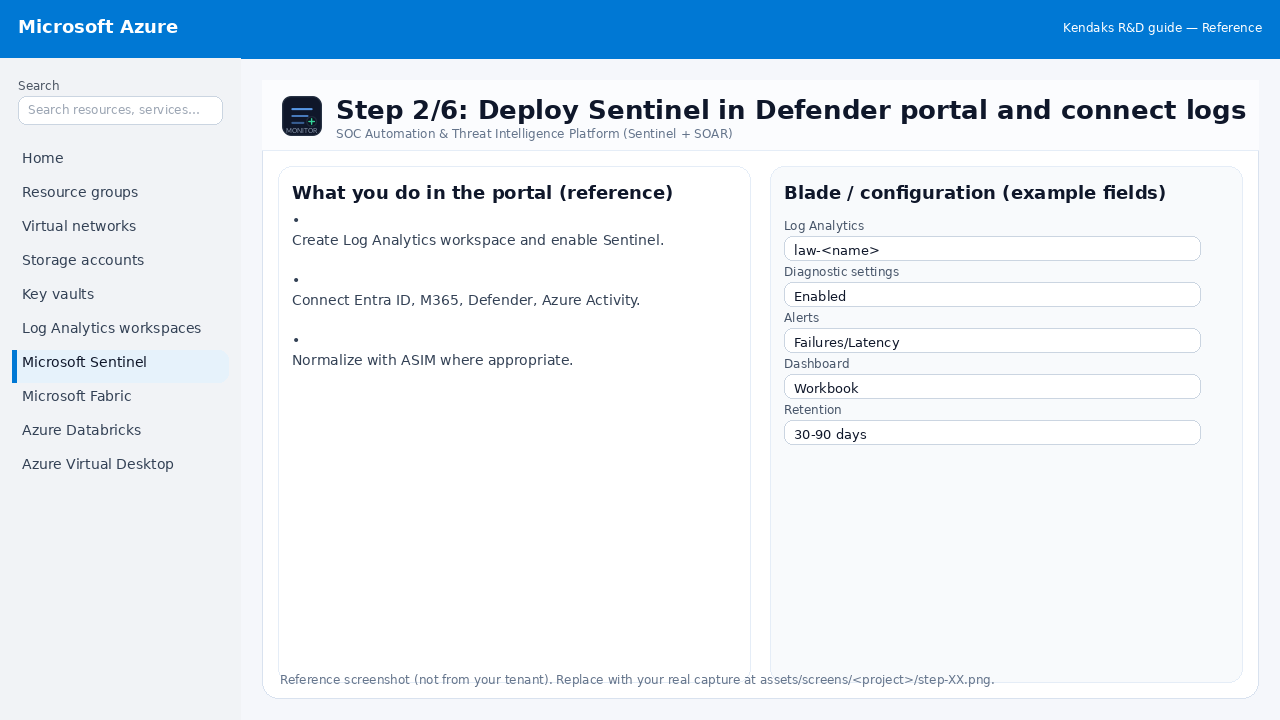 Reference portal screenshot (click to zoom). Replace with your tenant capture if needed.
- Create Log Analytics workspace and enable Sentinel.
- Connect Entra ID, M365, Defender, Azure Activity.
- Normalize with ASIM where appropriate.
Validation checklist
- Logs and metrics are flowing (check Log Analytics / Monitor).
- Alerts trigger correctly (test alert path to email/Teams/ITSM).
Step 3/6

Threat intelligence ingestion
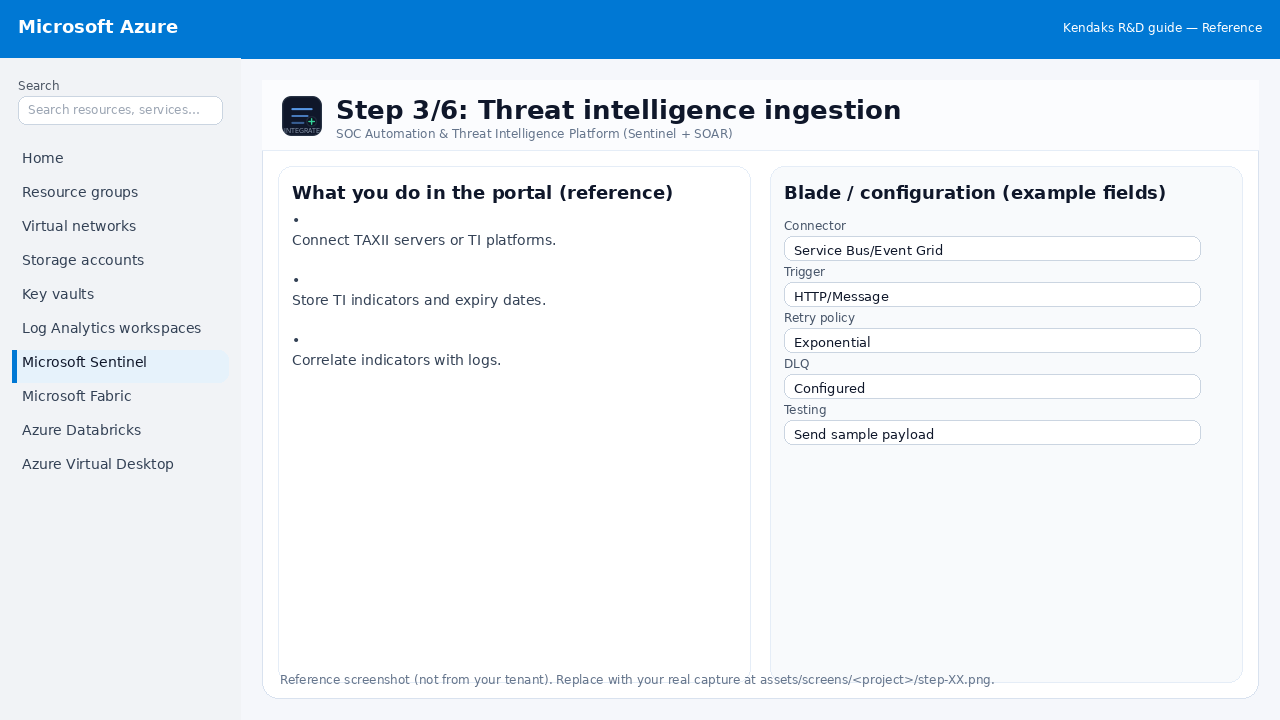 Reference portal screenshot (click to zoom). Replace with your tenant capture if needed.
- Connect TAXII servers or TI platforms.
- Store TI indicators and expiry dates.
- Correlate indicators with logs.
Validation checklist
- Connections/authentication succeed and test messages/records flow through.
- Retries/DLQ/error handling are configured and validated with a forced failure.
Step 4/6

Automation playbooks (SOAR)
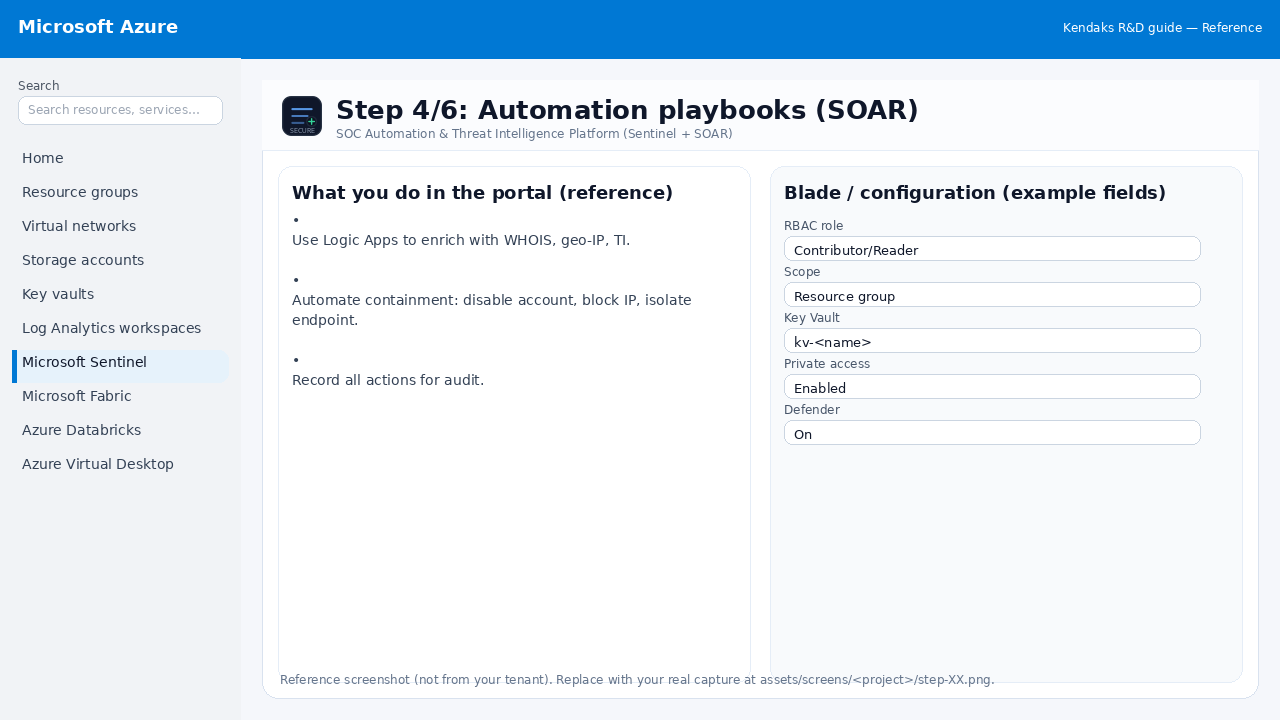 Reference portal screenshot (click to zoom). Replace with your tenant capture if needed.
- Use Logic Apps to enrich with WHOIS, geo-IP, TI.
- Automate containment: disable account, block IP, isolate endpoint.
- Record all actions for audit.
Validation checklist
- Security baseline applied (Defender/Policy/WAF/Firewall rules as applicable).
- No public endpoints unless explicitly approved; private endpoints verified where applicable.
- Alerts are configured for high-risk events.
Step 5/6

Long-term retention and hunting
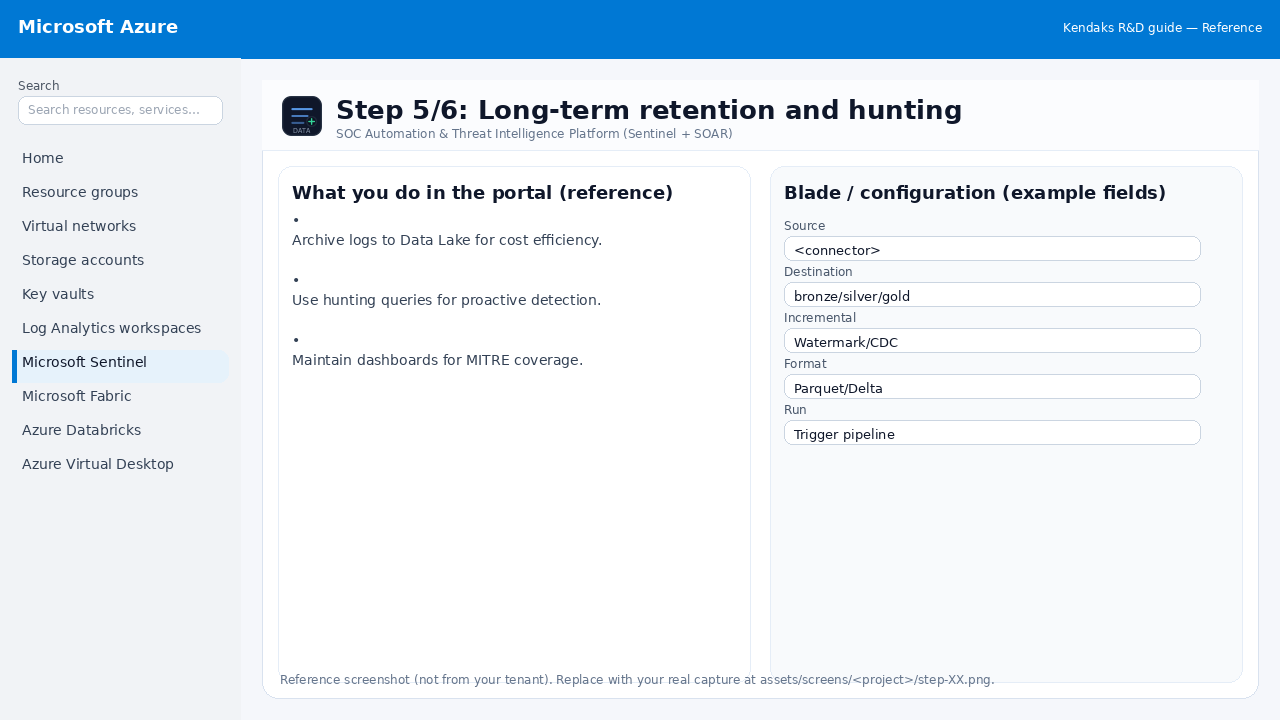 Reference portal screenshot (click to zoom). Replace with your tenant capture if needed.
- Archive logs to Data Lake for cost efficiency.
- Use hunting queries for proactive detection.
- Maintain dashboards for MITRE coverage.
Validation checklist
- The storage/lakehouse/warehouse resources are created and accessible via least privilege.
- A sample dataset lands successfully and can be queried/read end-to-end.
- Retention, encryption, and backup settings match requirements.
Step 6/6

SOC drills and tuning
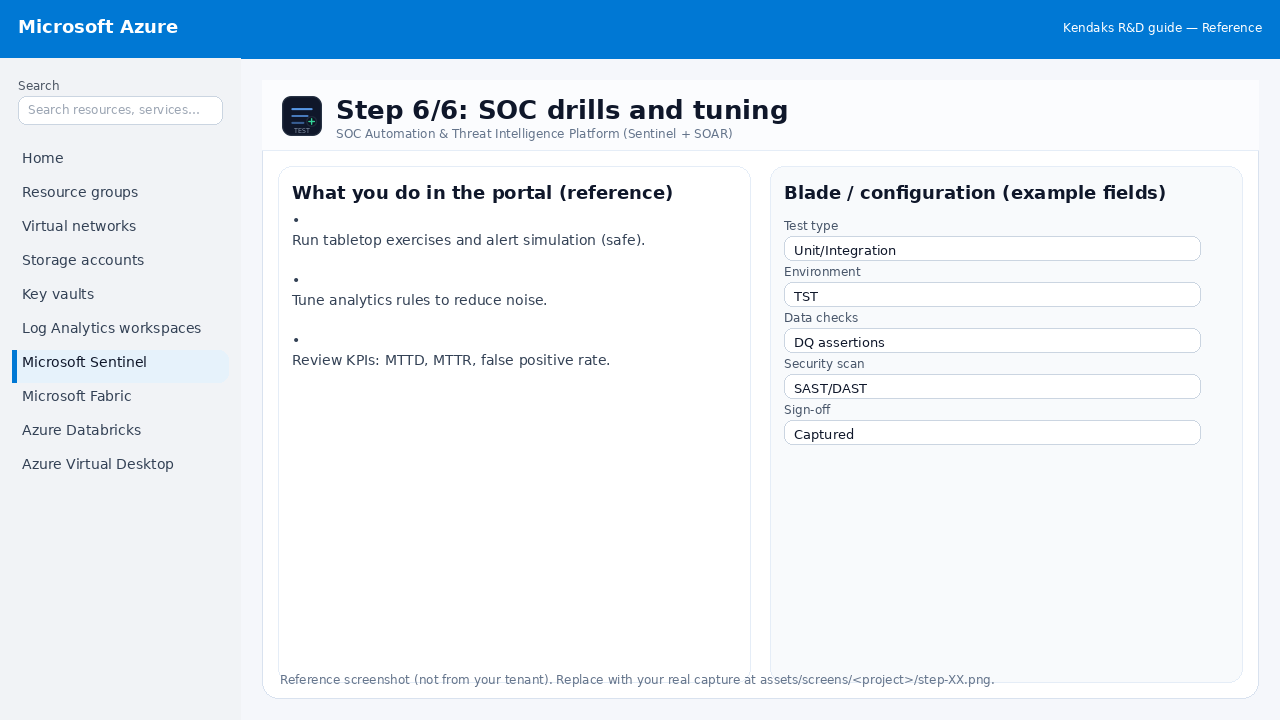 Reference portal screenshot (click to zoom). Replace with your tenant capture if needed.
- Run tabletop exercises and alert simulation (safe).
- Tune analytics rules to reduce noise.
- Review KPIs: MTTD, MTTR, false positive rate.
Validation checklist
- UAT completed with representative users and scenarios.
- Performance meets baseline; issues tracked and remediated.