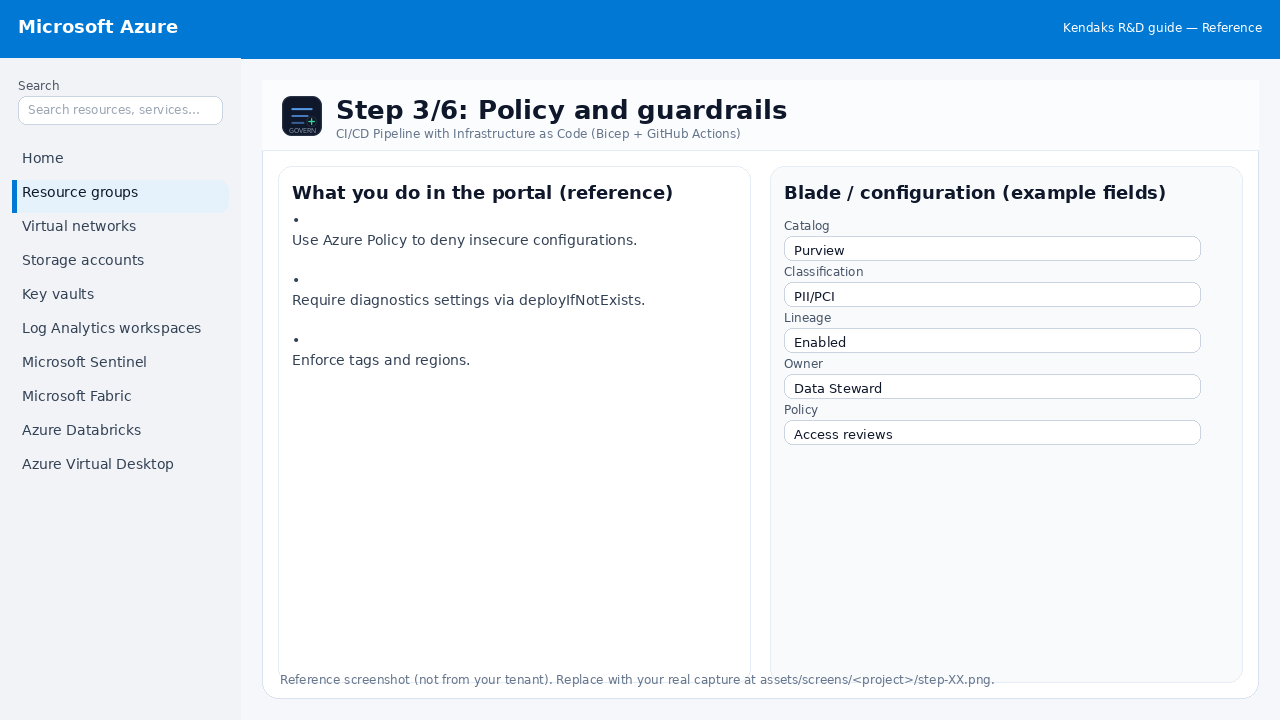
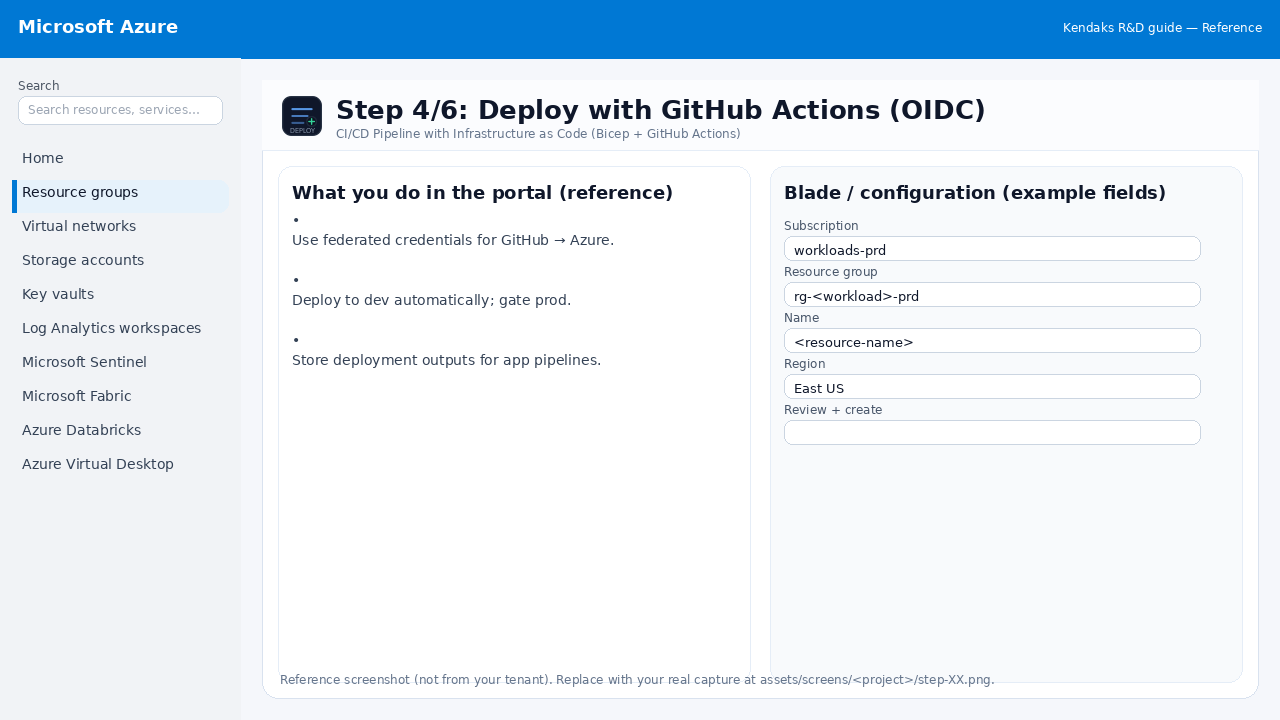
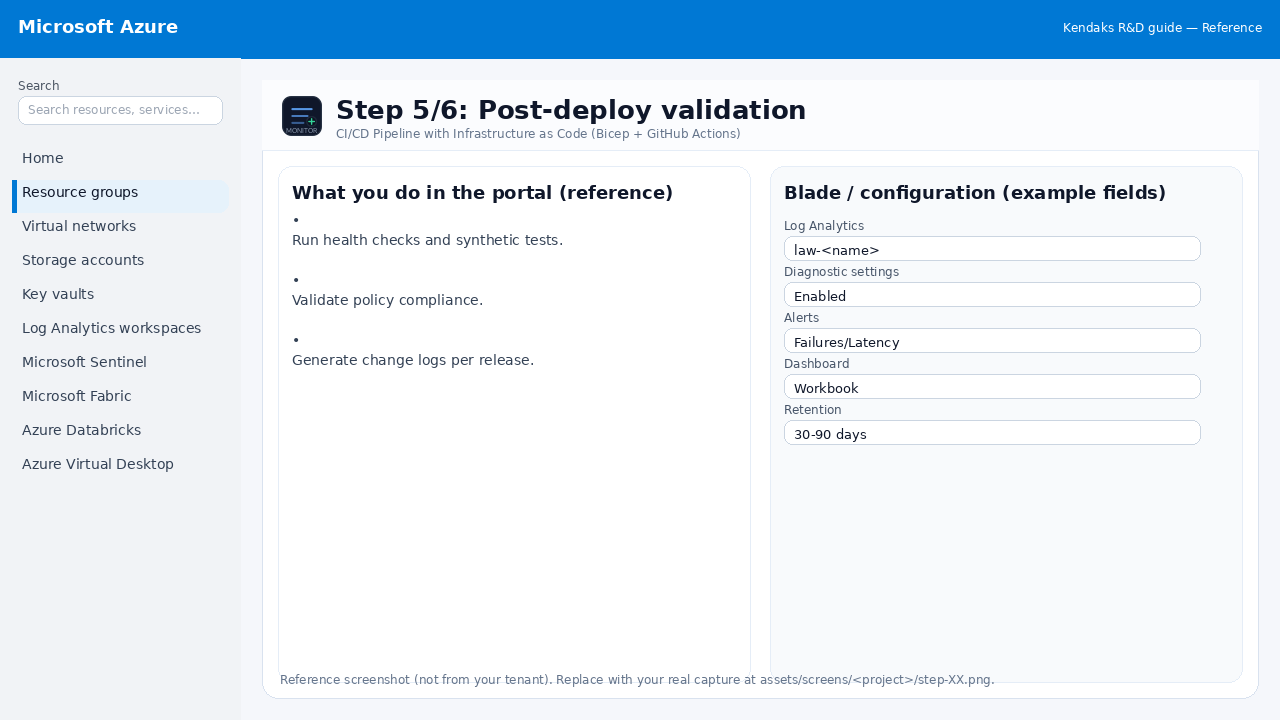
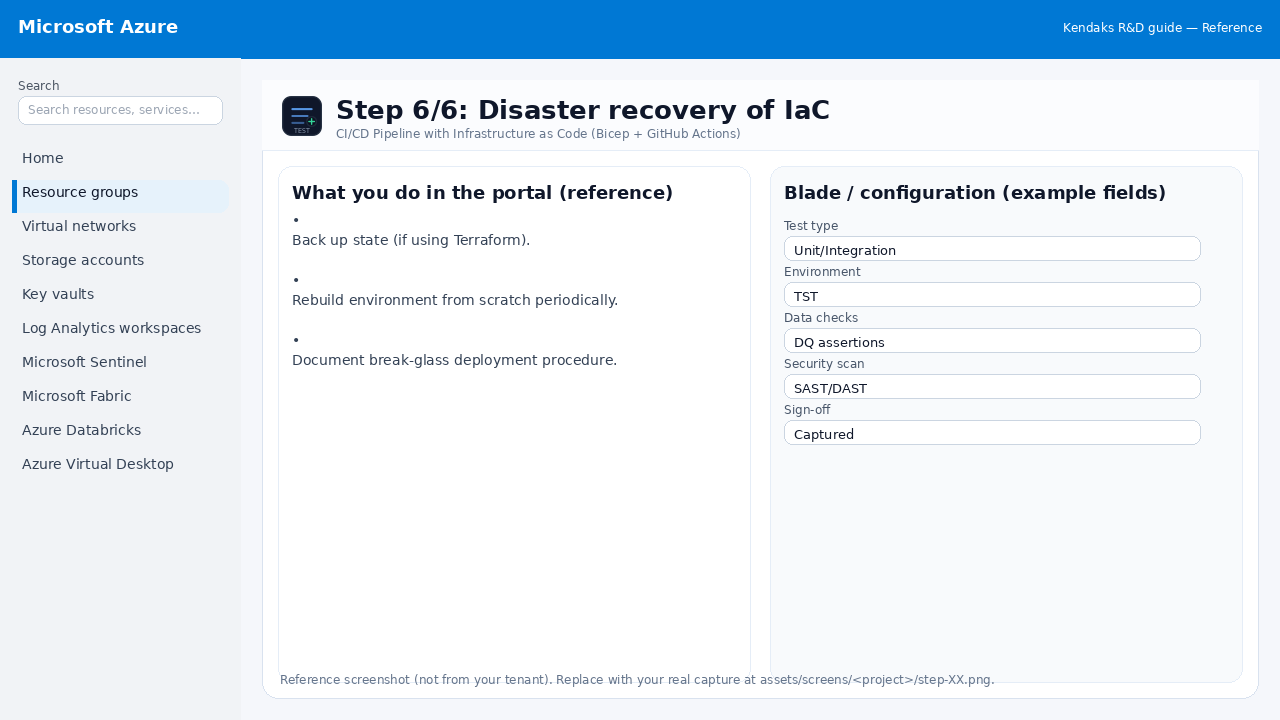
Screenshots Gallery
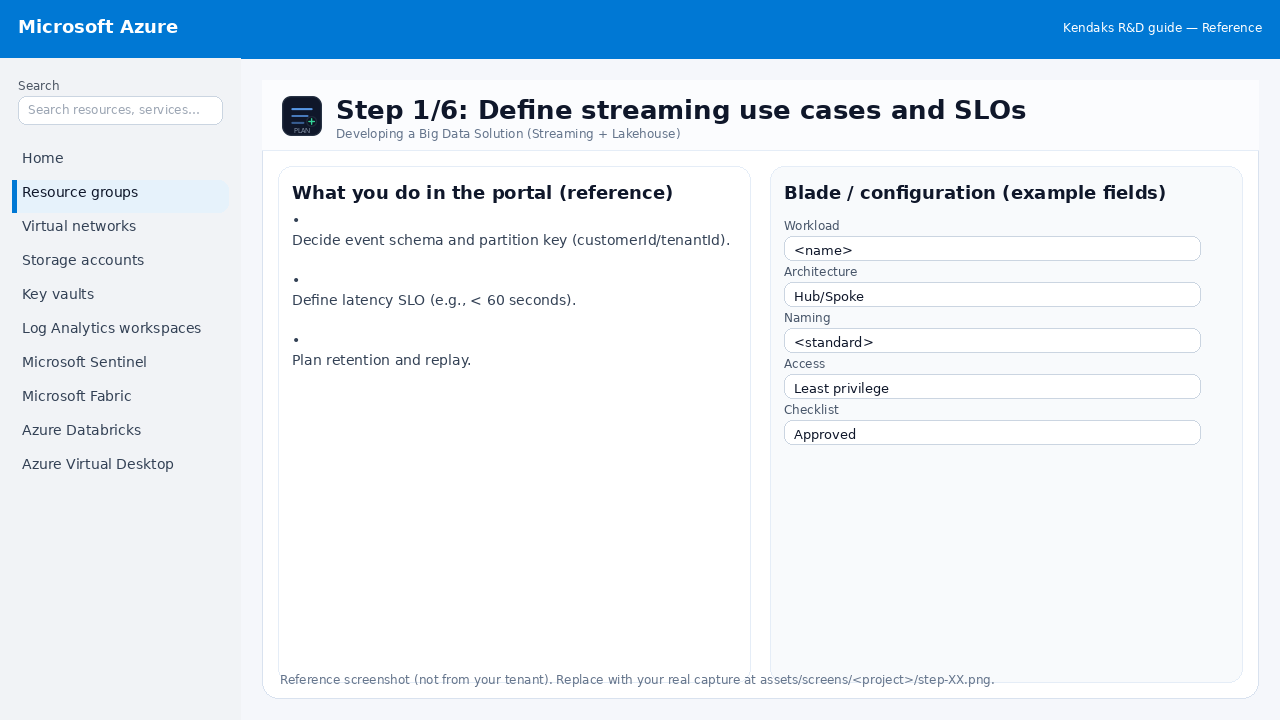
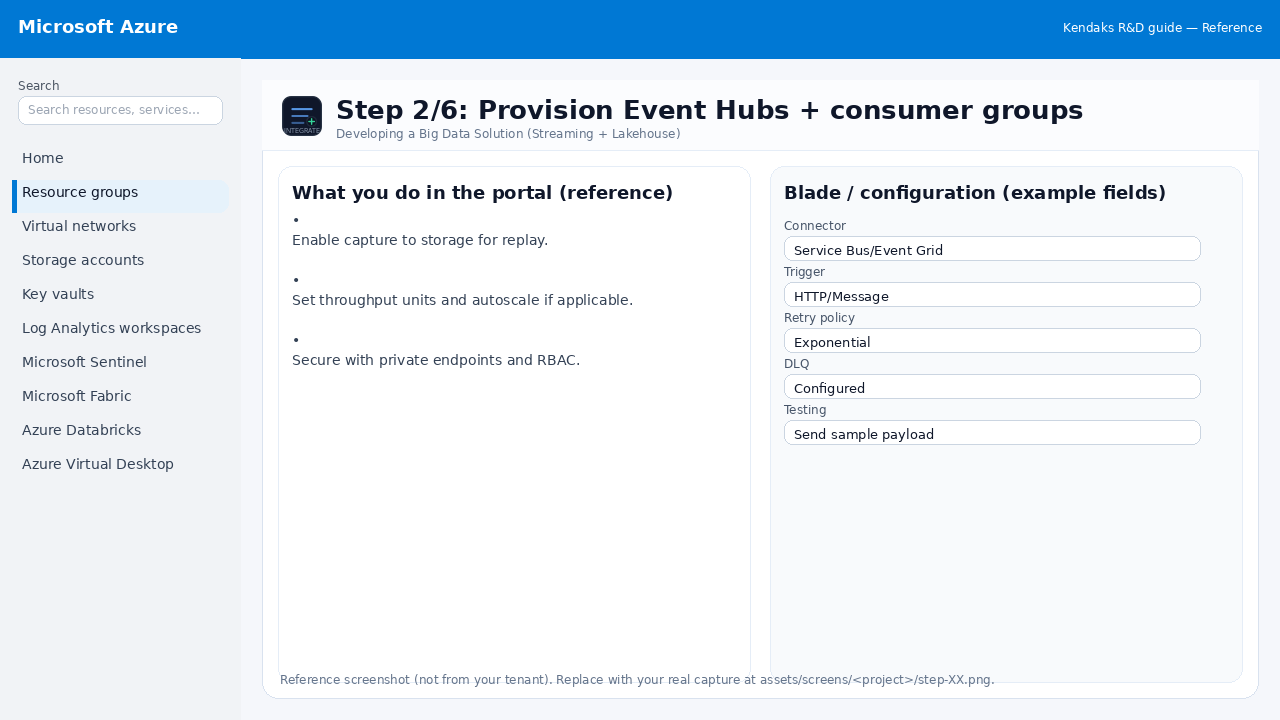
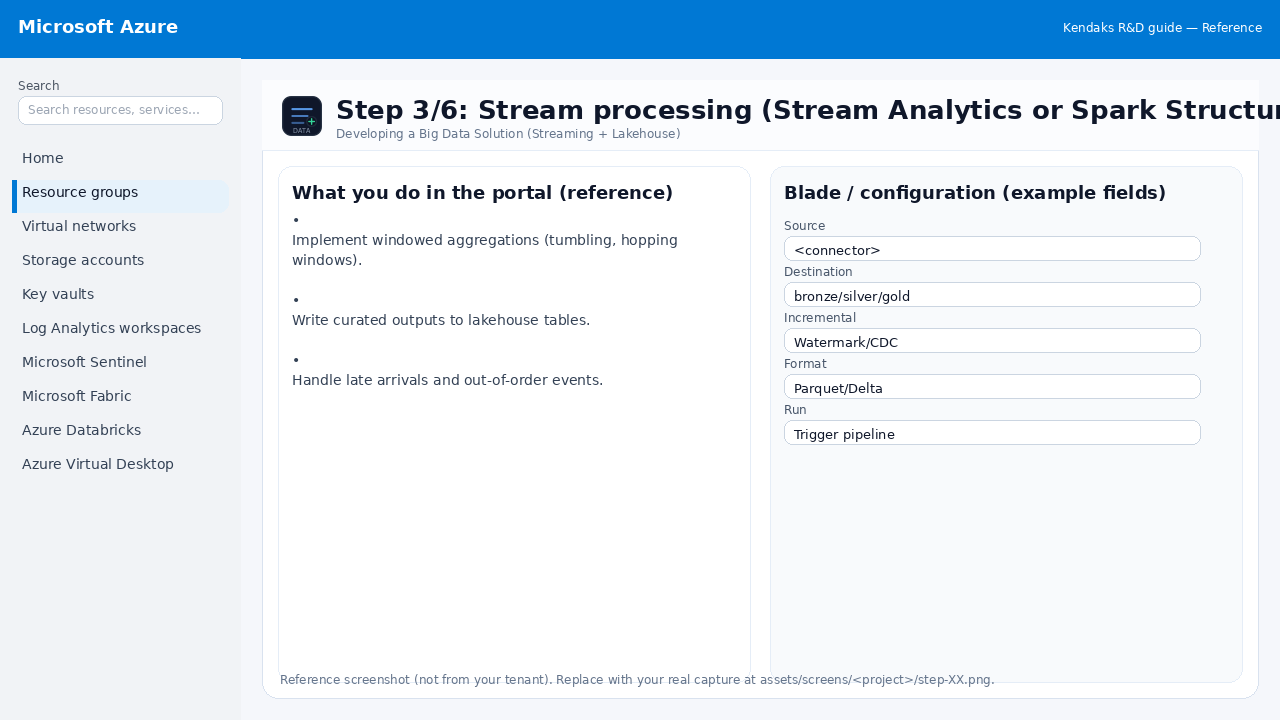
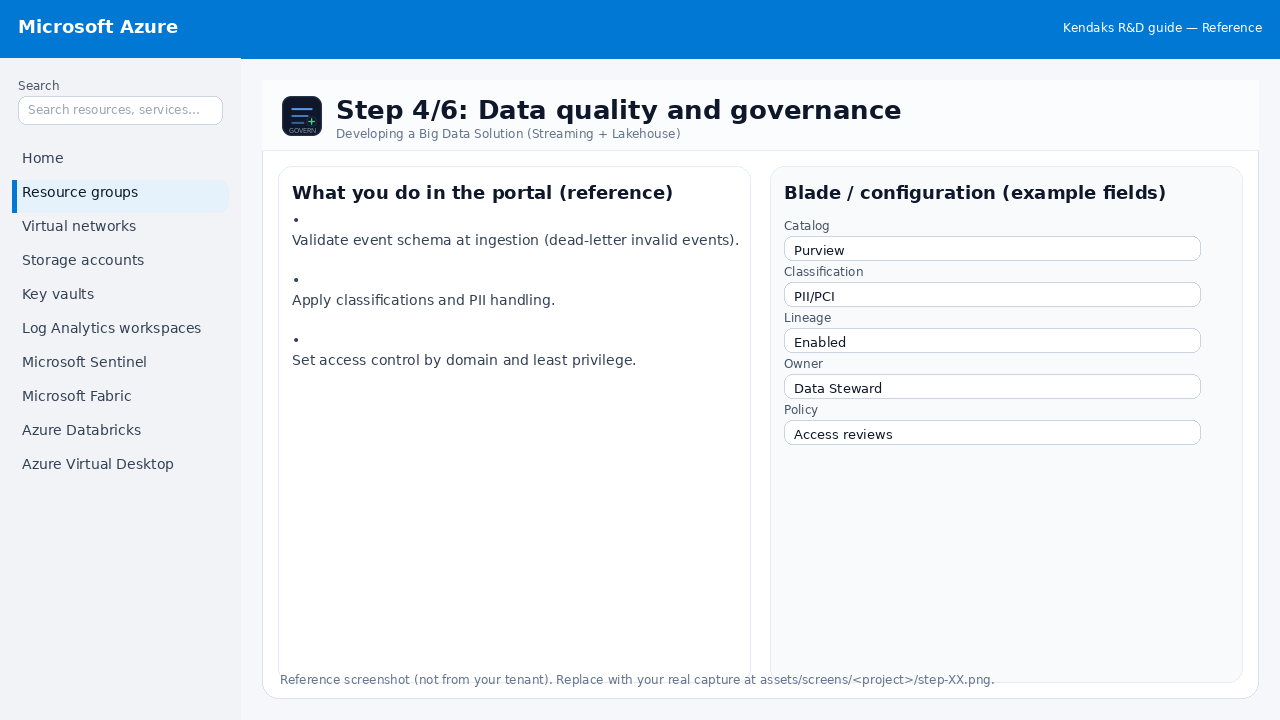
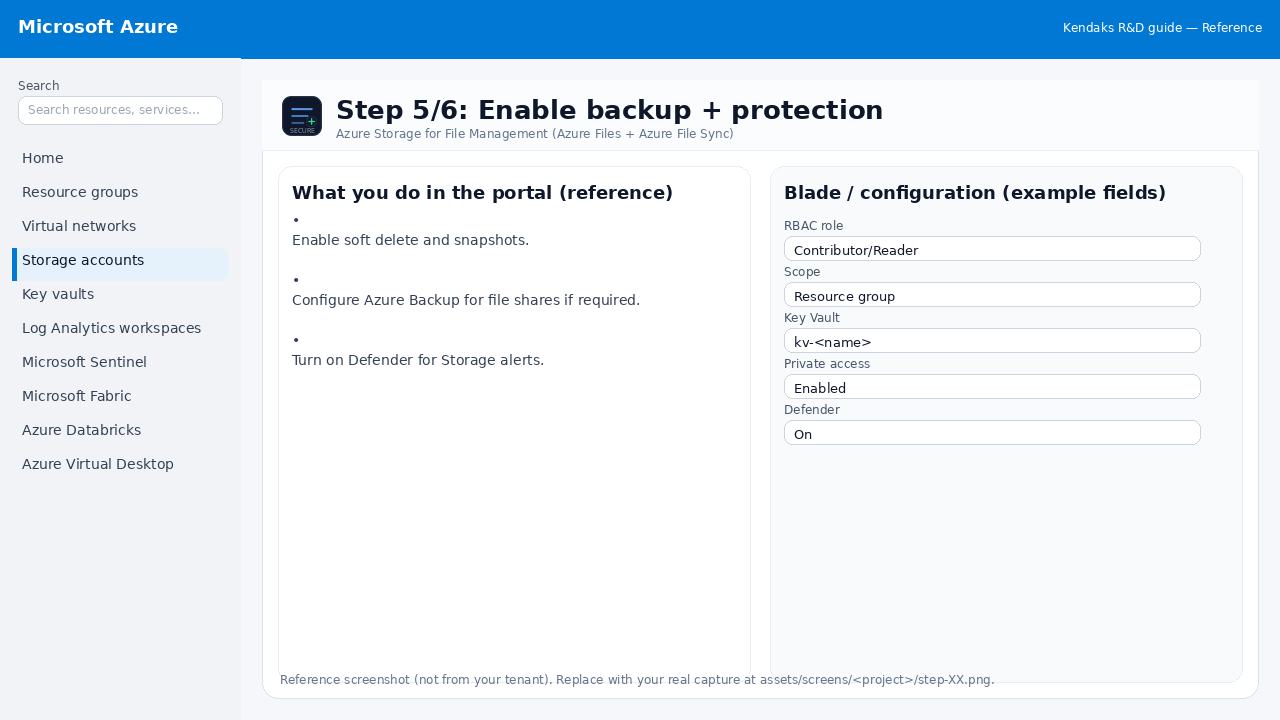
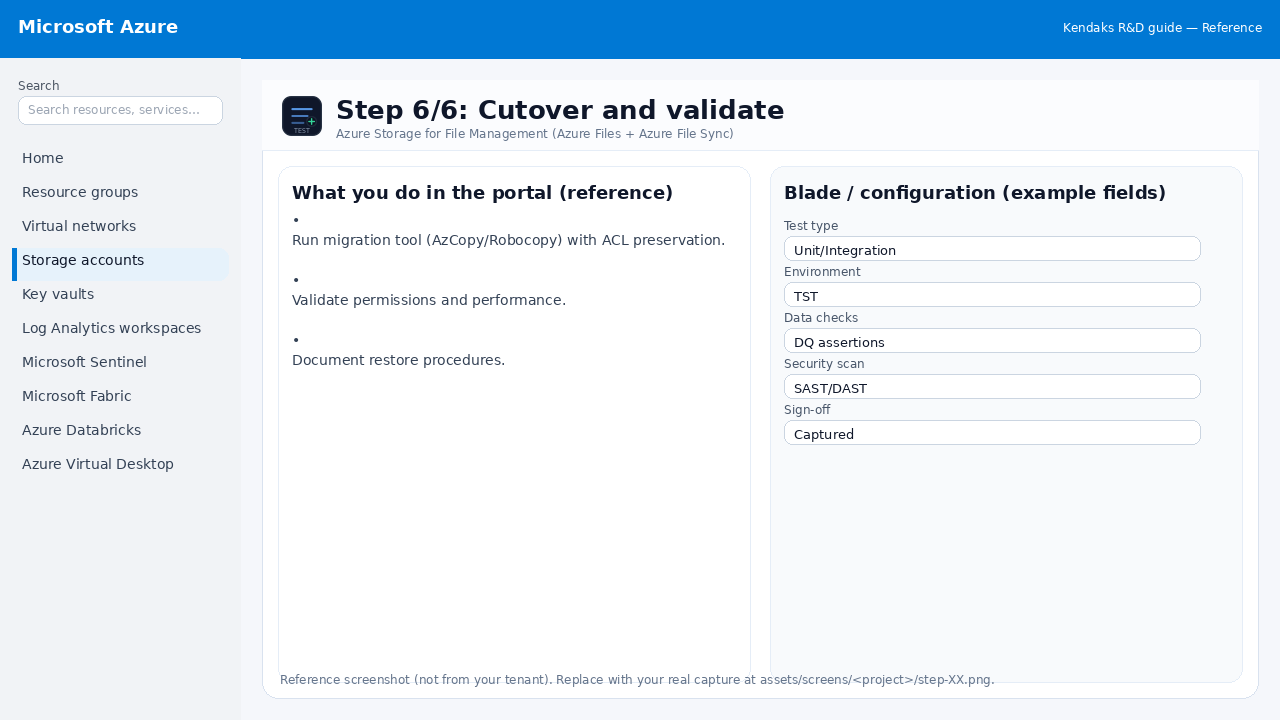
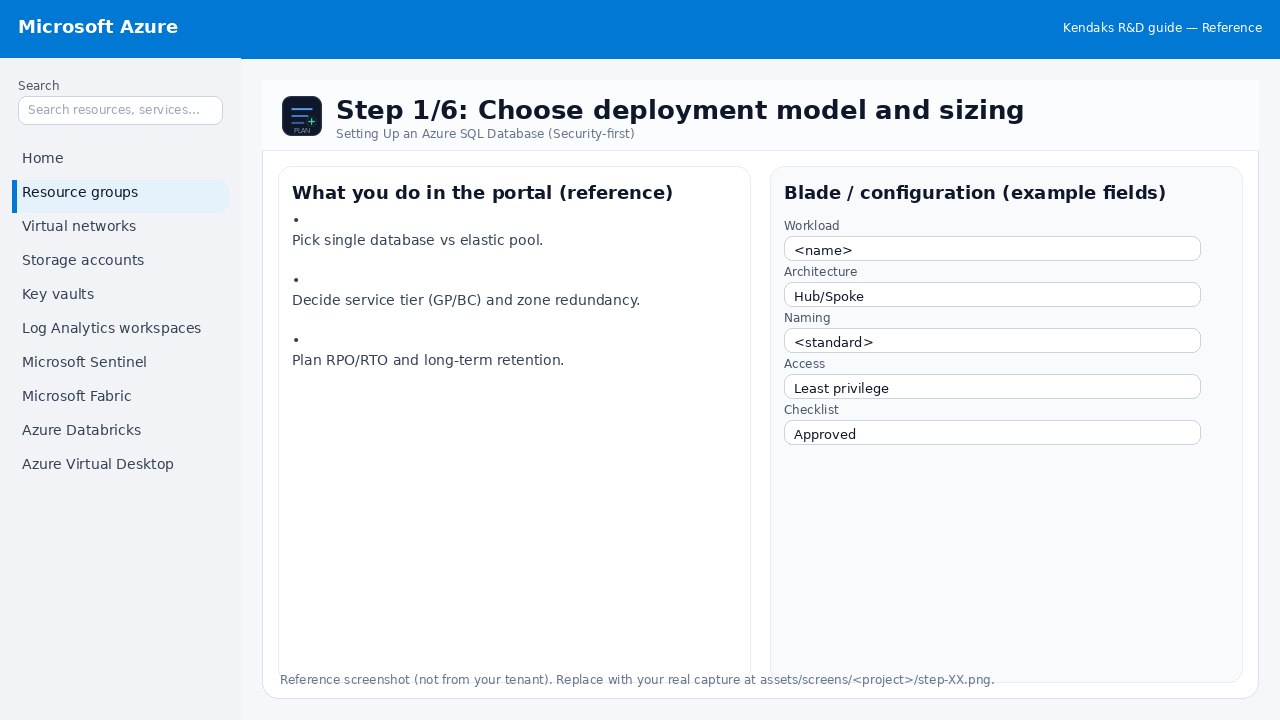
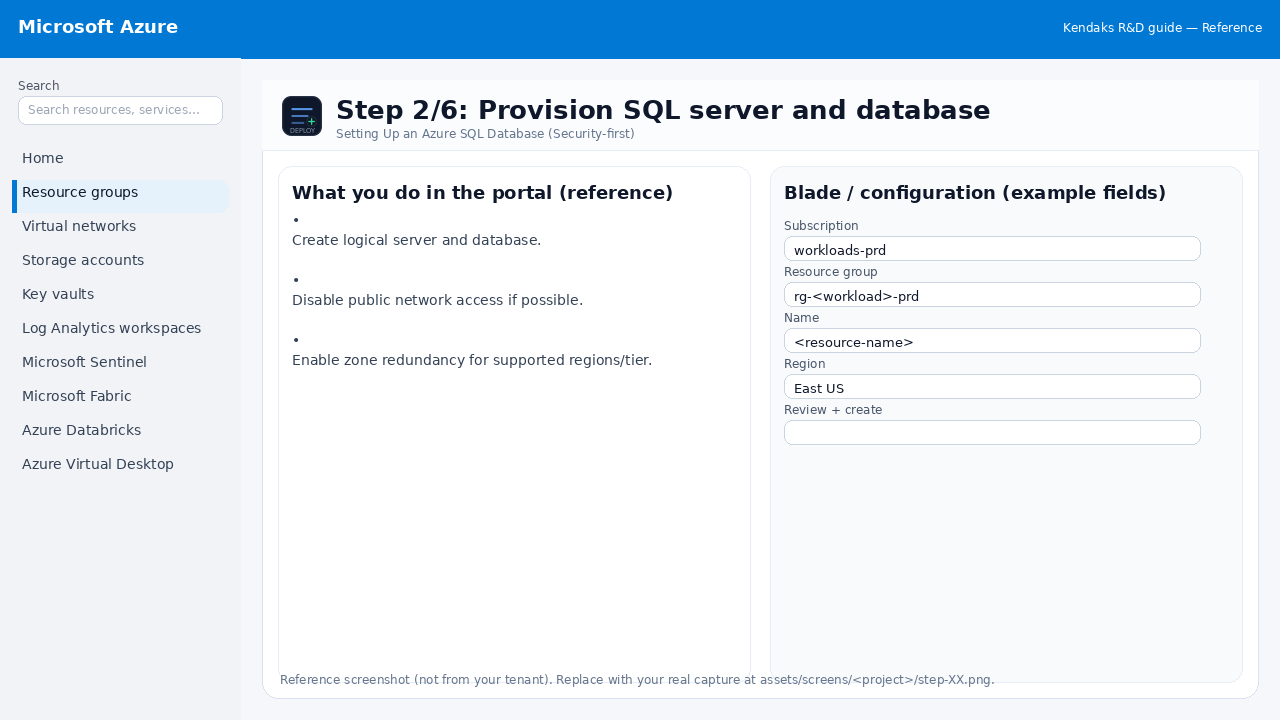
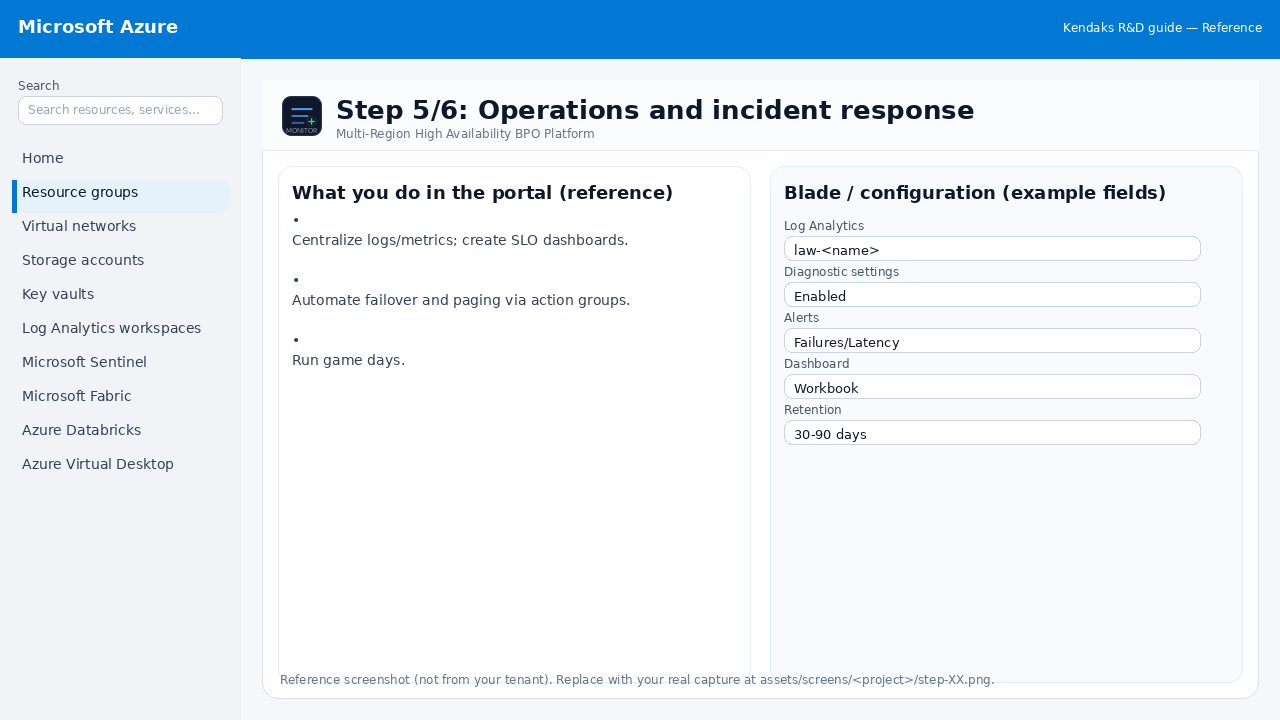
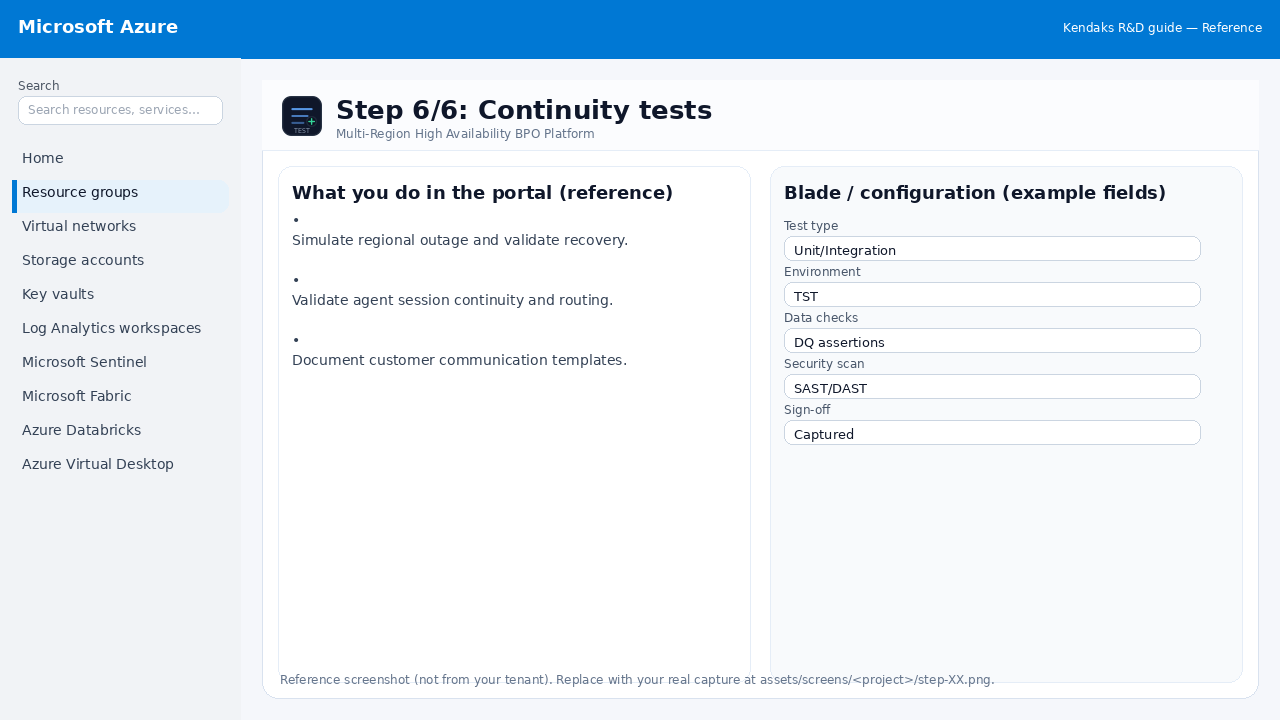
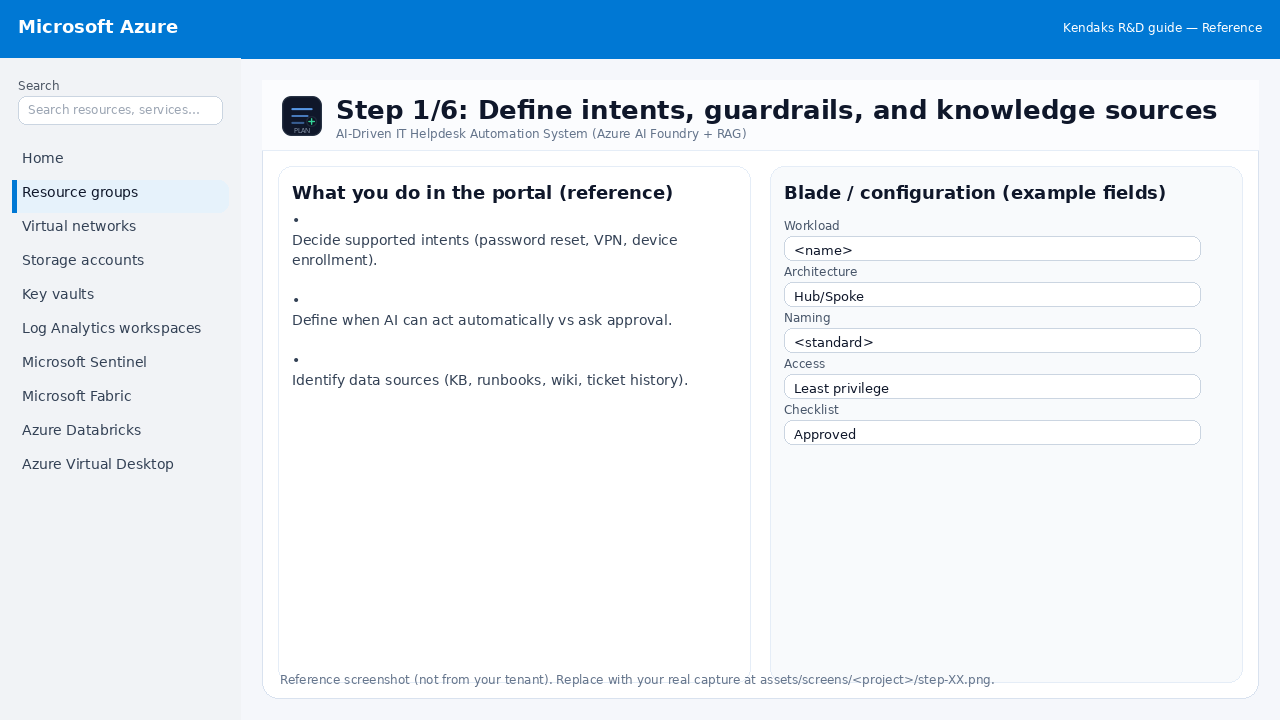
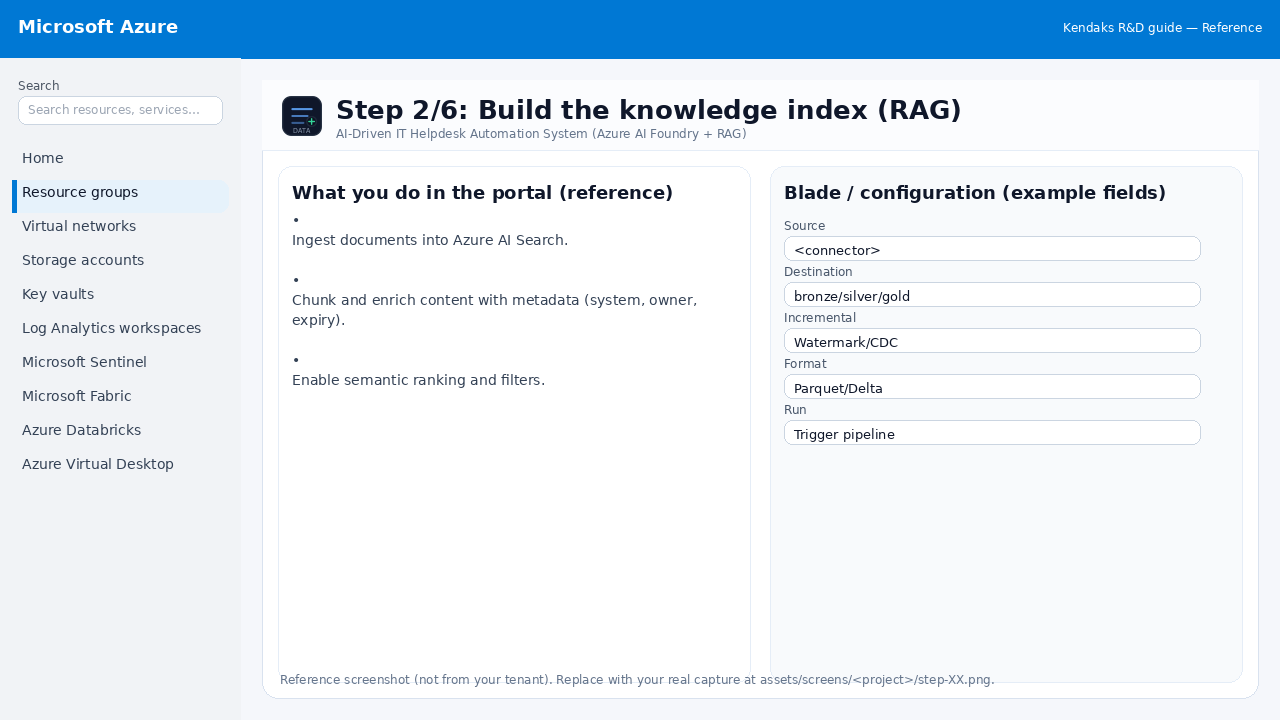
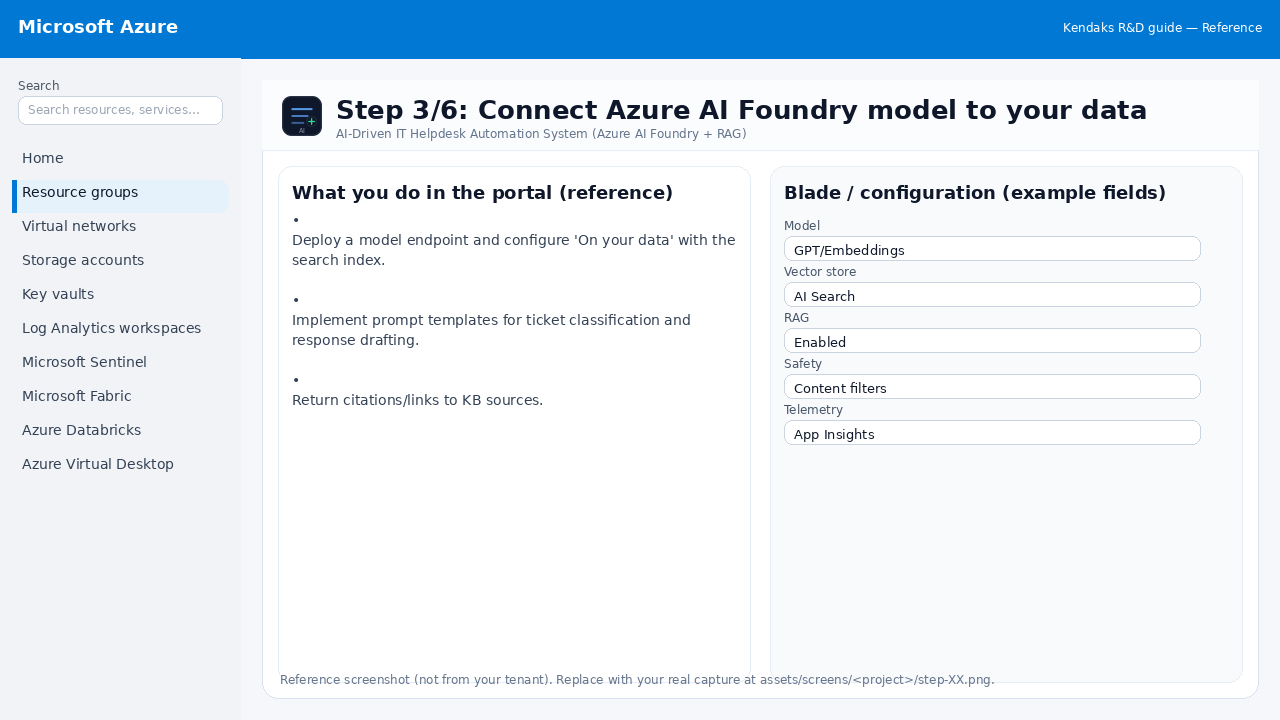
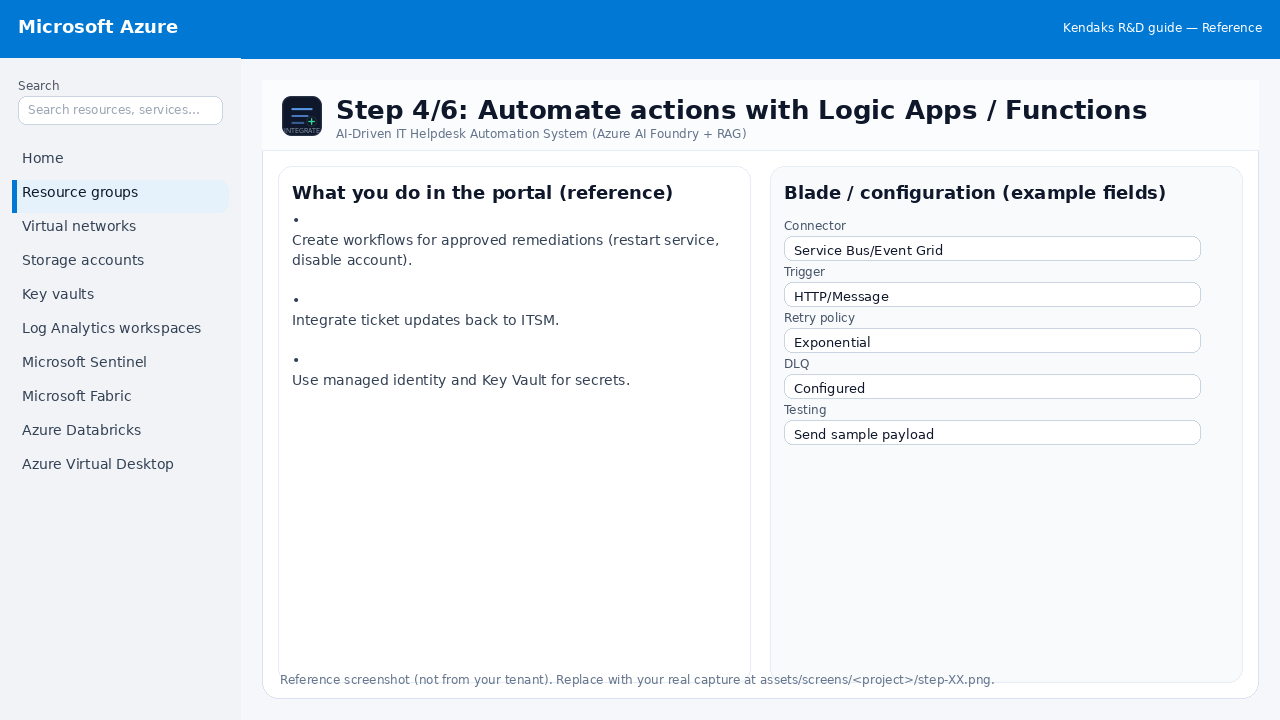
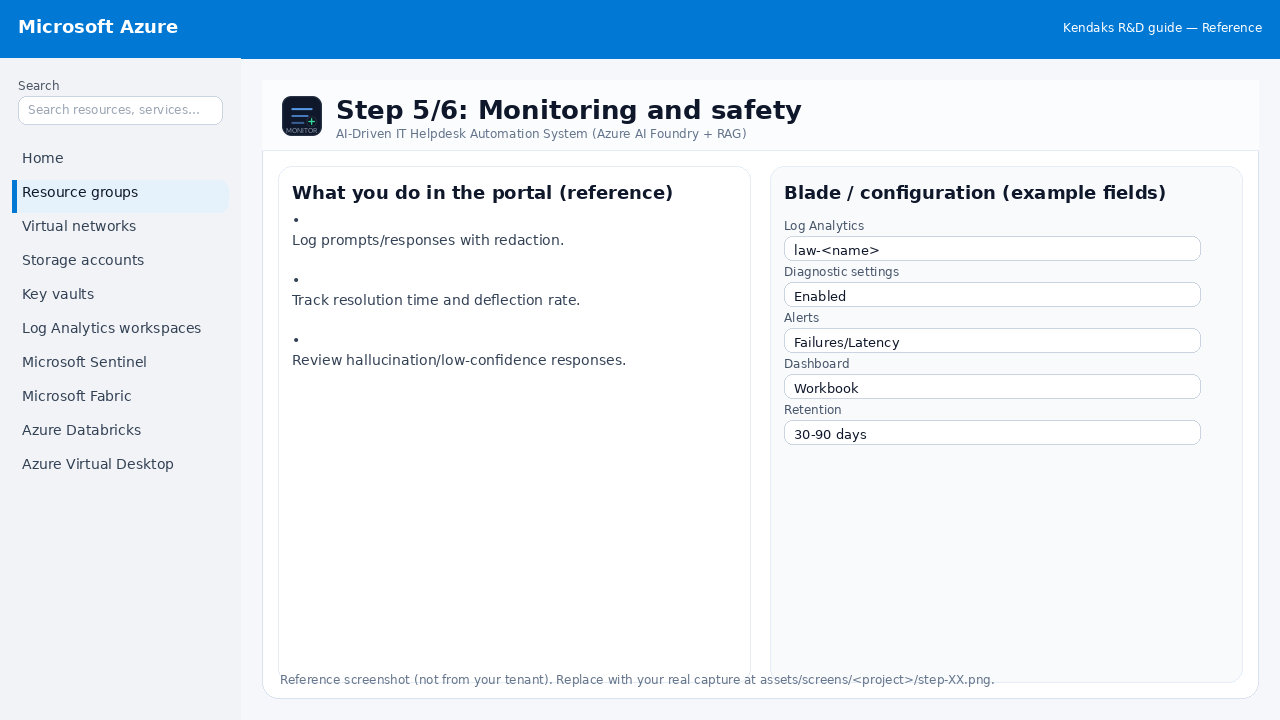
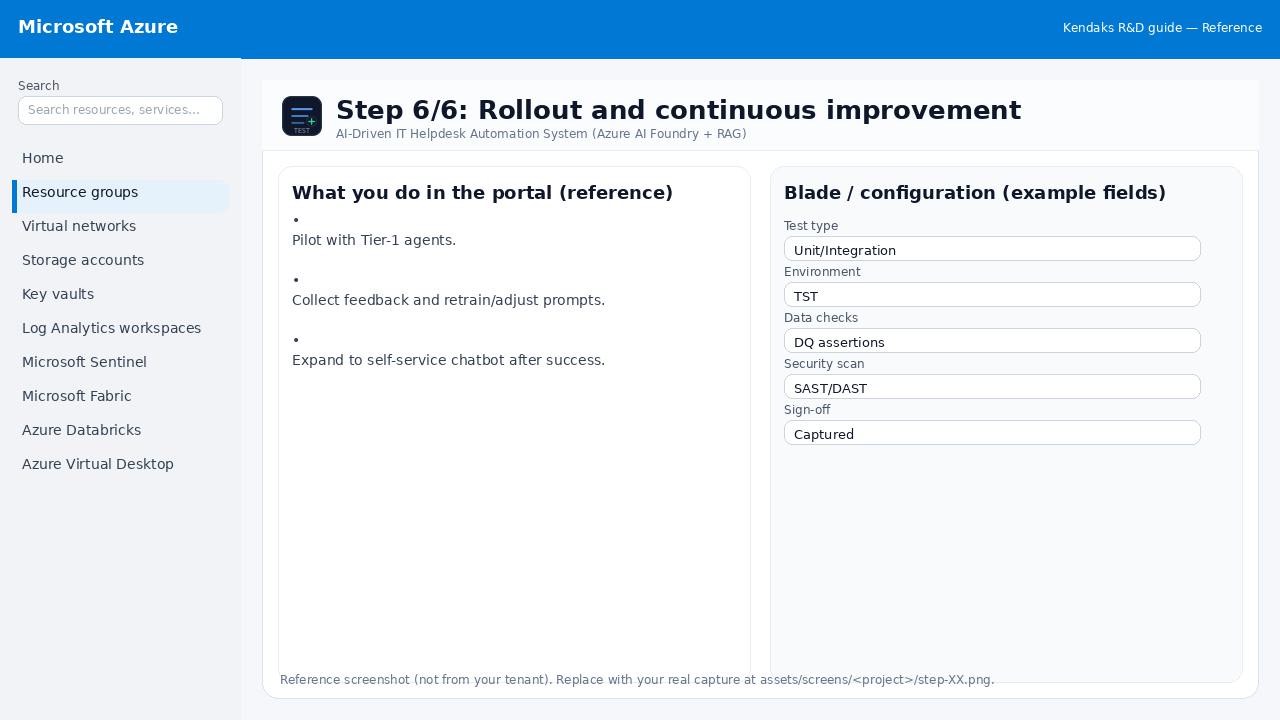
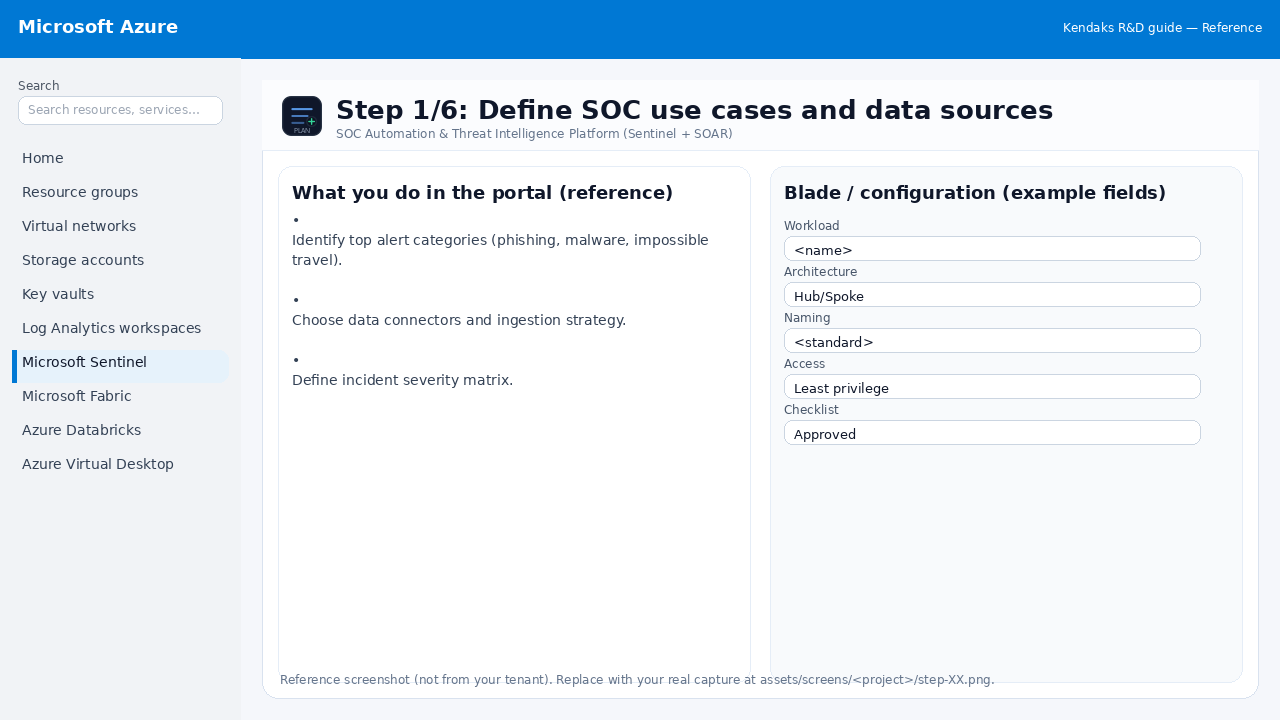
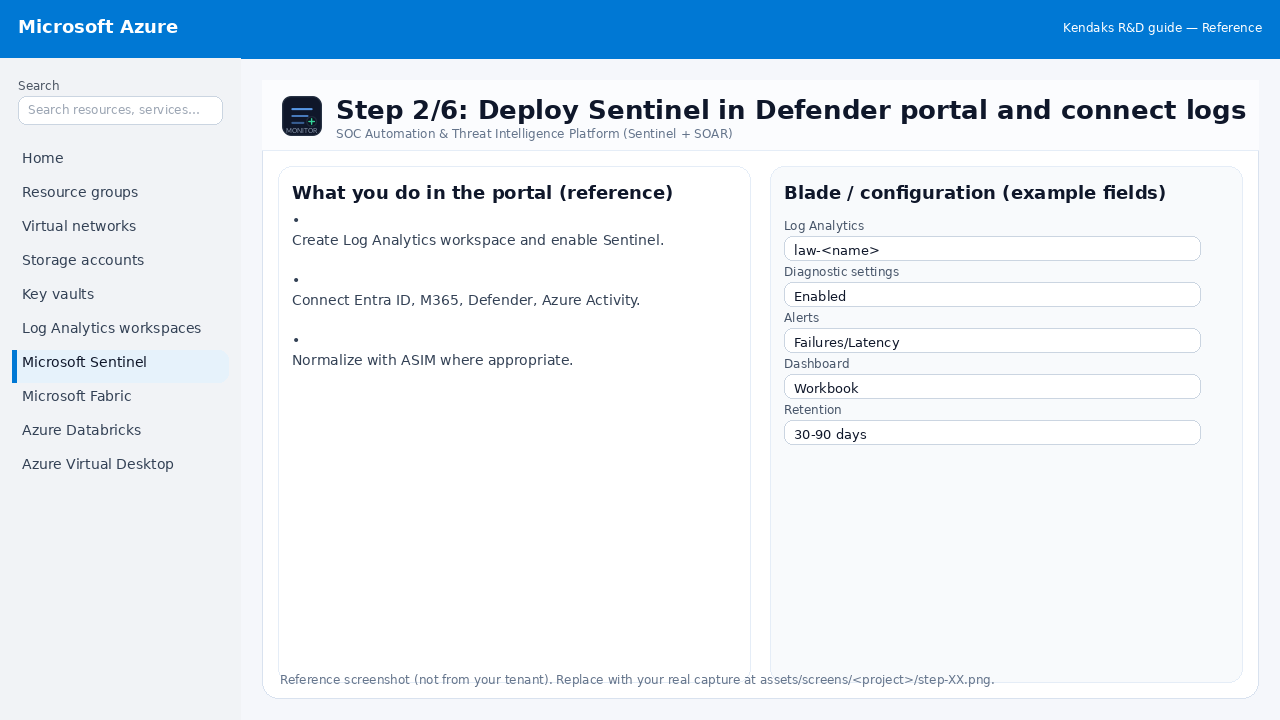
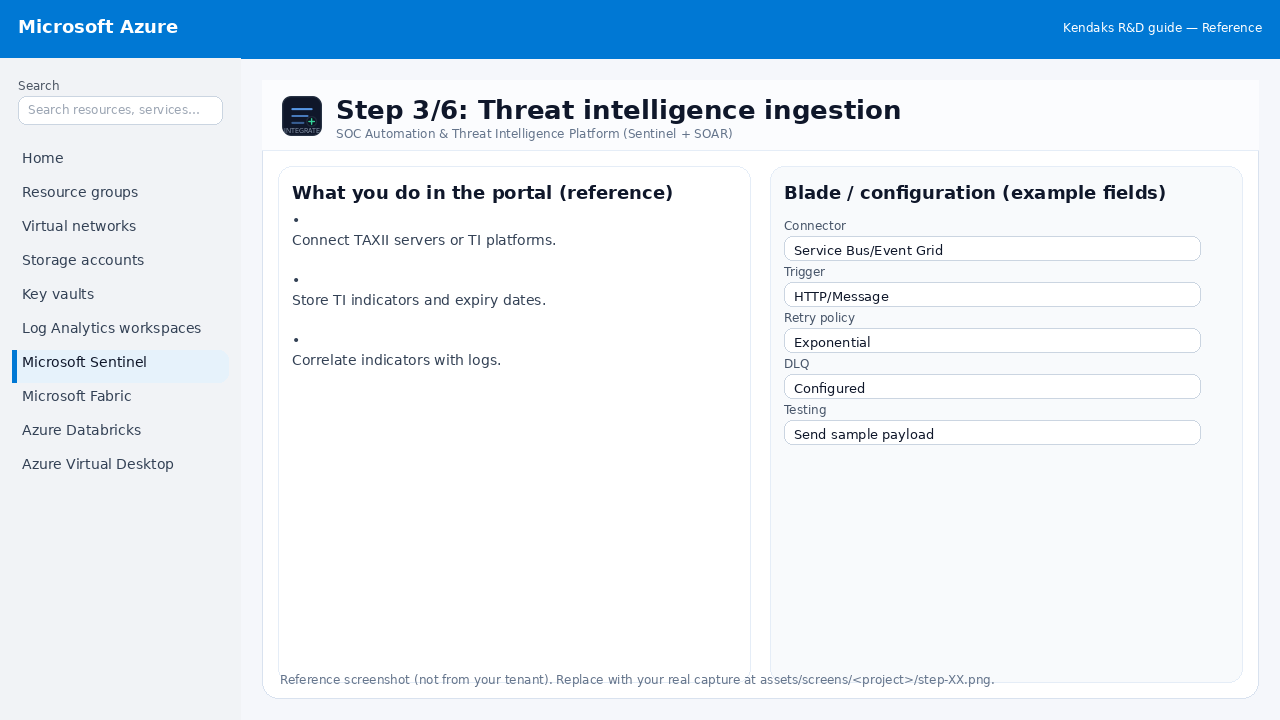
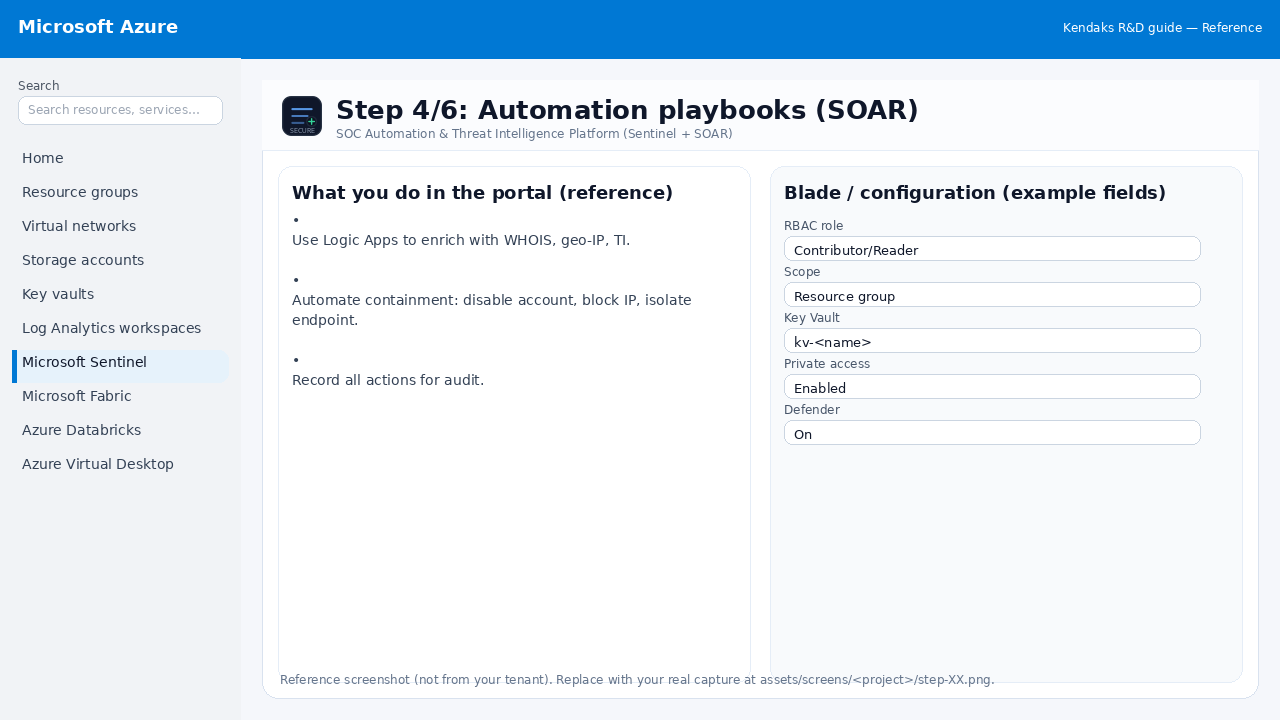
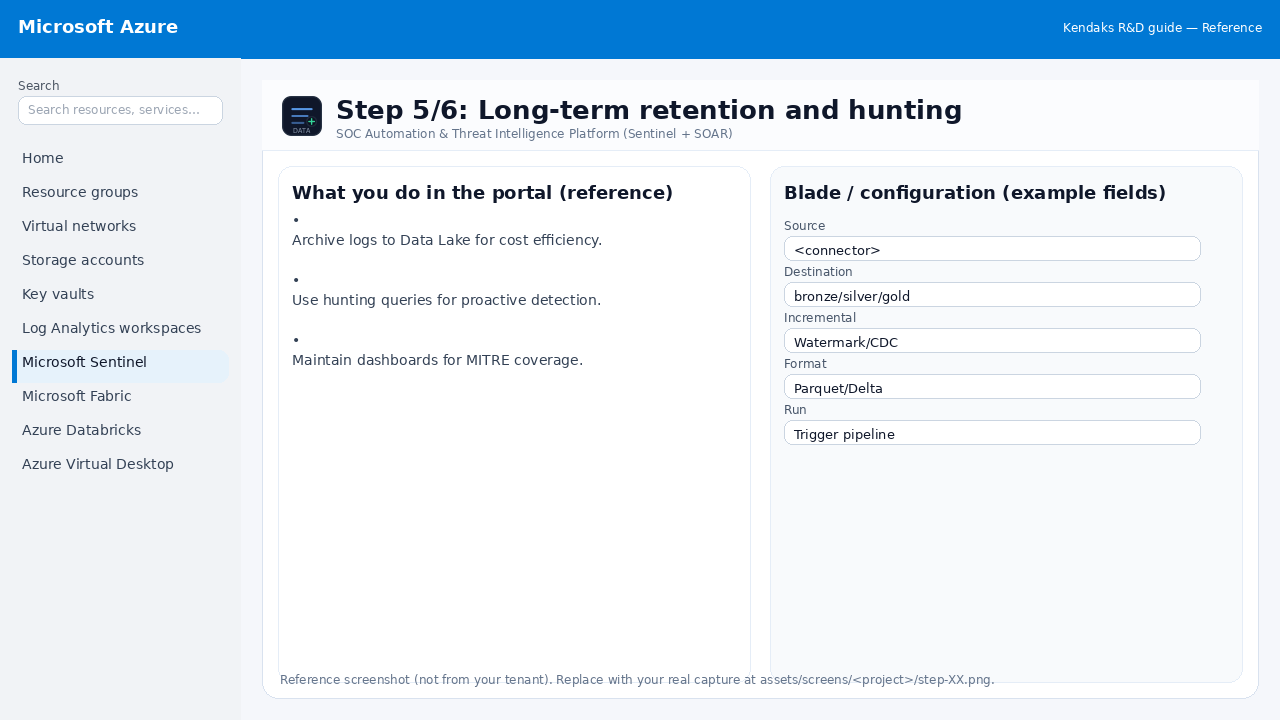
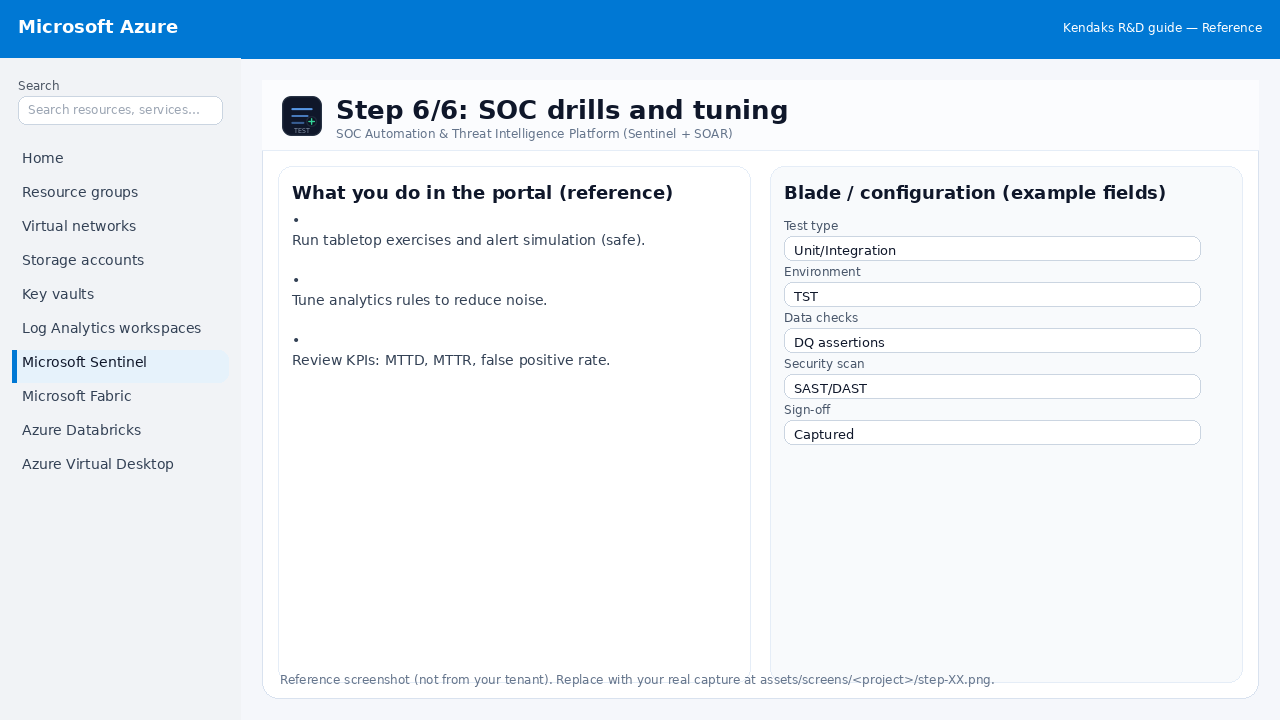
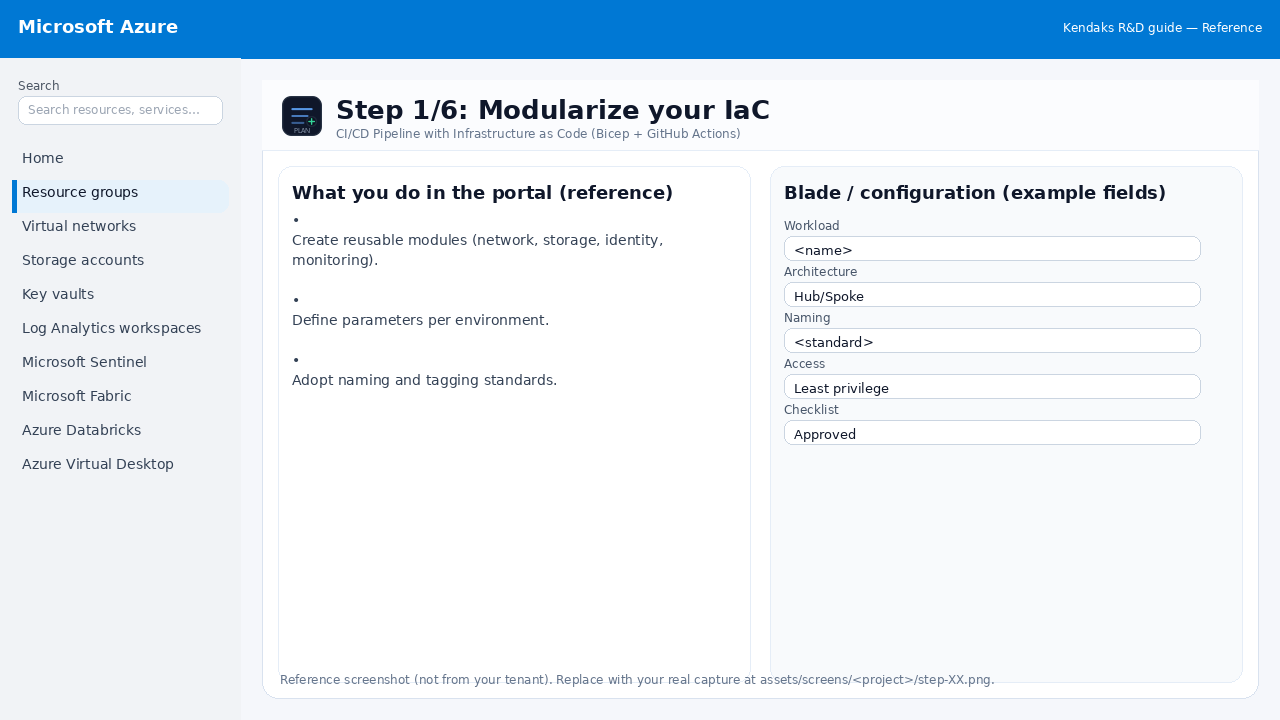
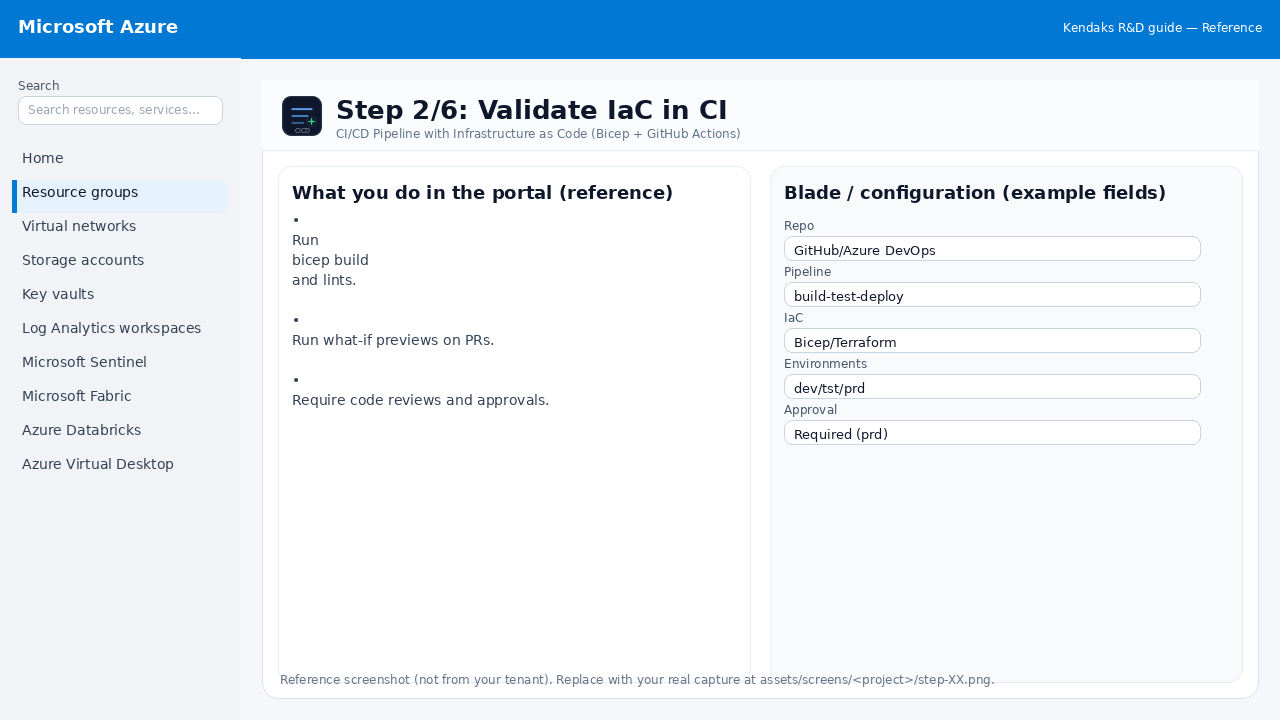
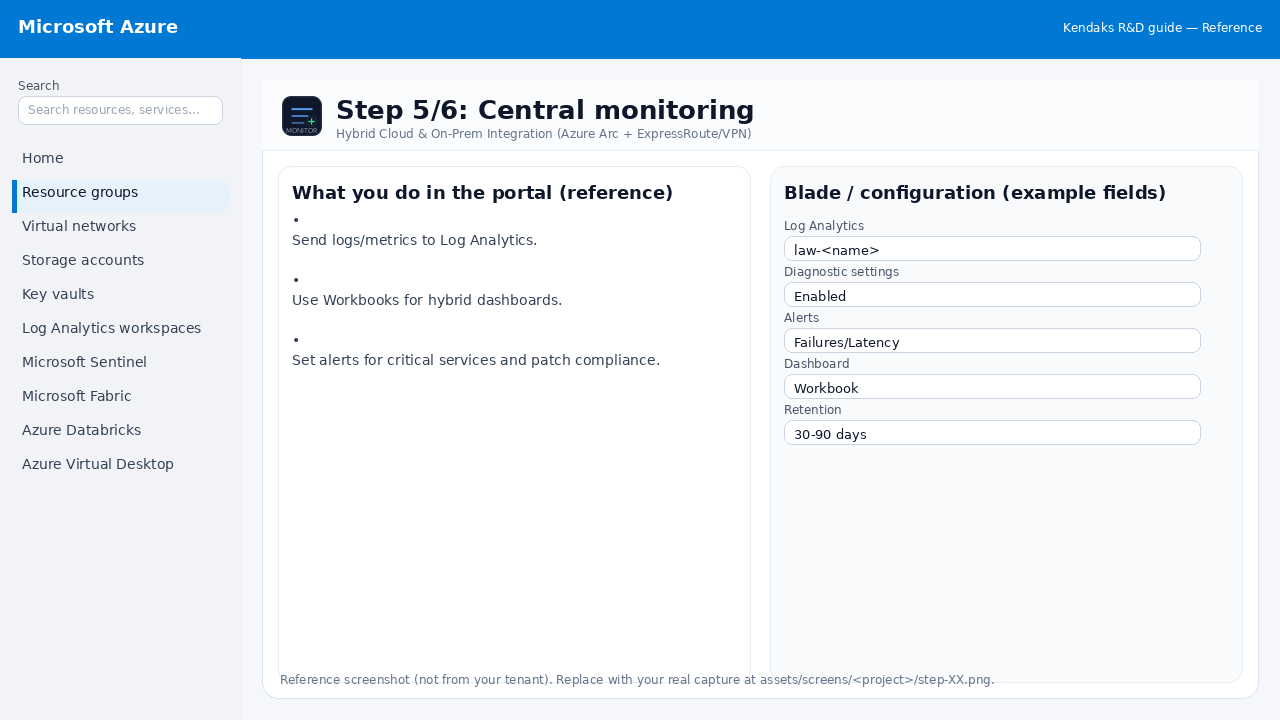
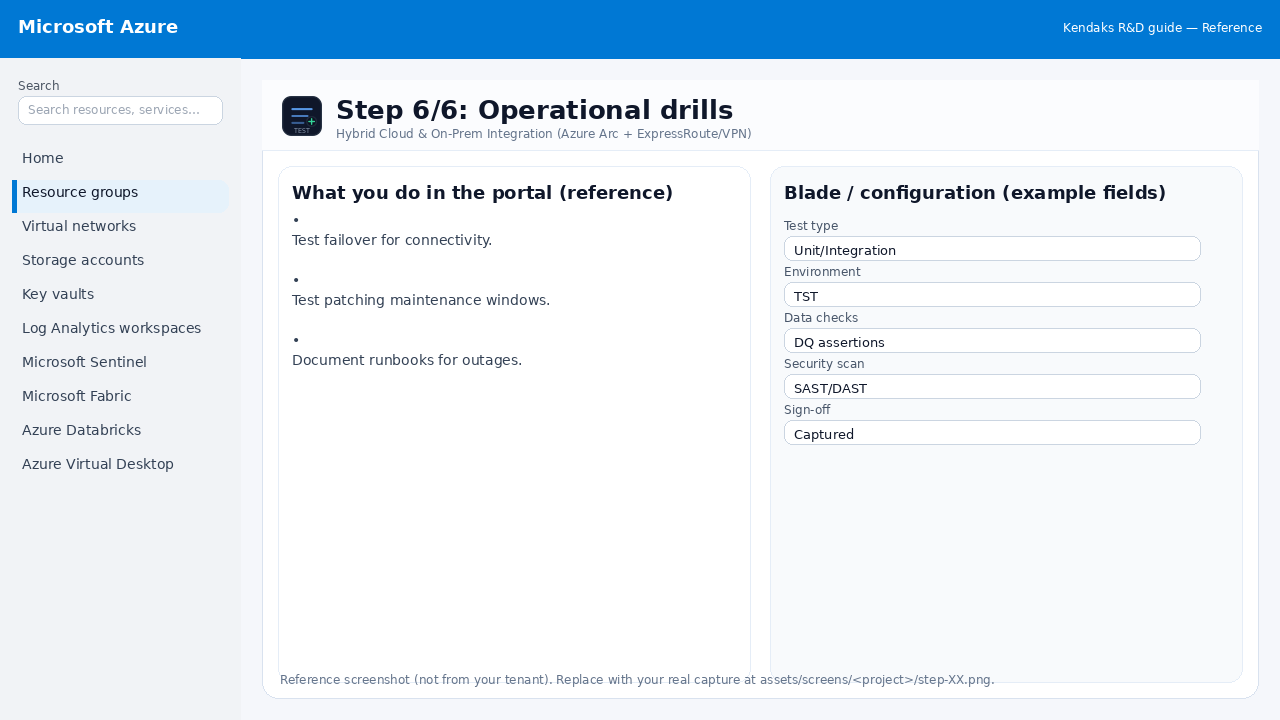
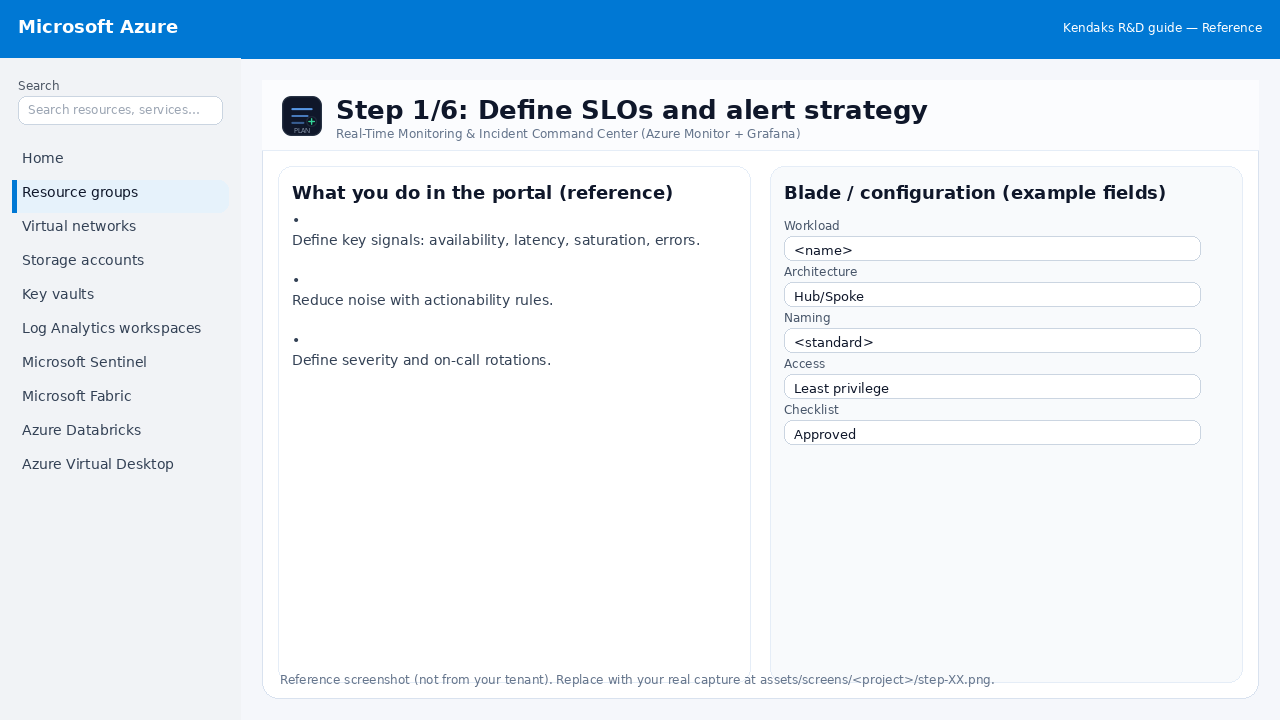
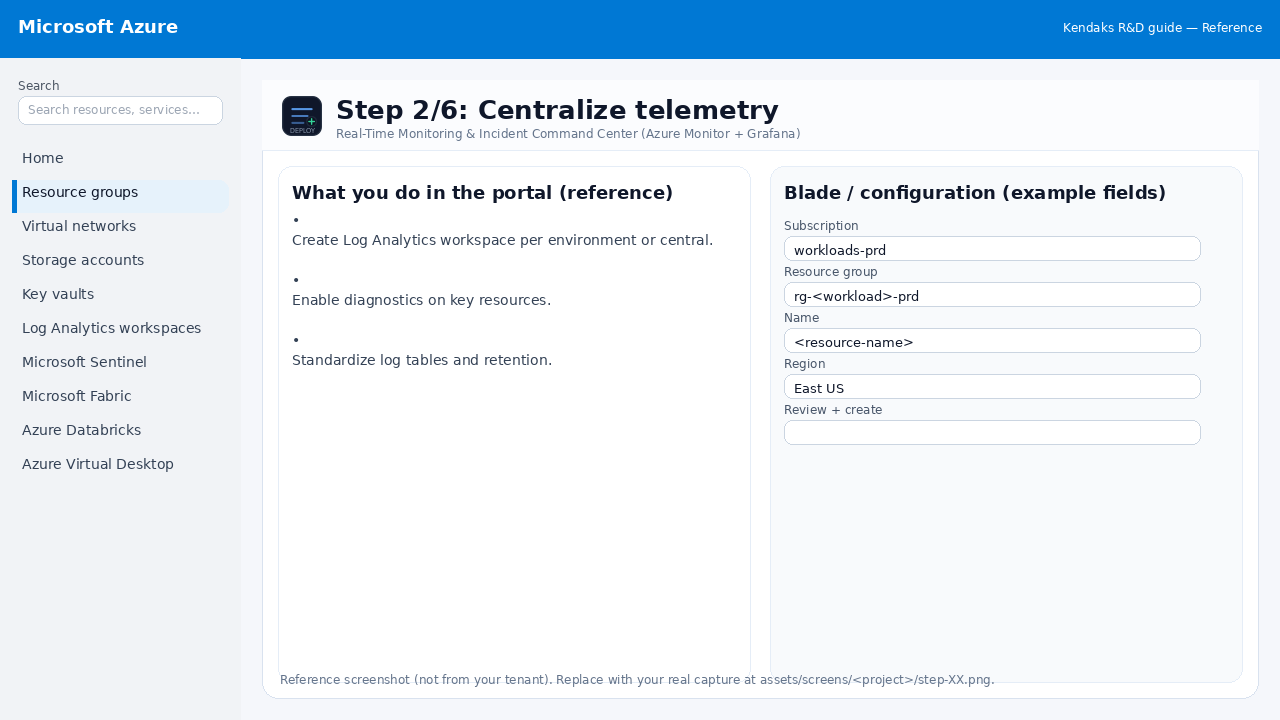
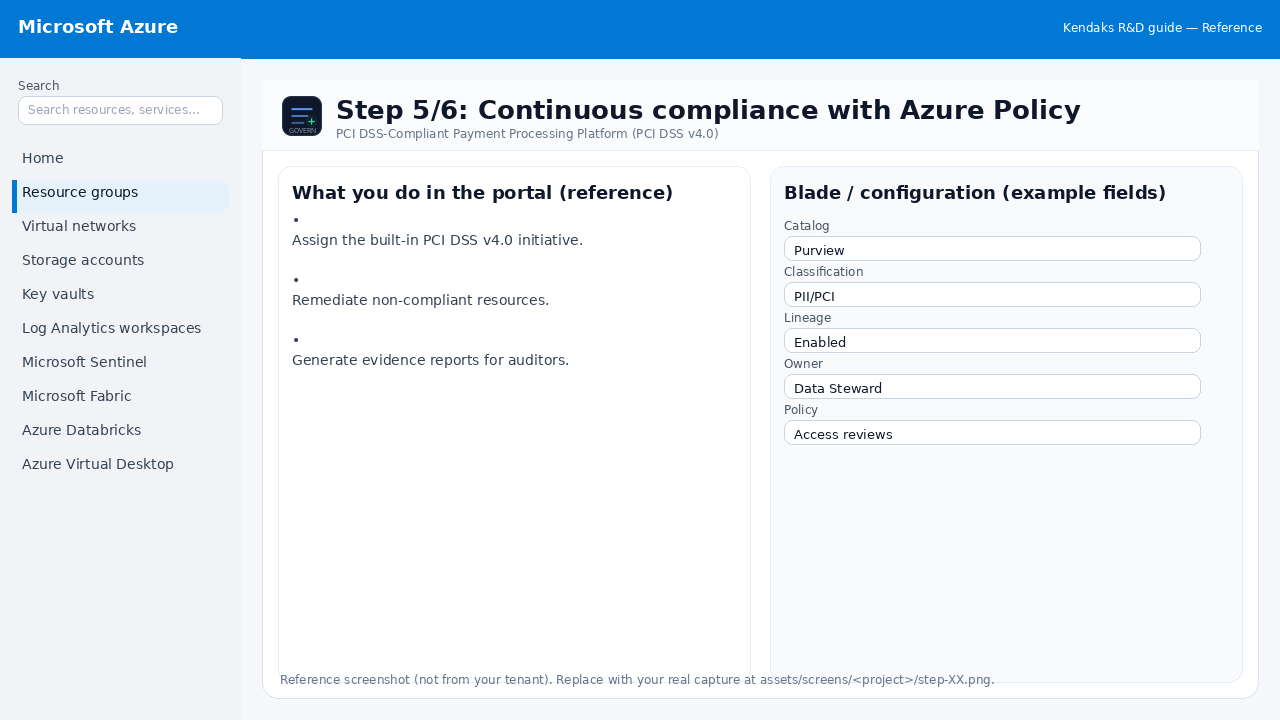
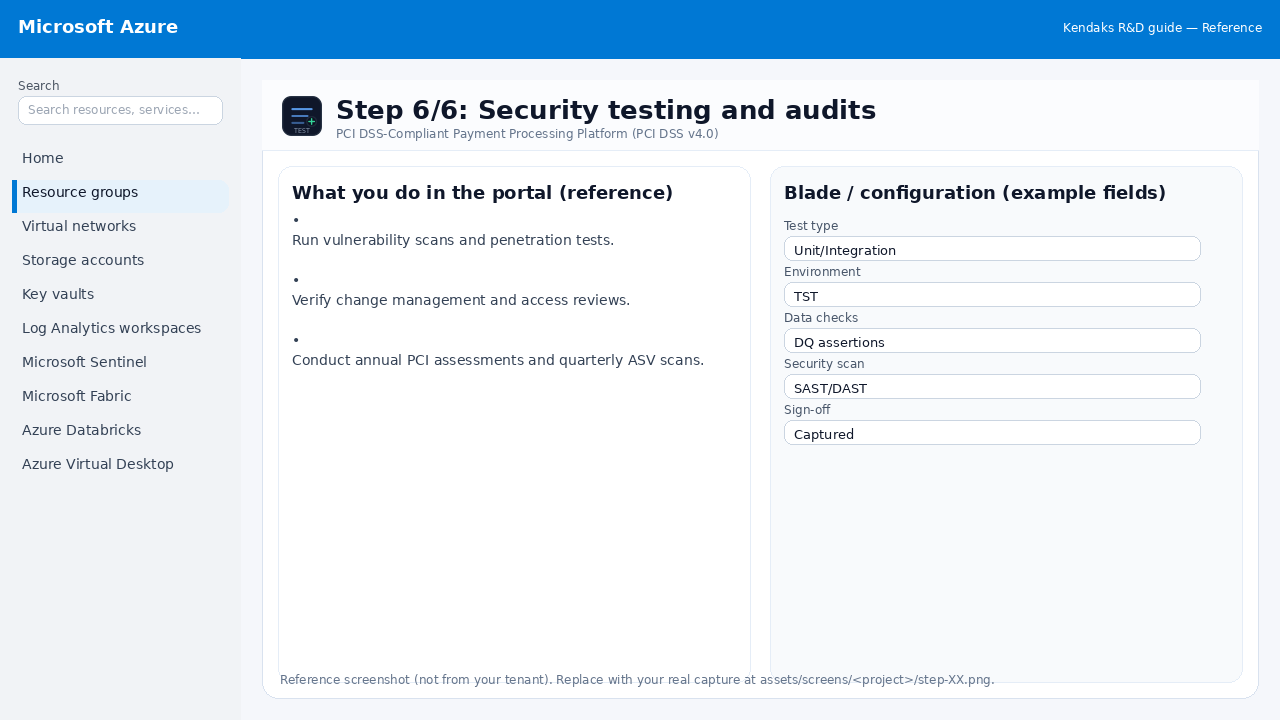
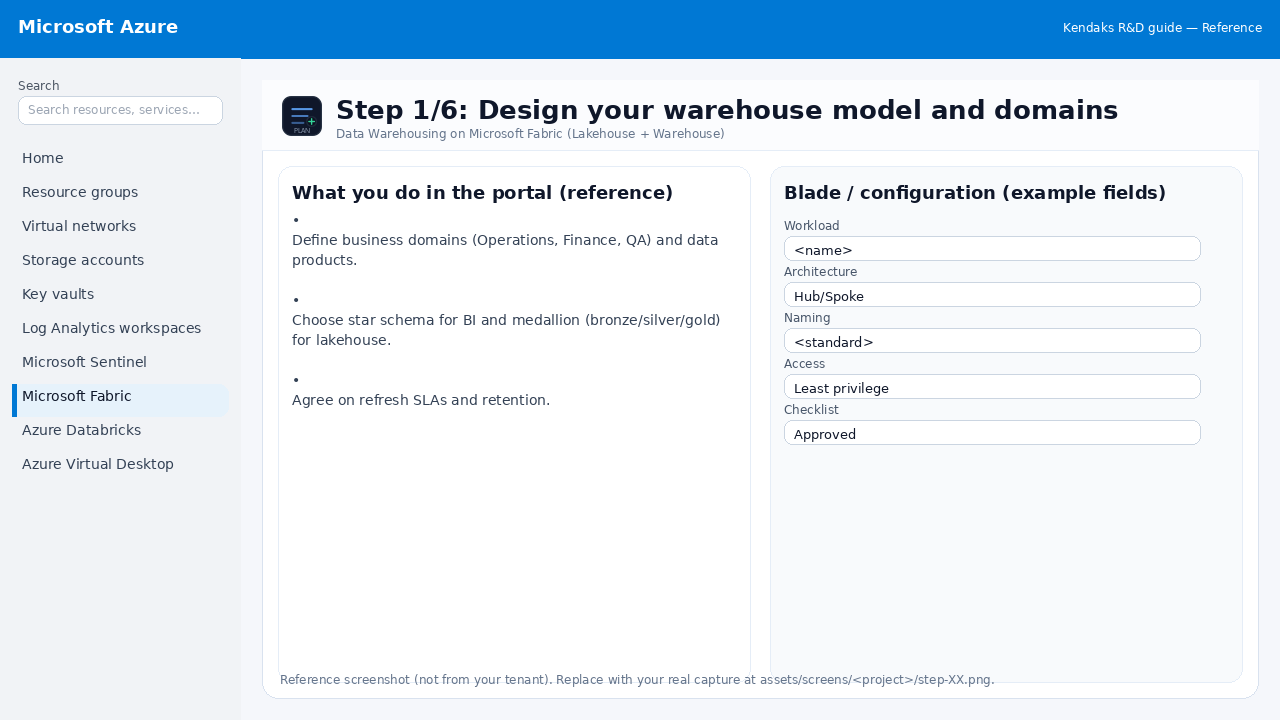
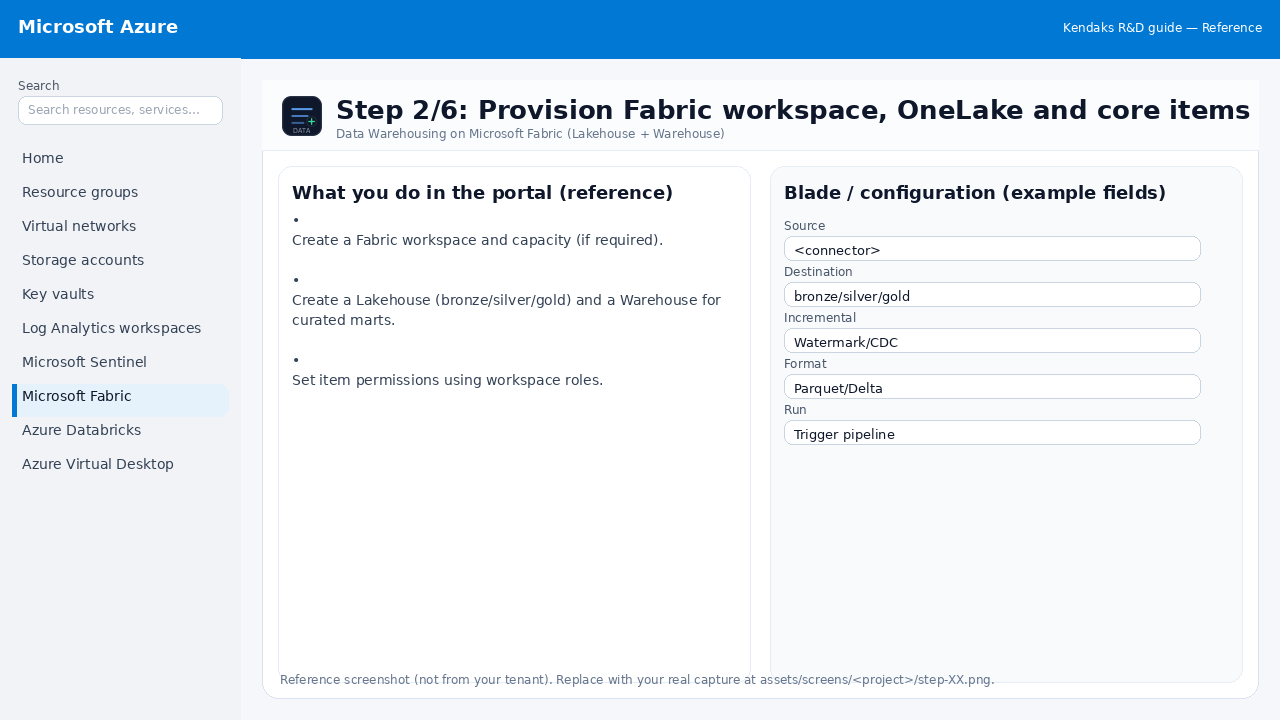
Browse all reference screenshots by project. Click any screenshot to jump to the exact step in the project page.
Replacing screenshots: overwrite files under
assets/screens/<project-id>/step-XX.png.
Data Warehousing on Microsoft Fabric (Lakehouse + Warehouse) 6 steps
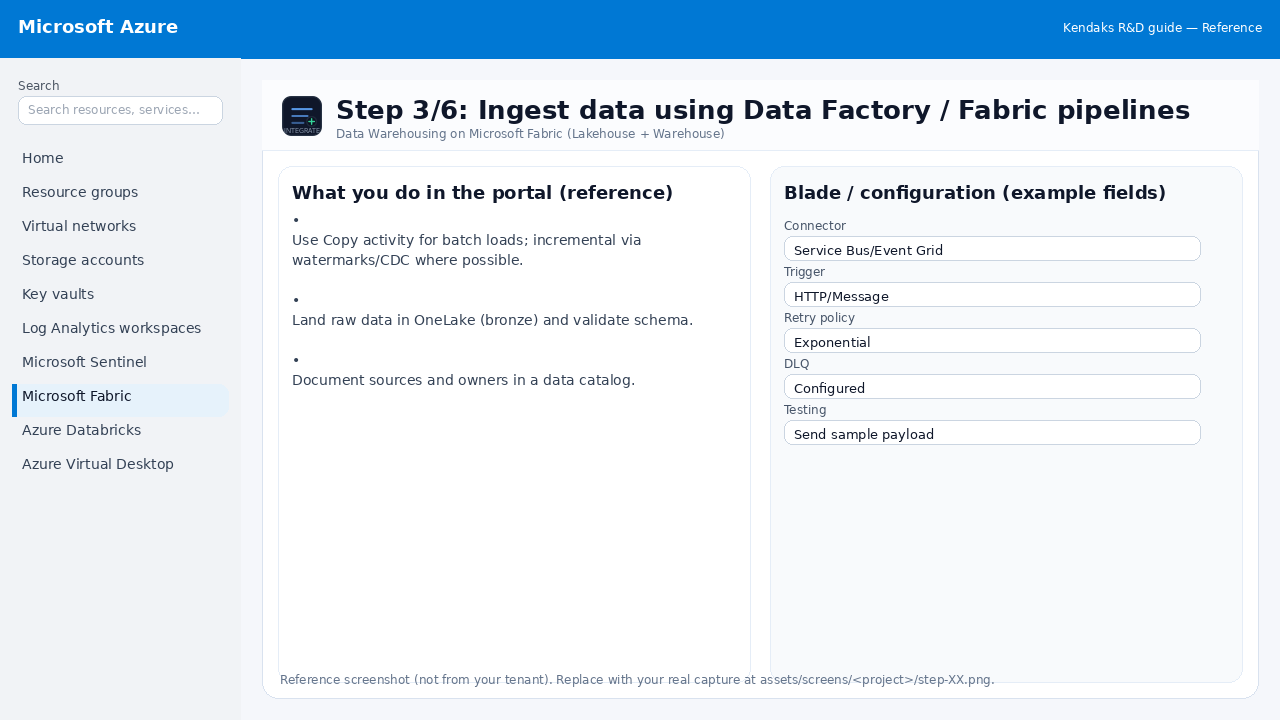
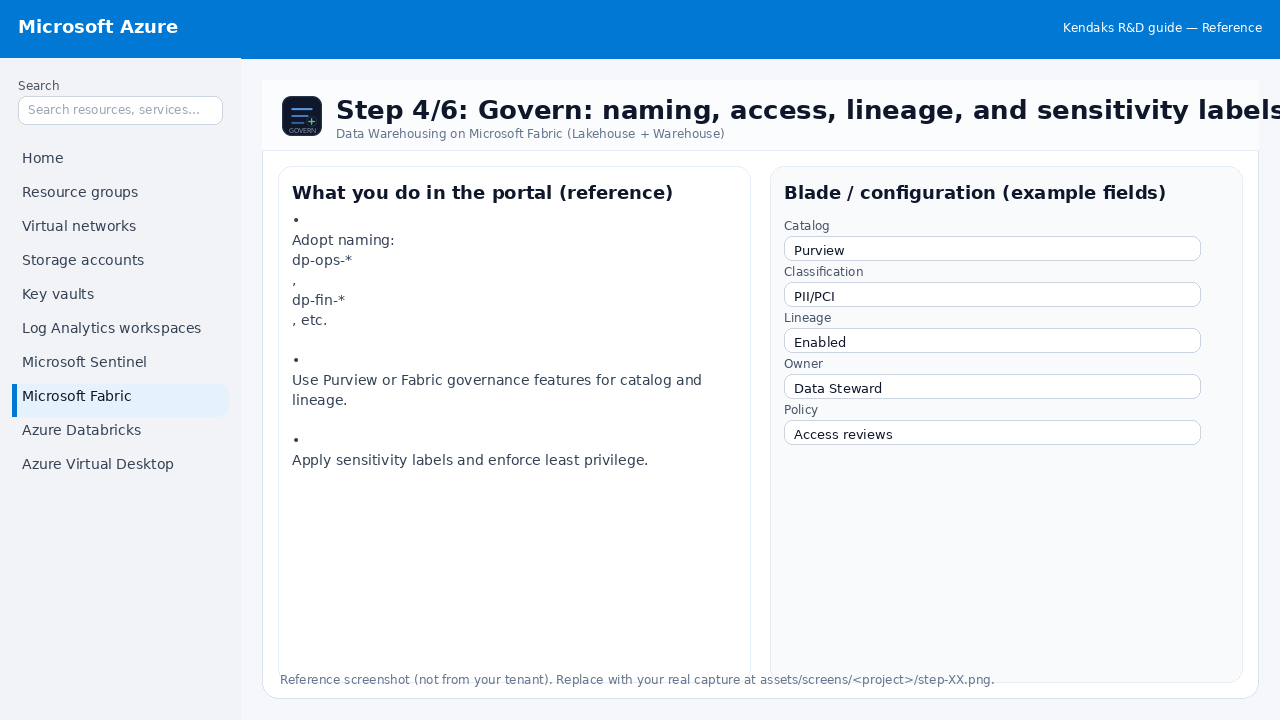
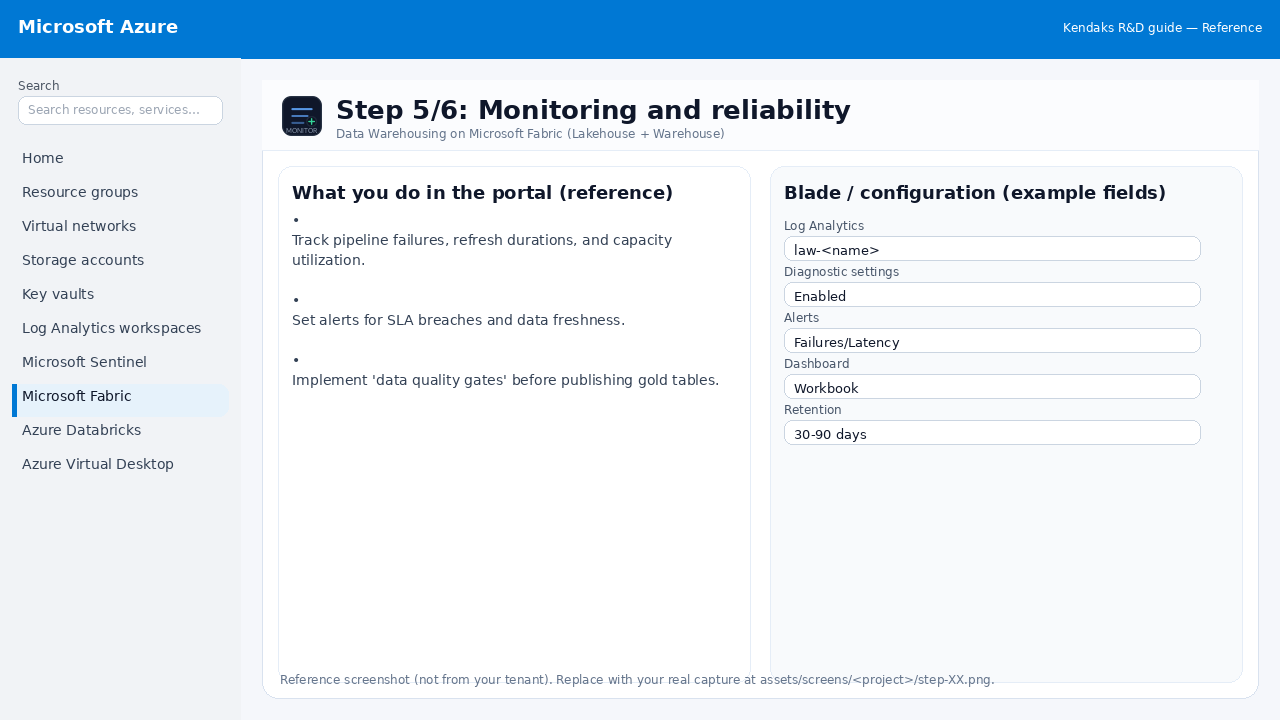
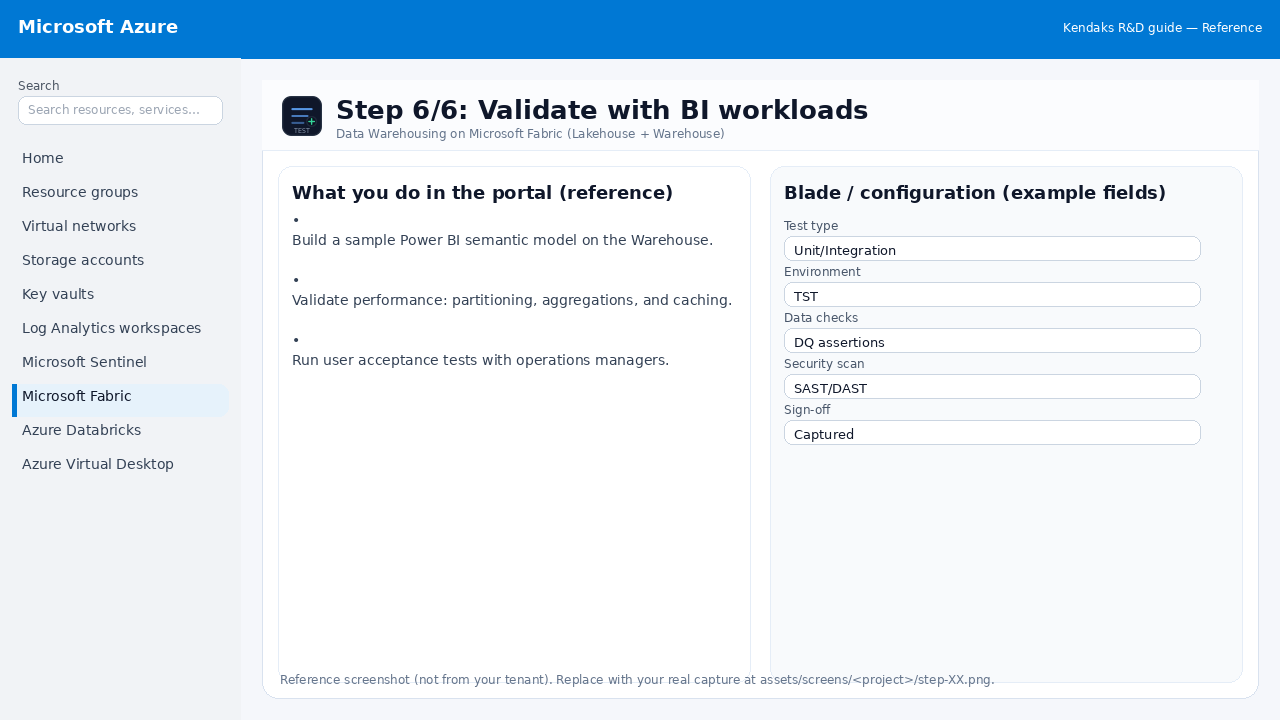
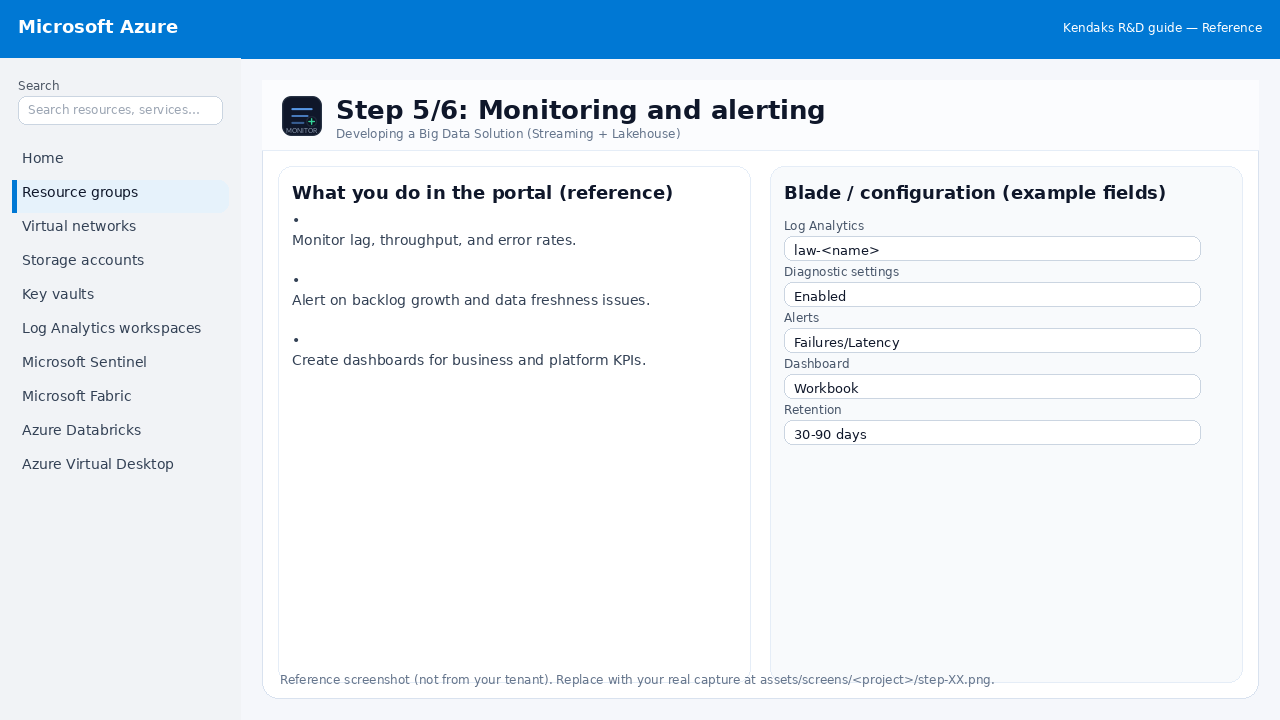
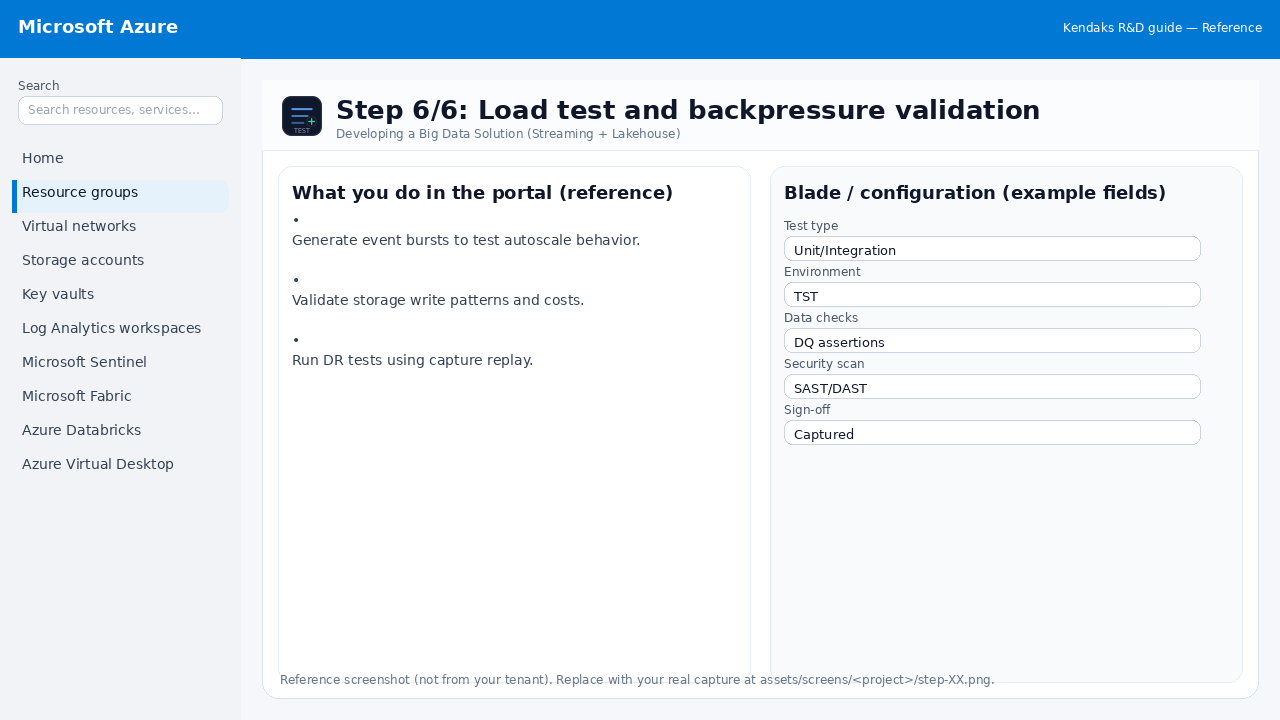
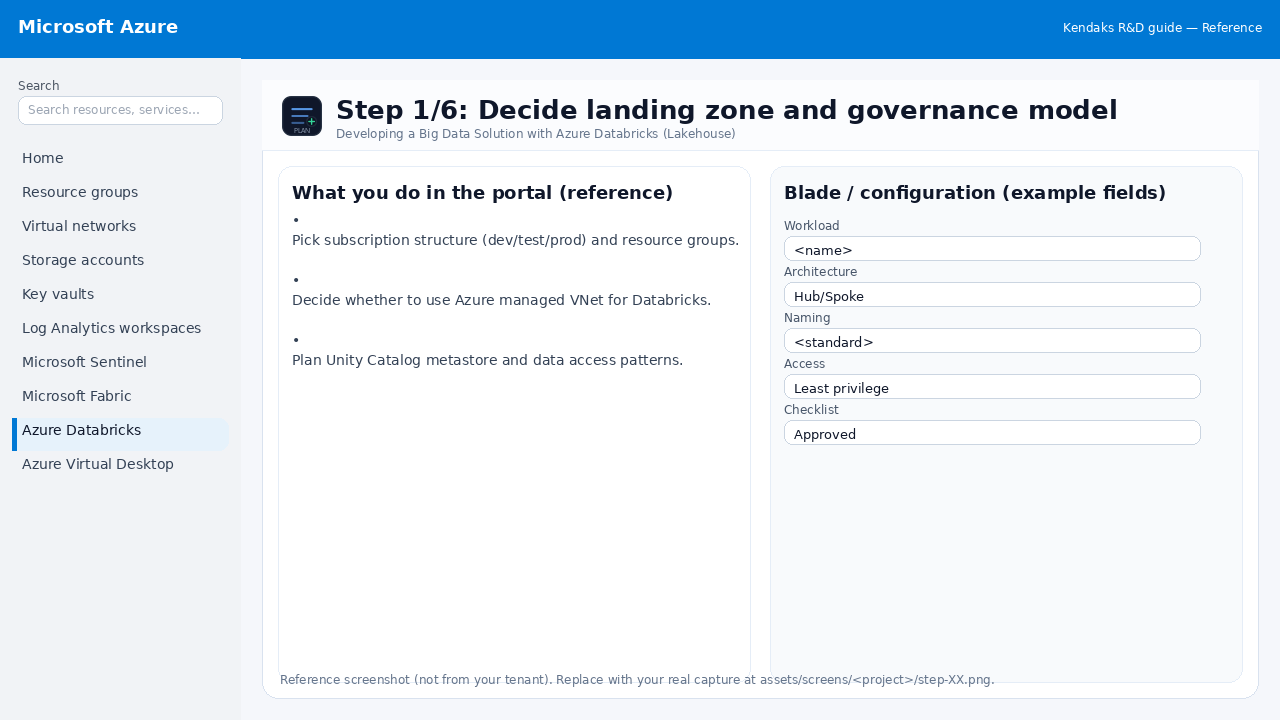
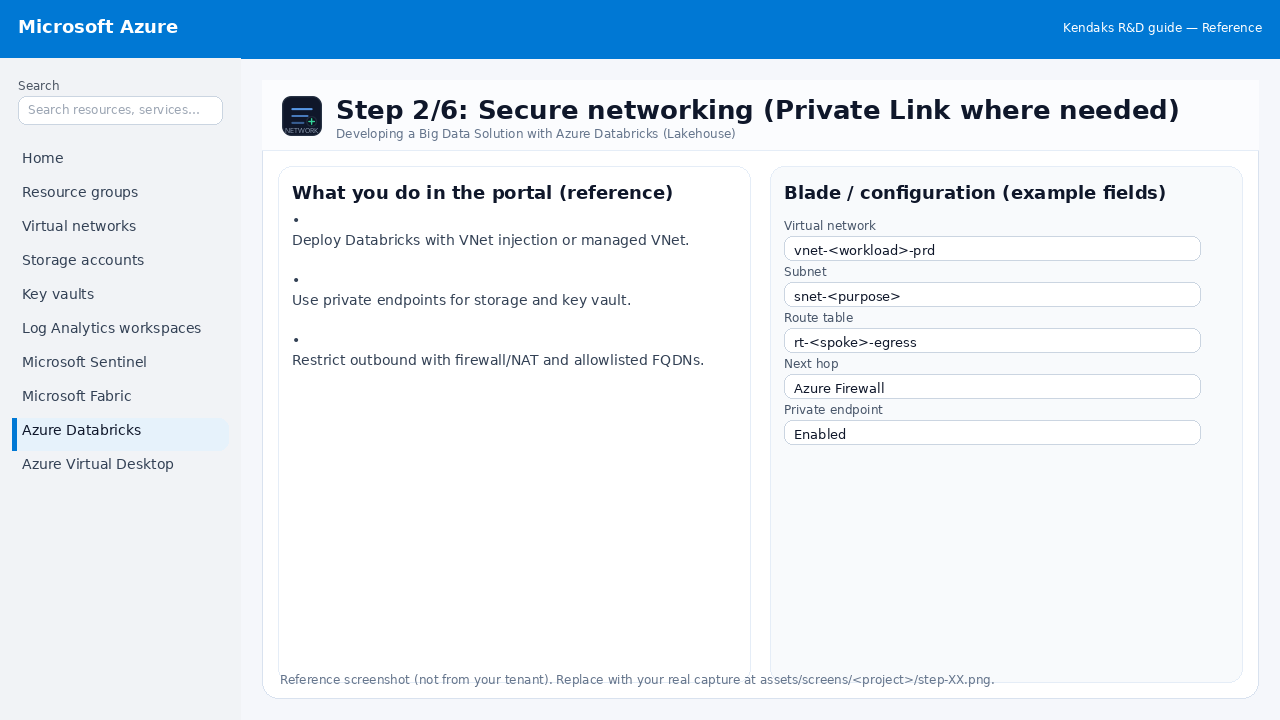
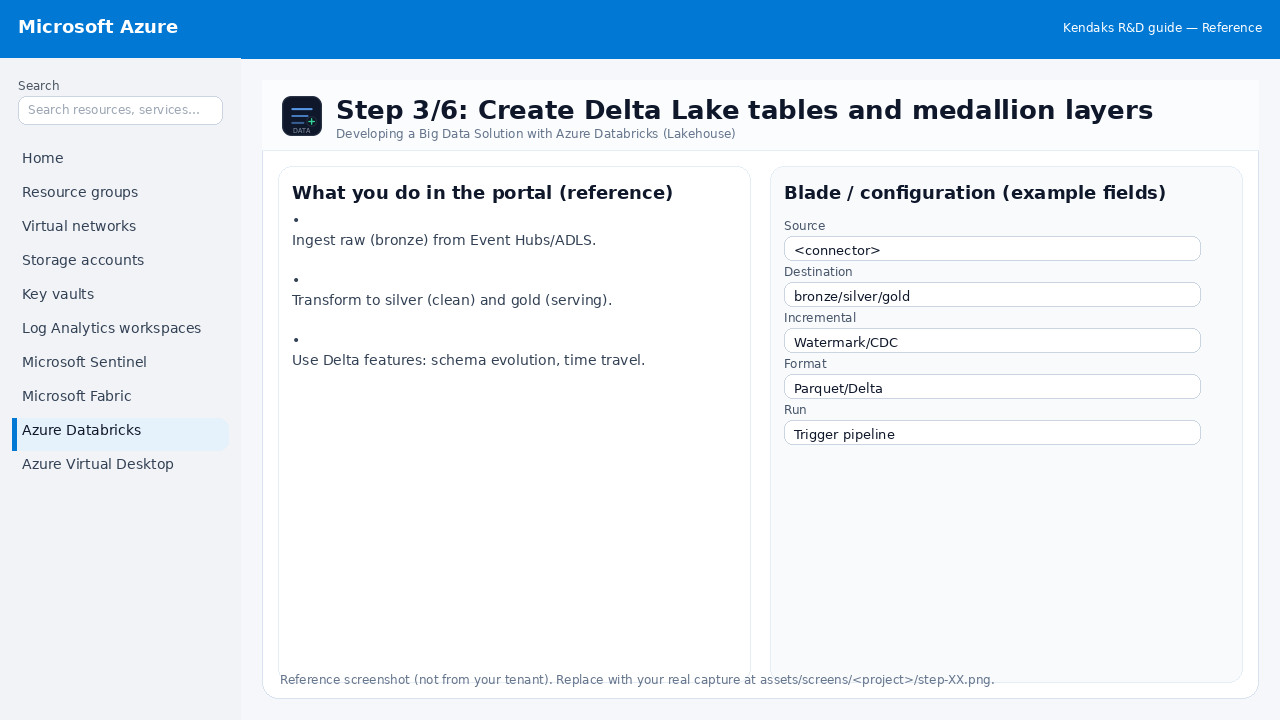
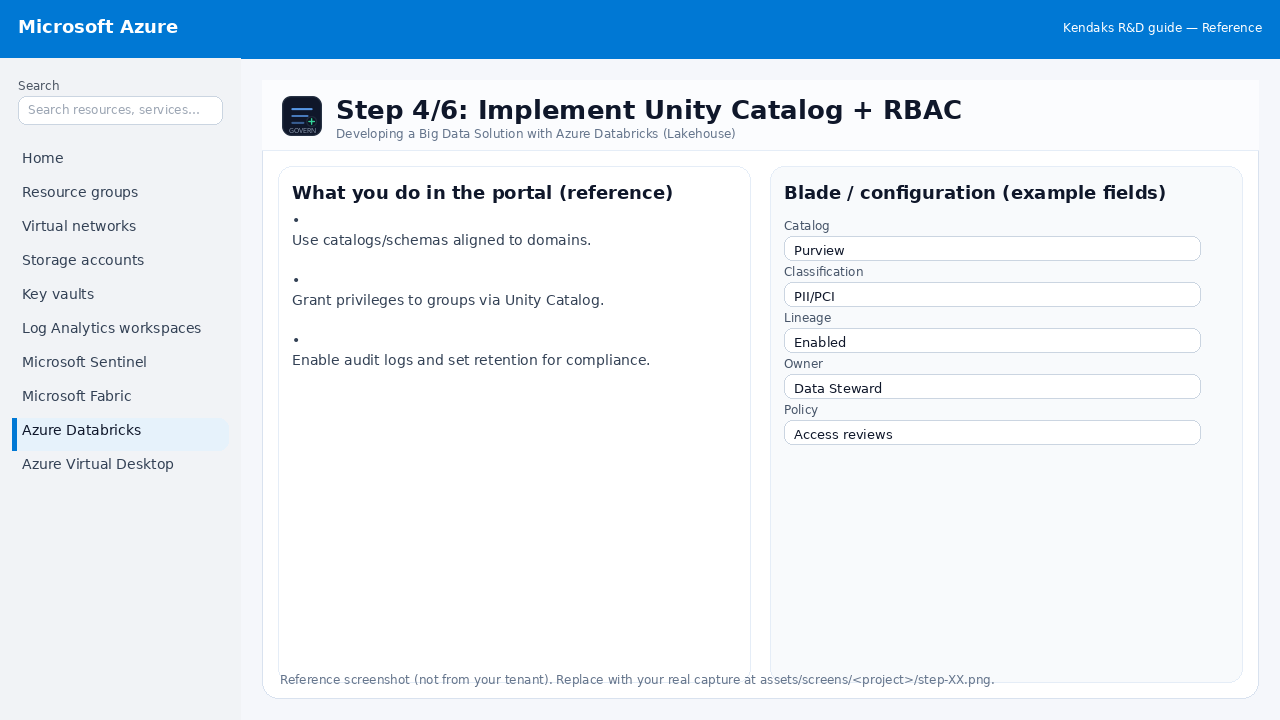
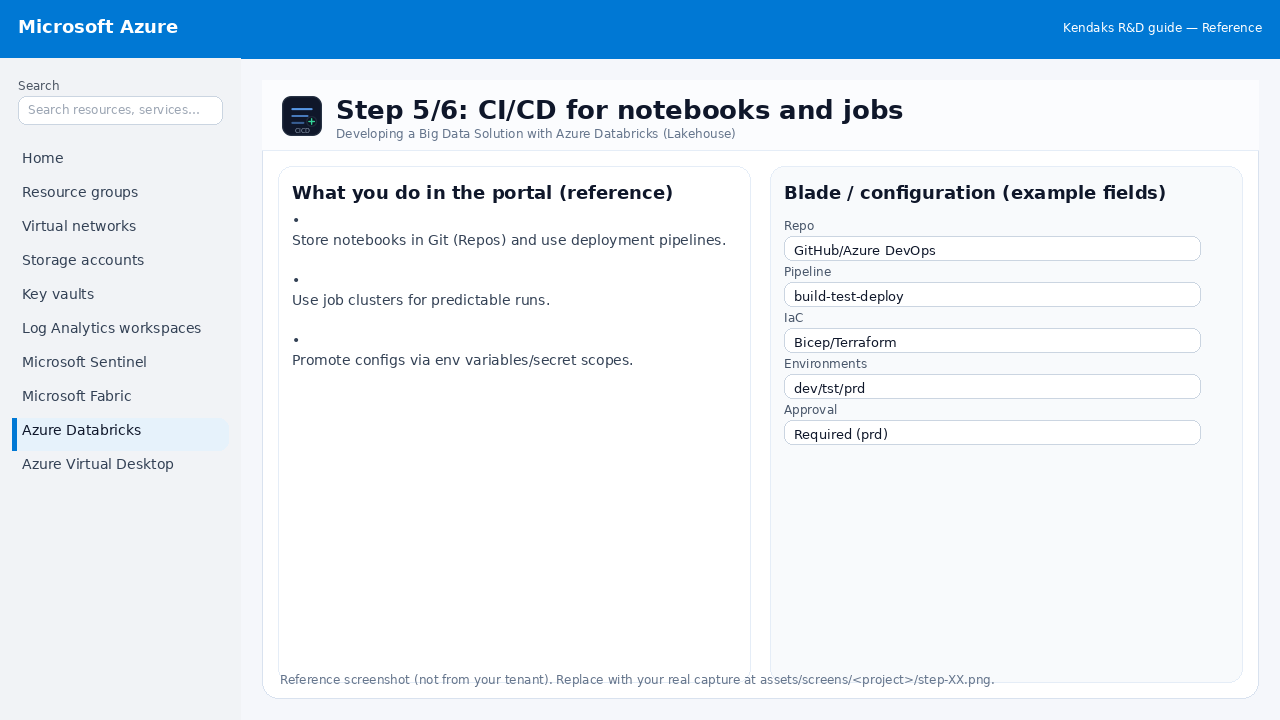
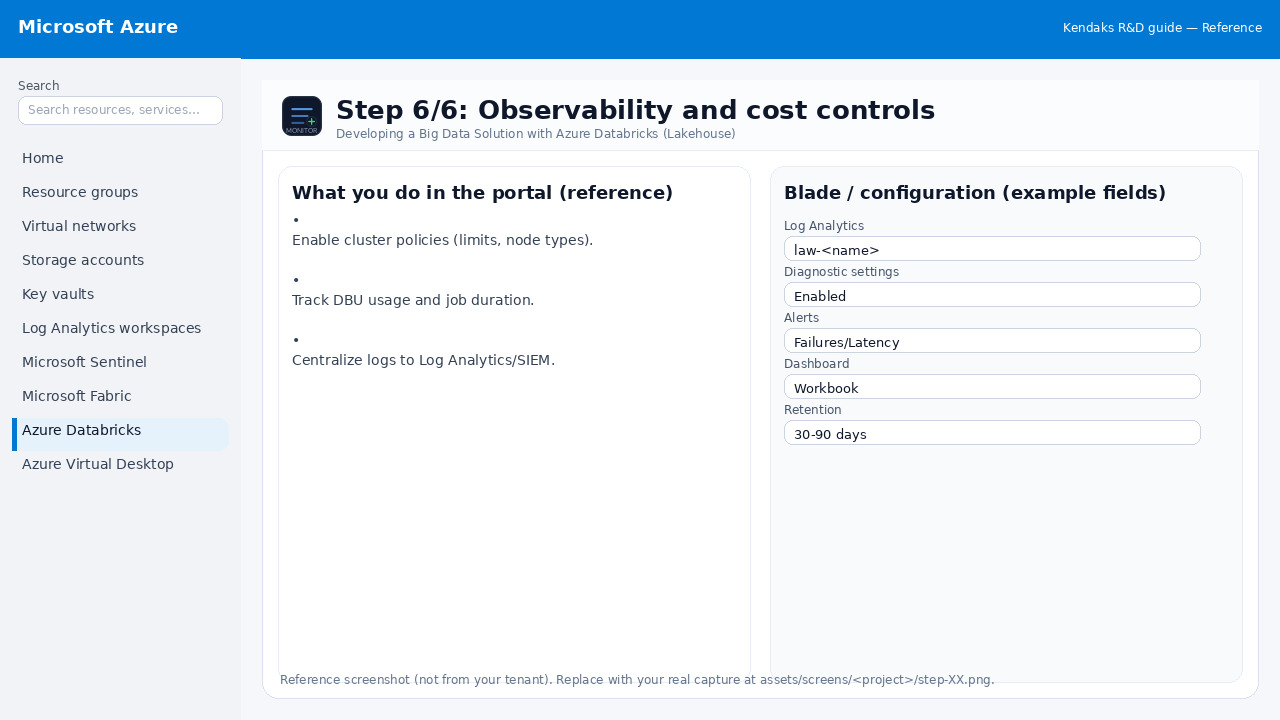
Developing a Big Data Solution with Azure Databricks (Lakehouse) 6 steps
Azure Firewall Hub-and-Spoke Network with Azure Virtual Desktop 6 steps
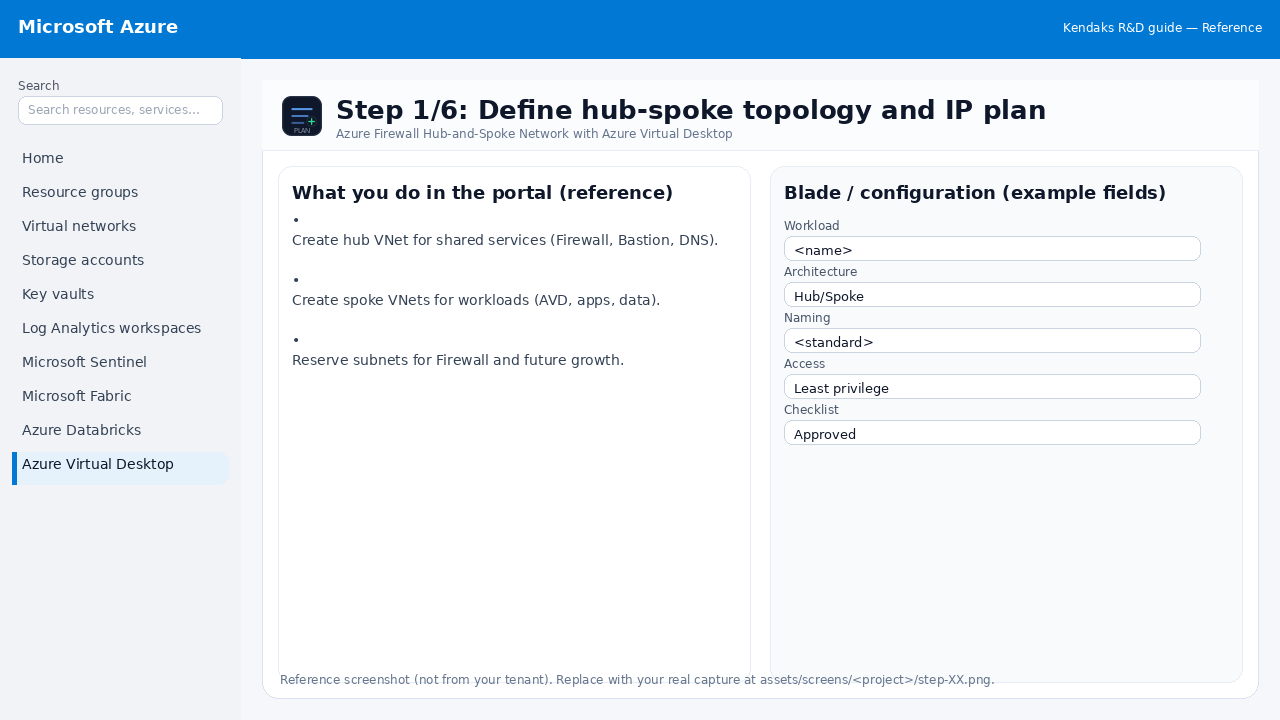
Step 1: Define hub-spoke topology and IP plan
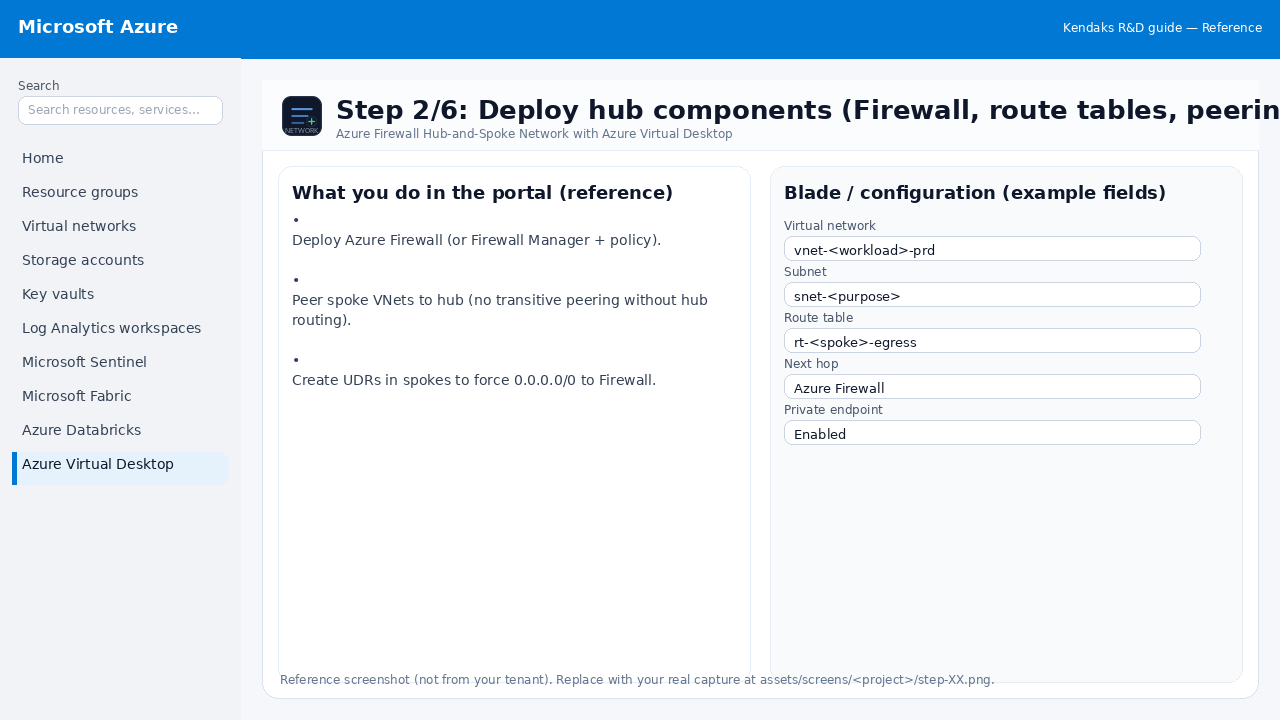
Step 2: Deploy hub components (Firewall, route tables, peering)
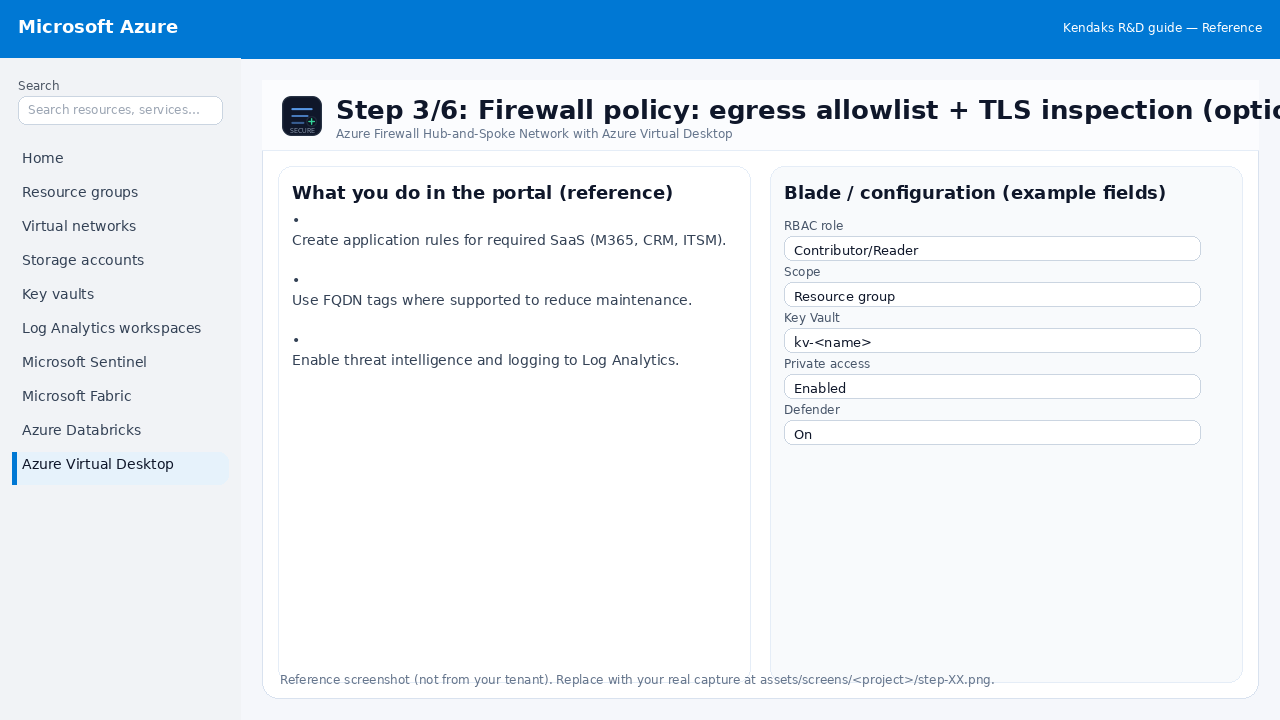
Step 3: Firewall policy: egress allowlist + TLS inspection (optional)
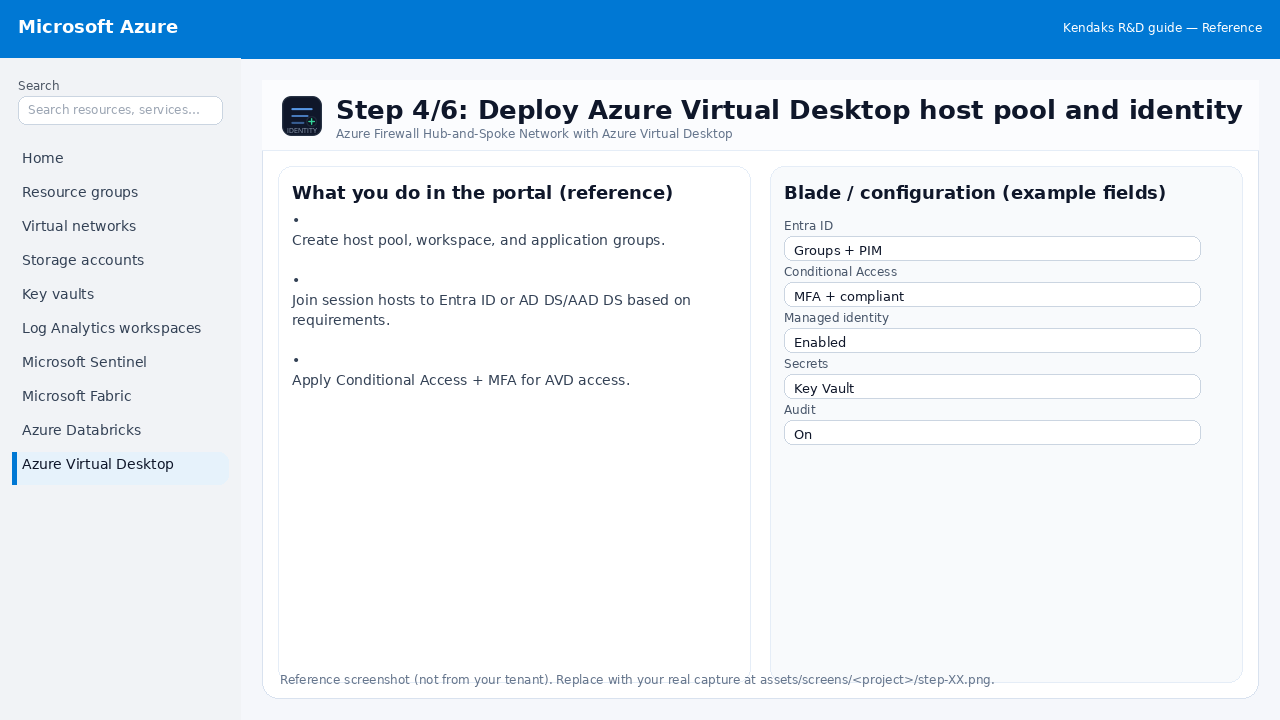
Step 4: Deploy Azure Virtual Desktop host pool and identity
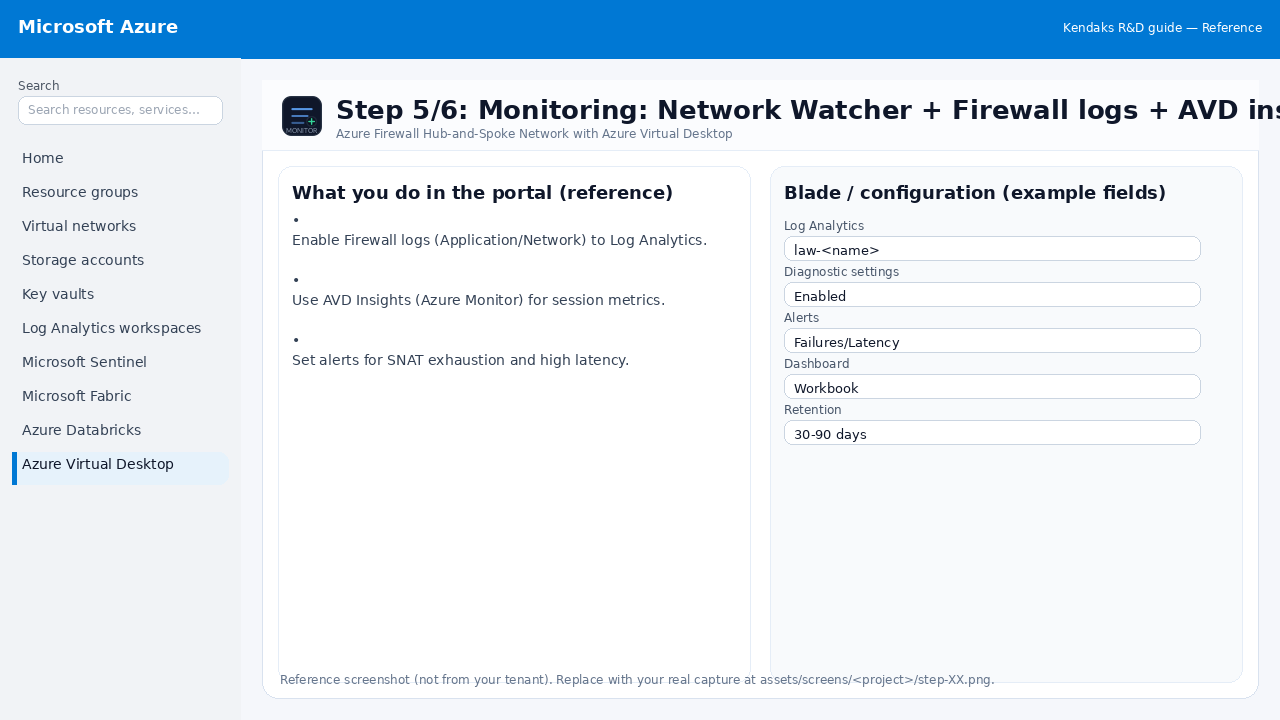
Step 5: Monitoring: Network Watcher + Firewall logs + AVD insights
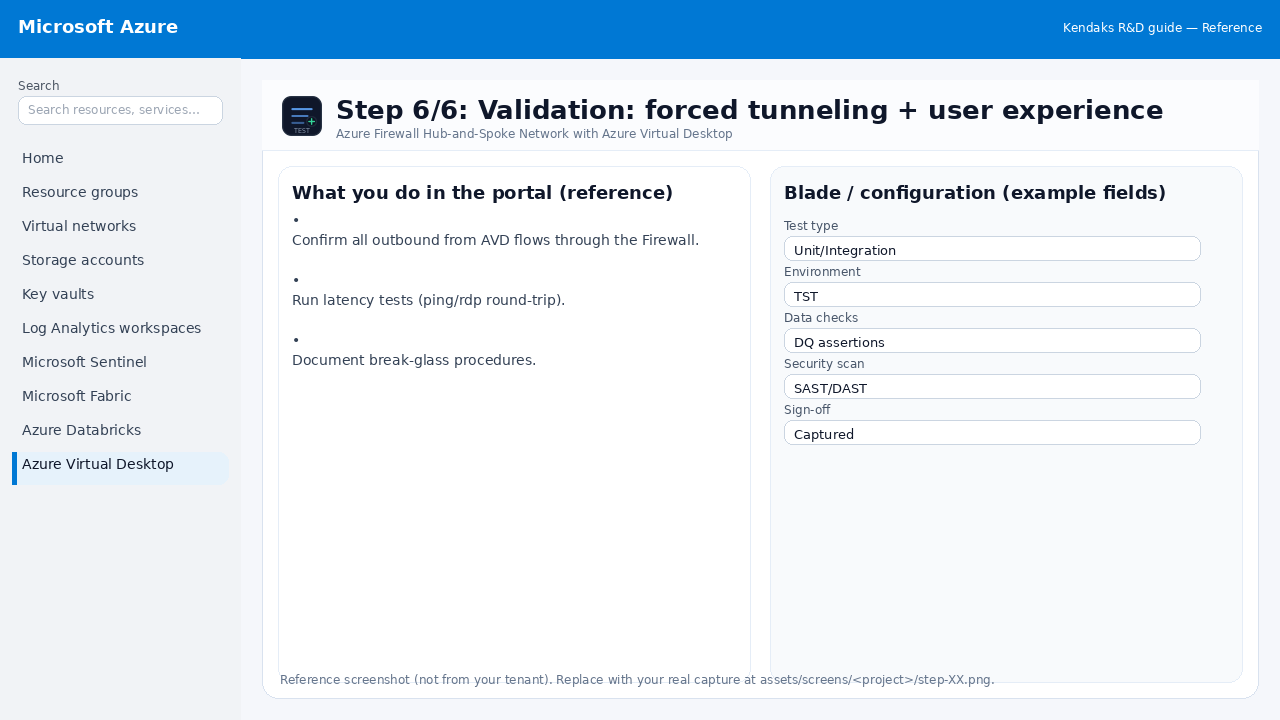
Step 6: Validation: forced tunneling + user experience
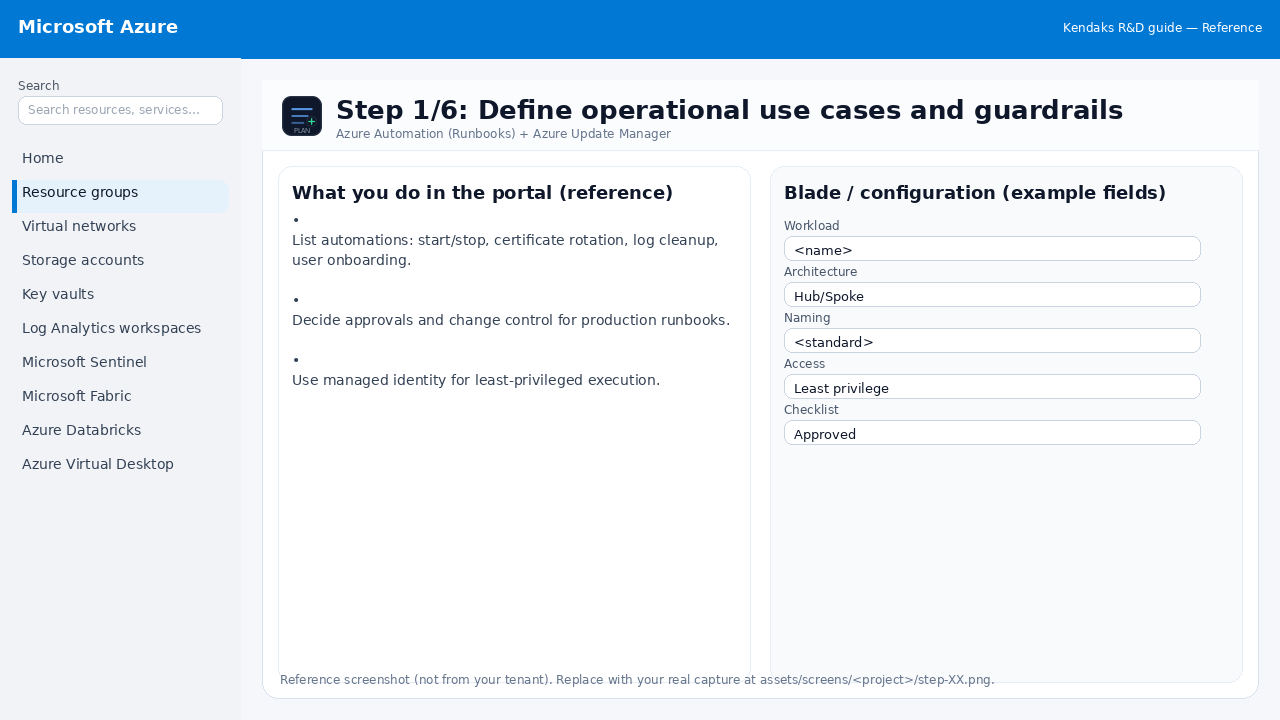
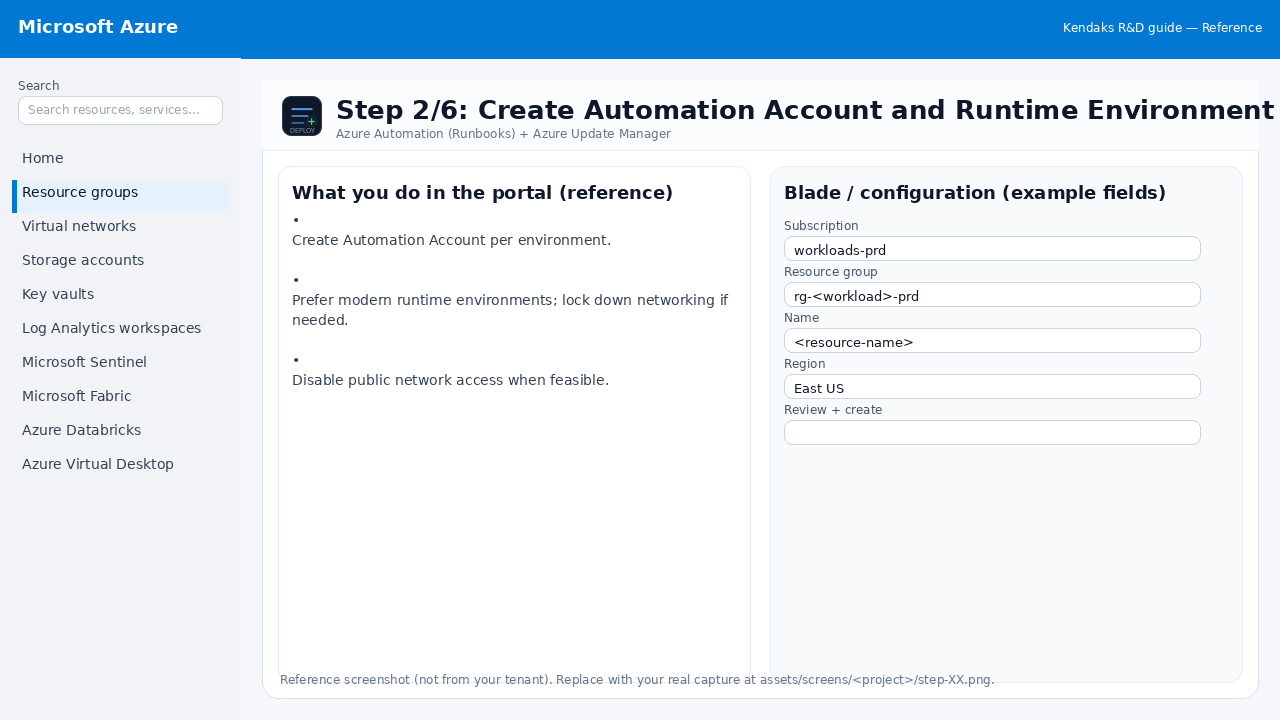
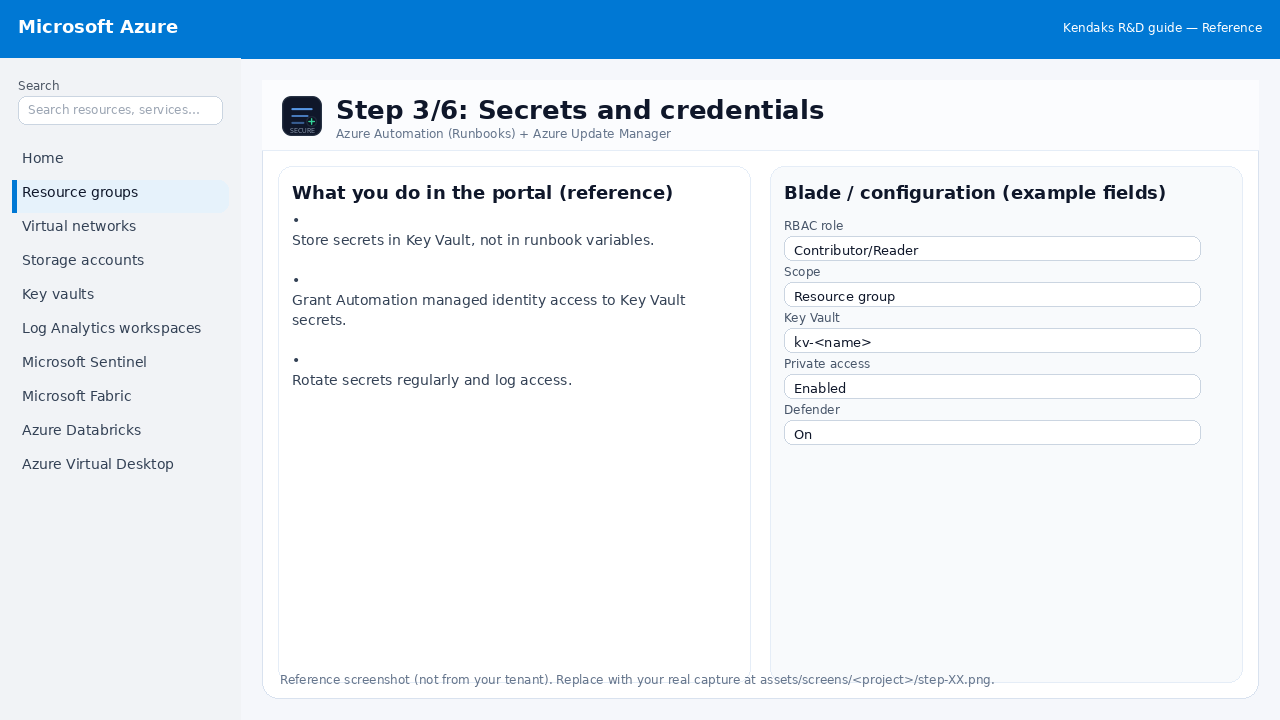
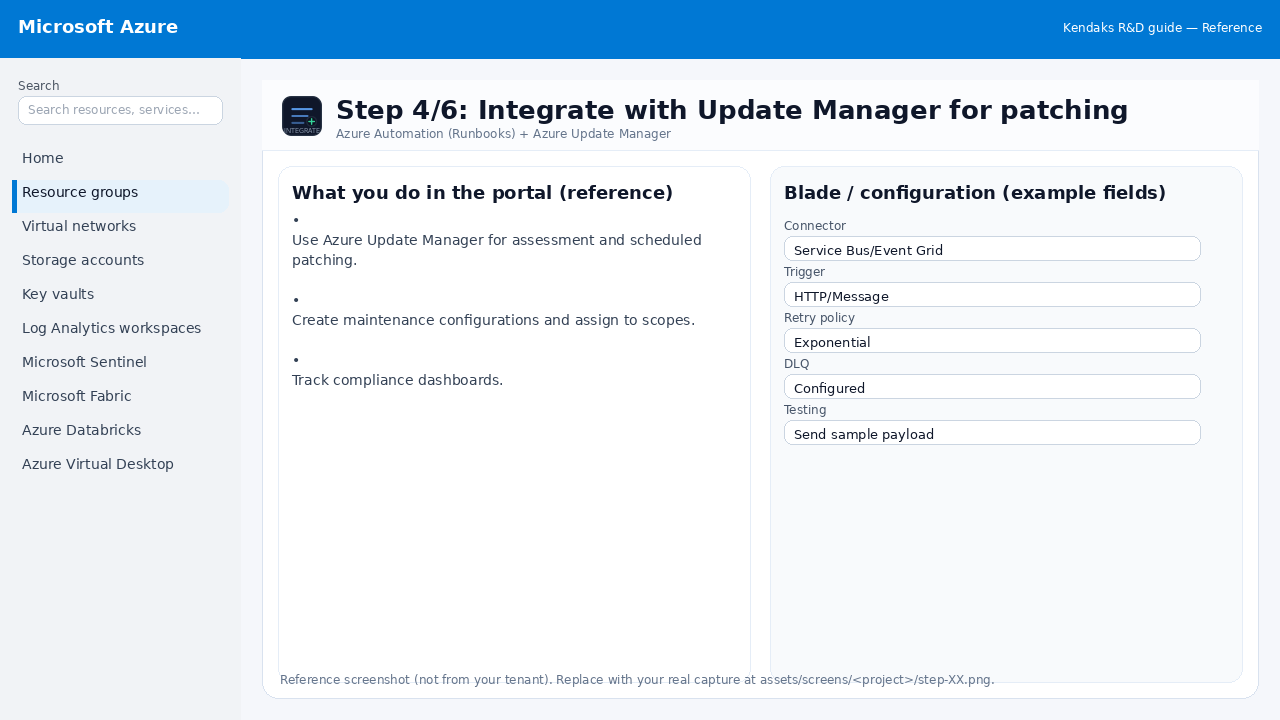
Azure Automation (Runbooks) + Azure Update Manager 6 steps
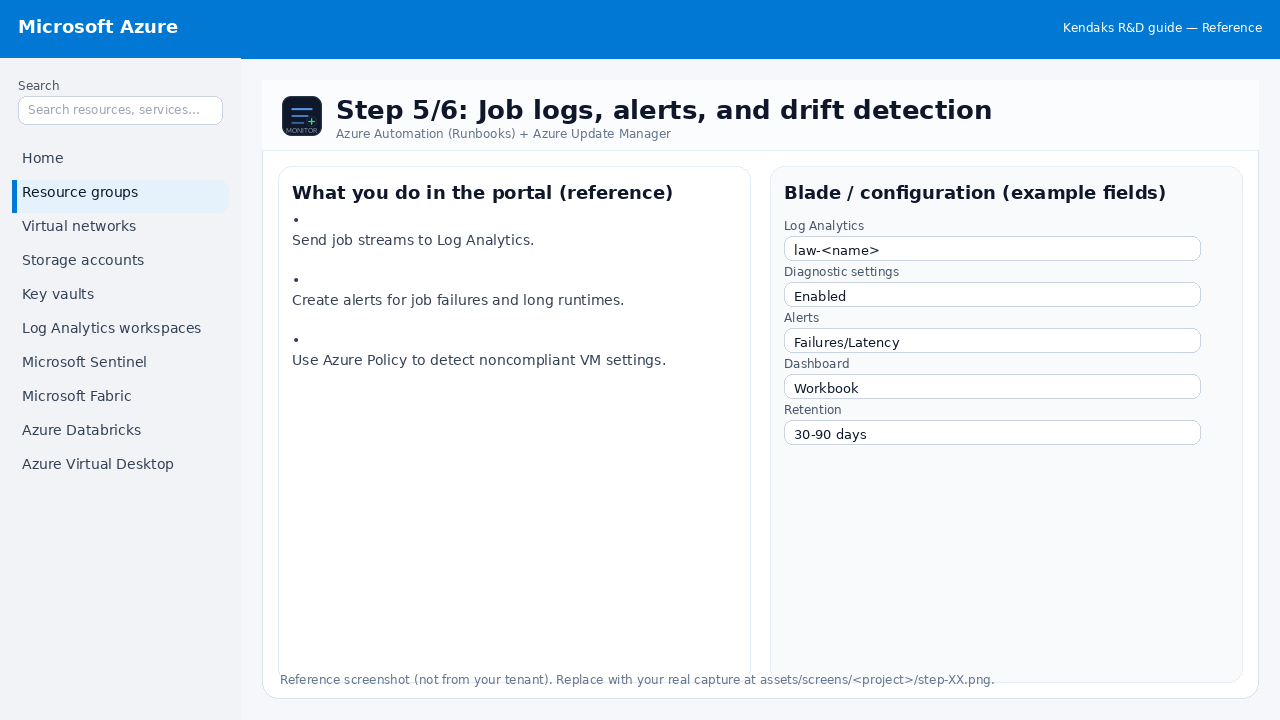
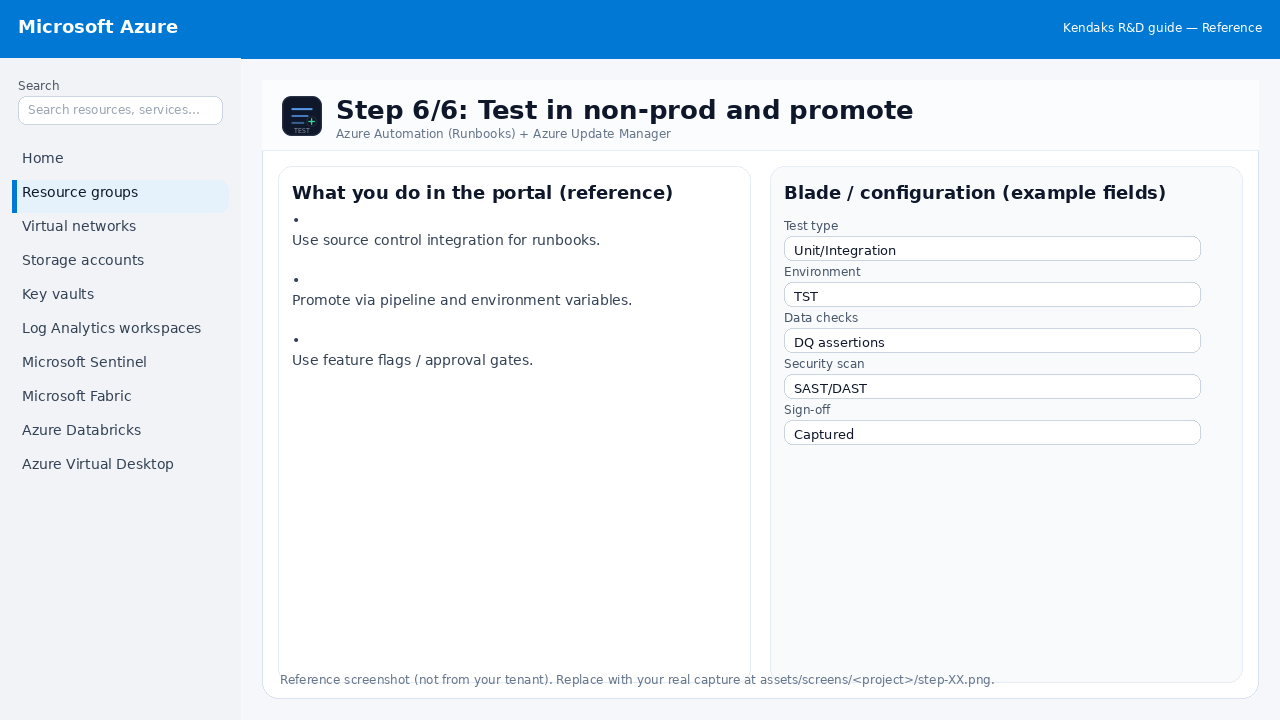
Azure Logic Apps for Workflow Automation 6 steps
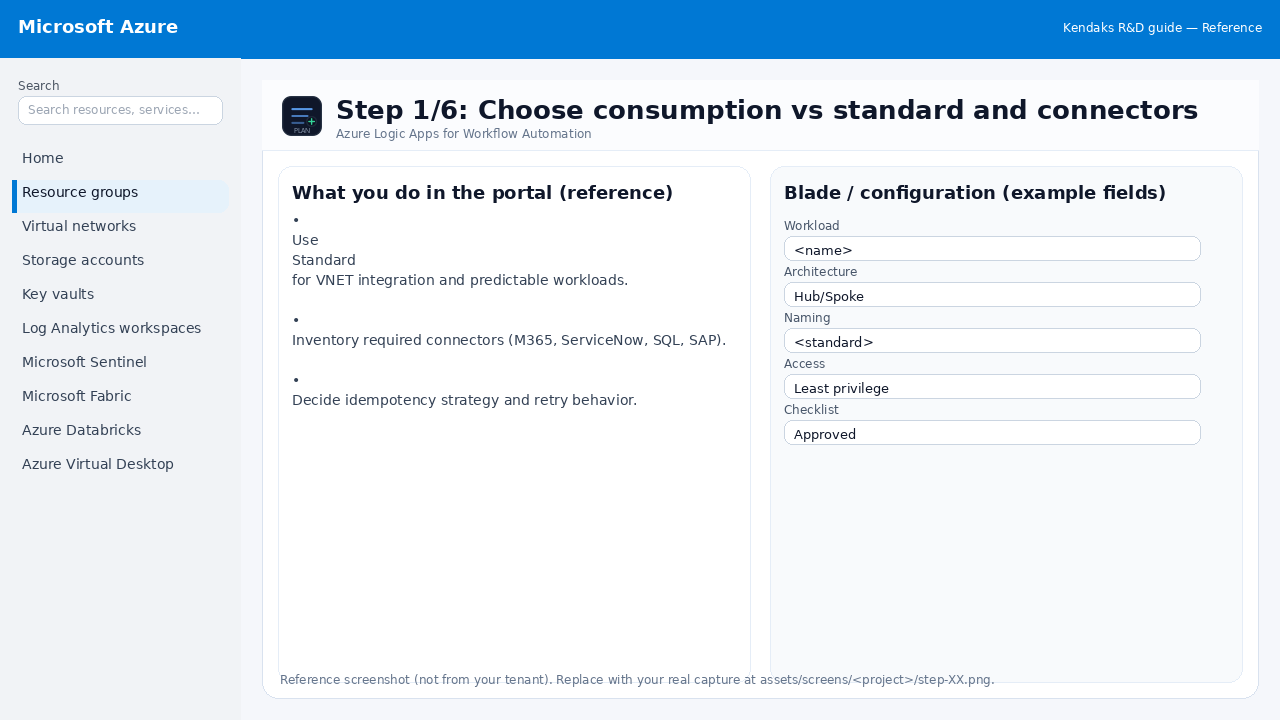
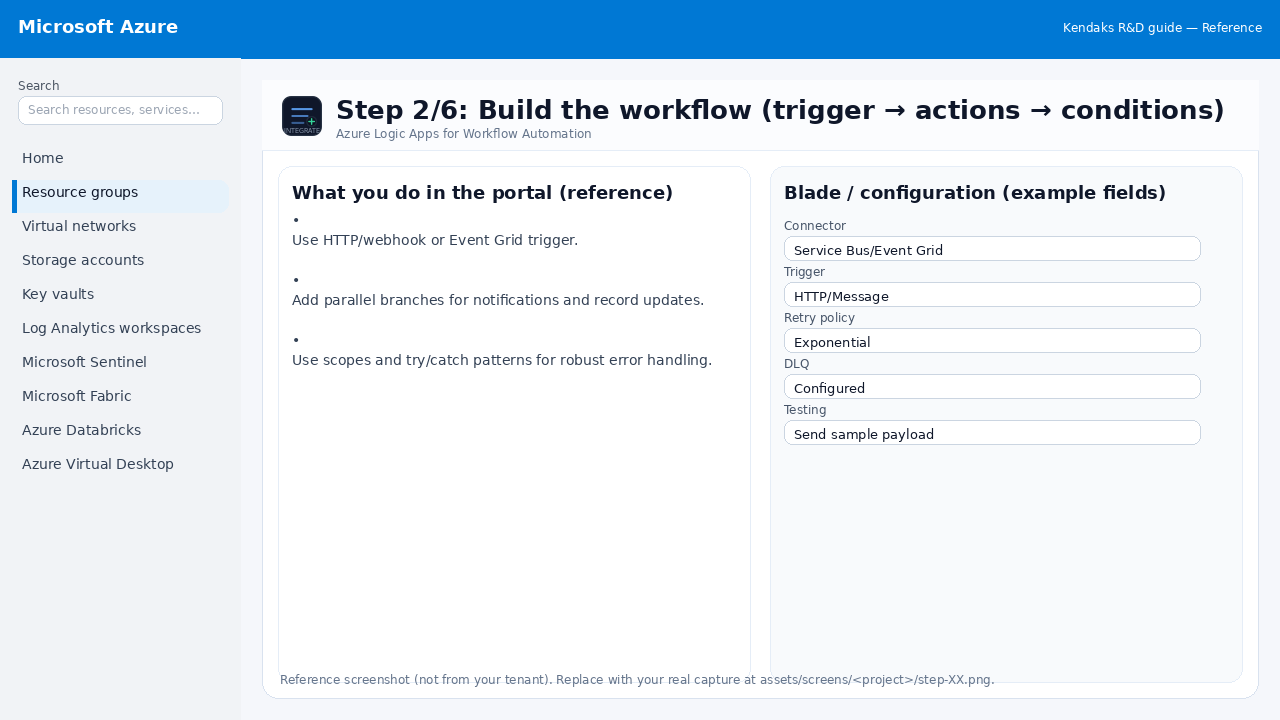
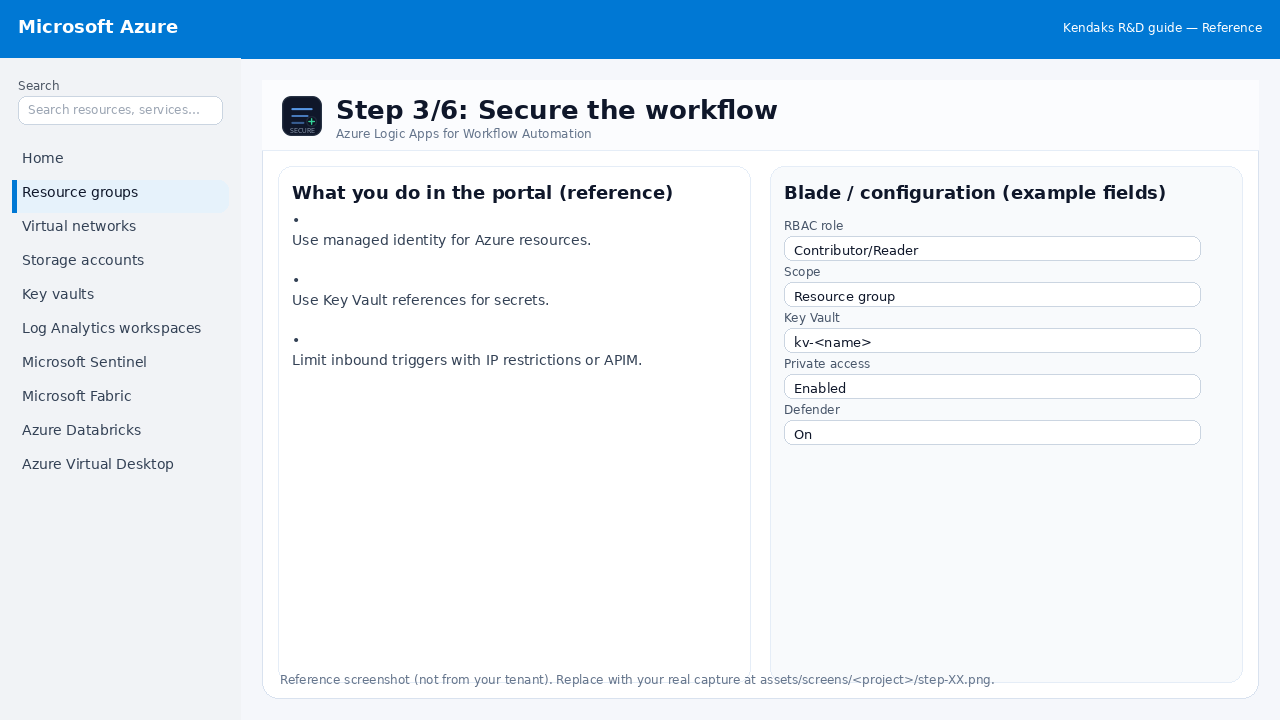
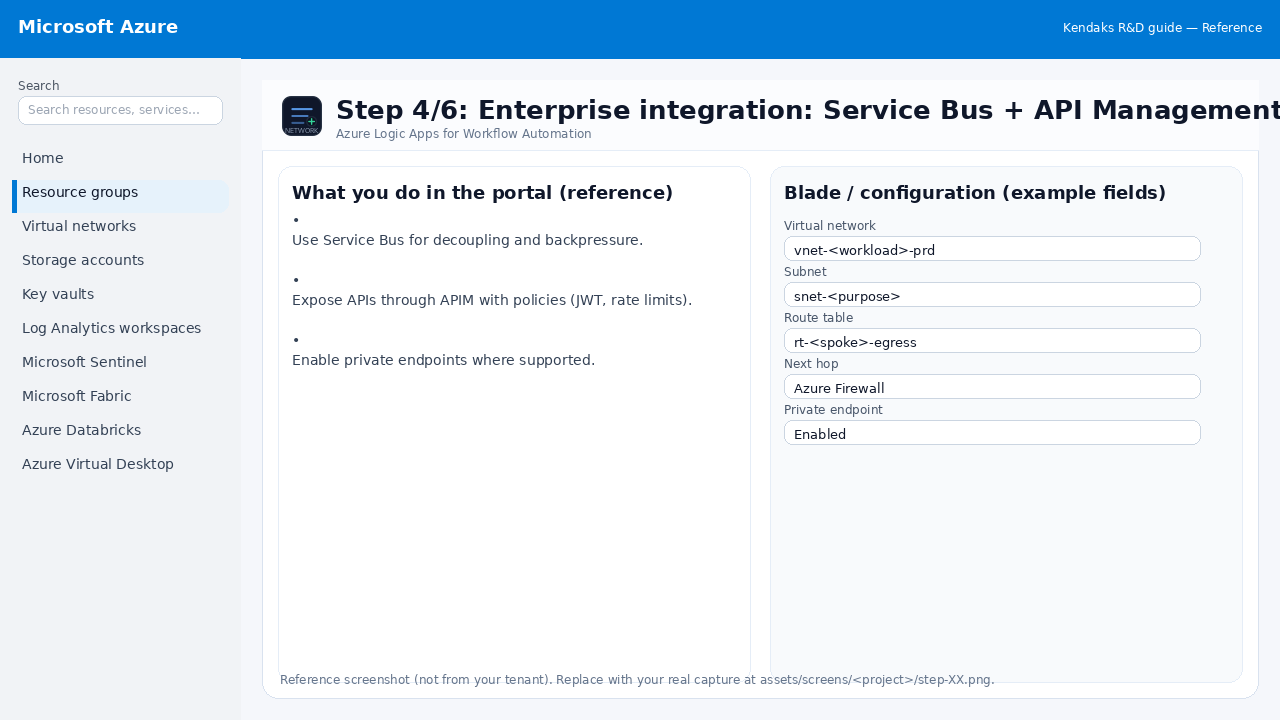
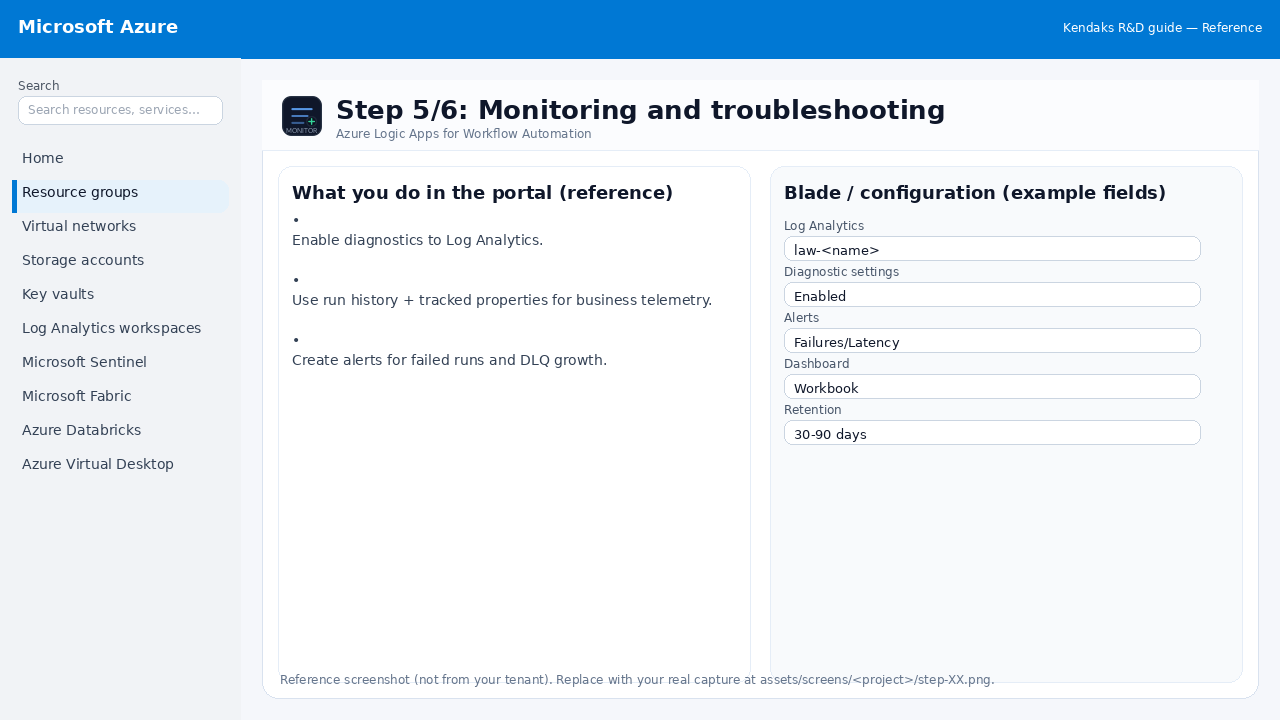
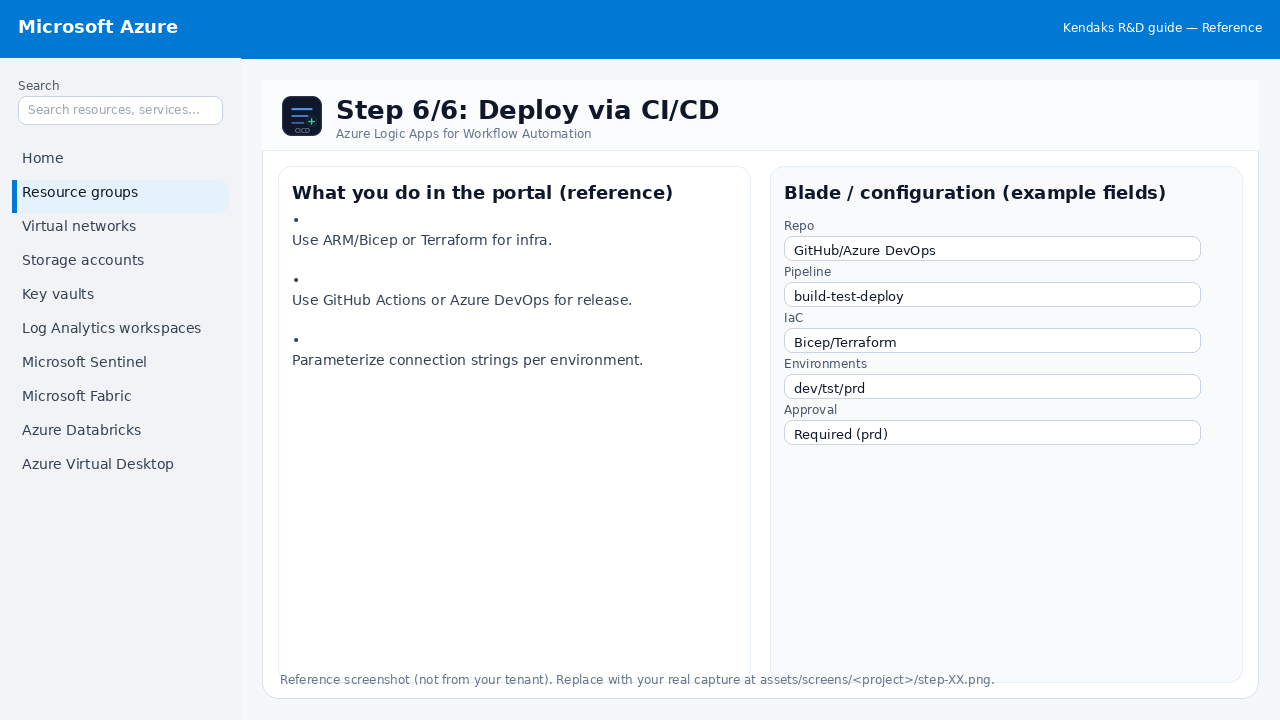
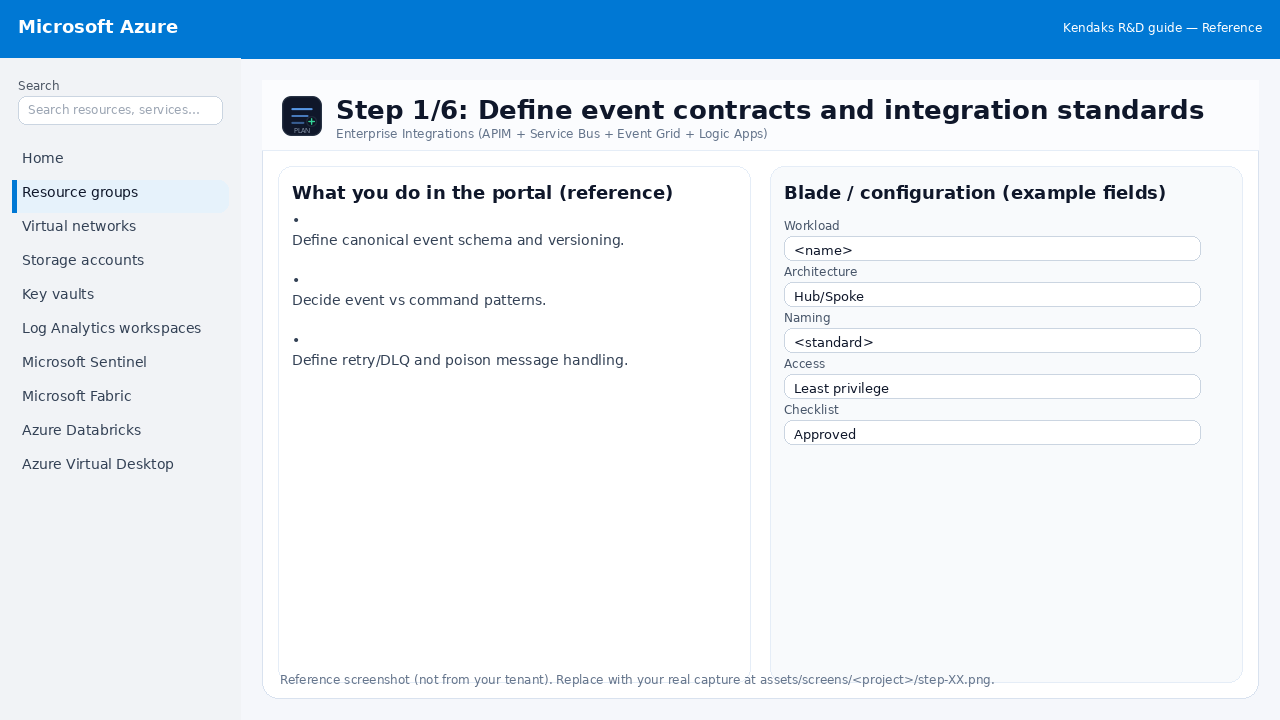
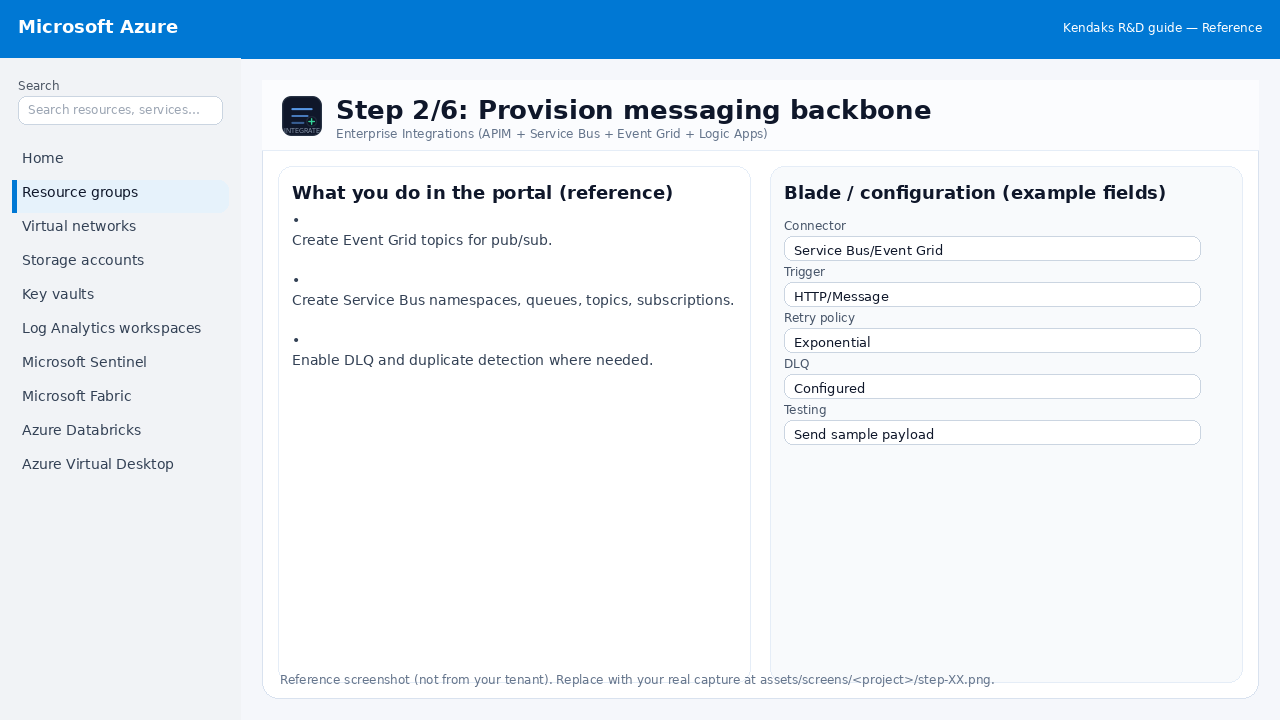
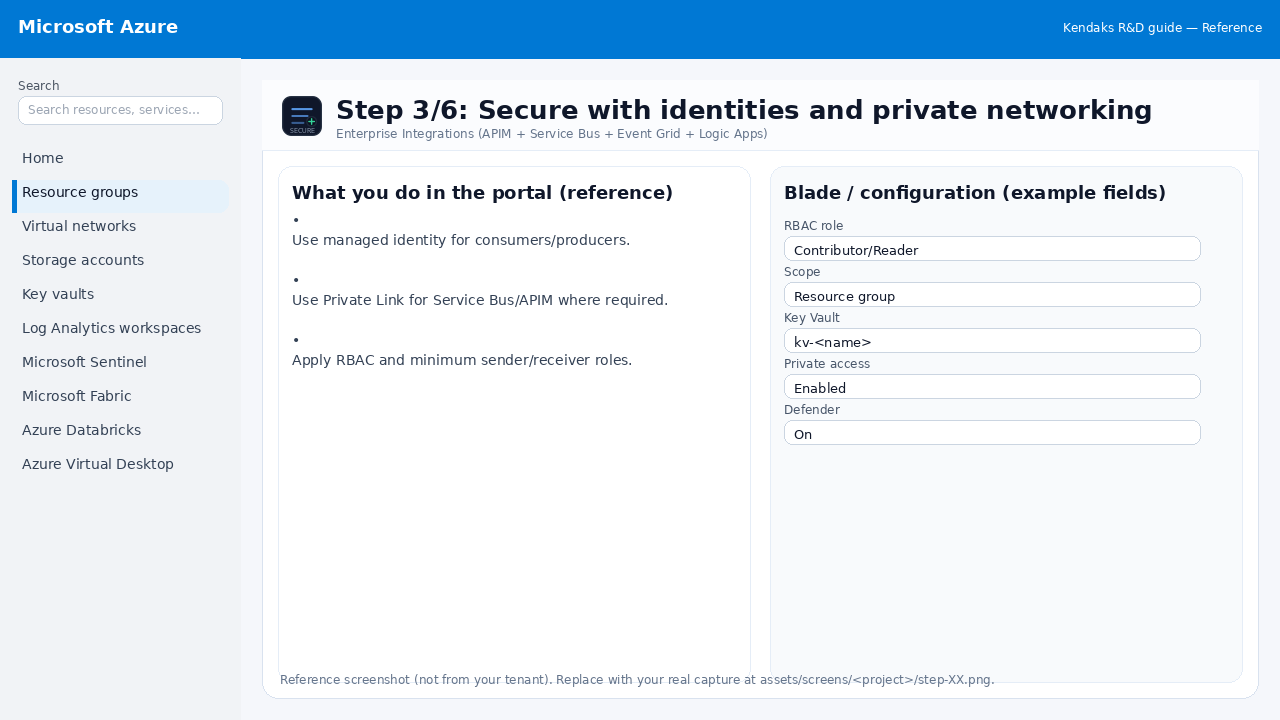
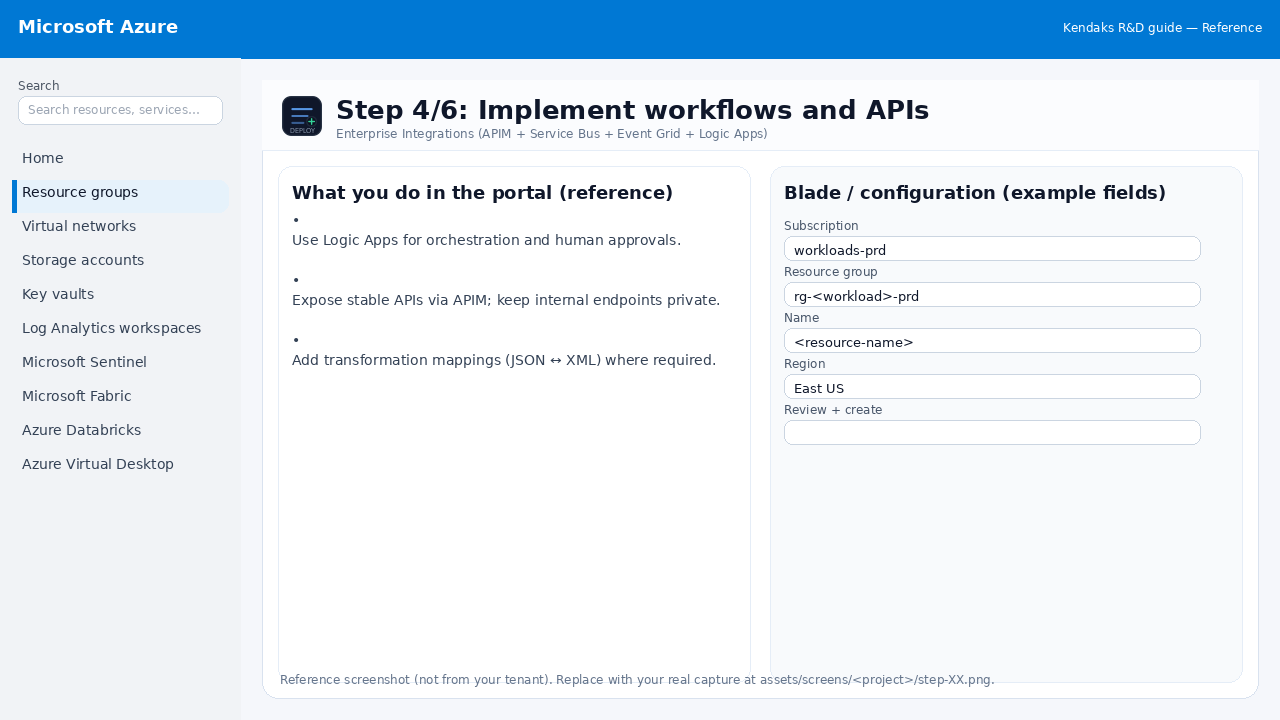
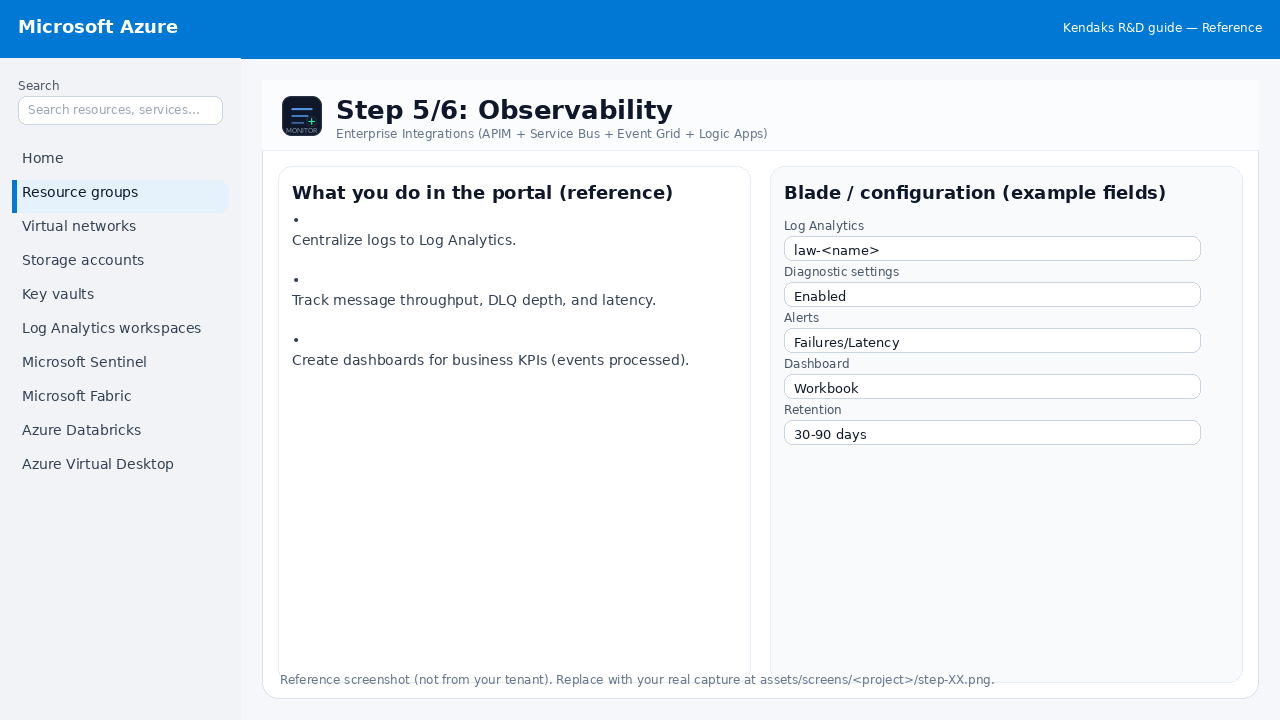
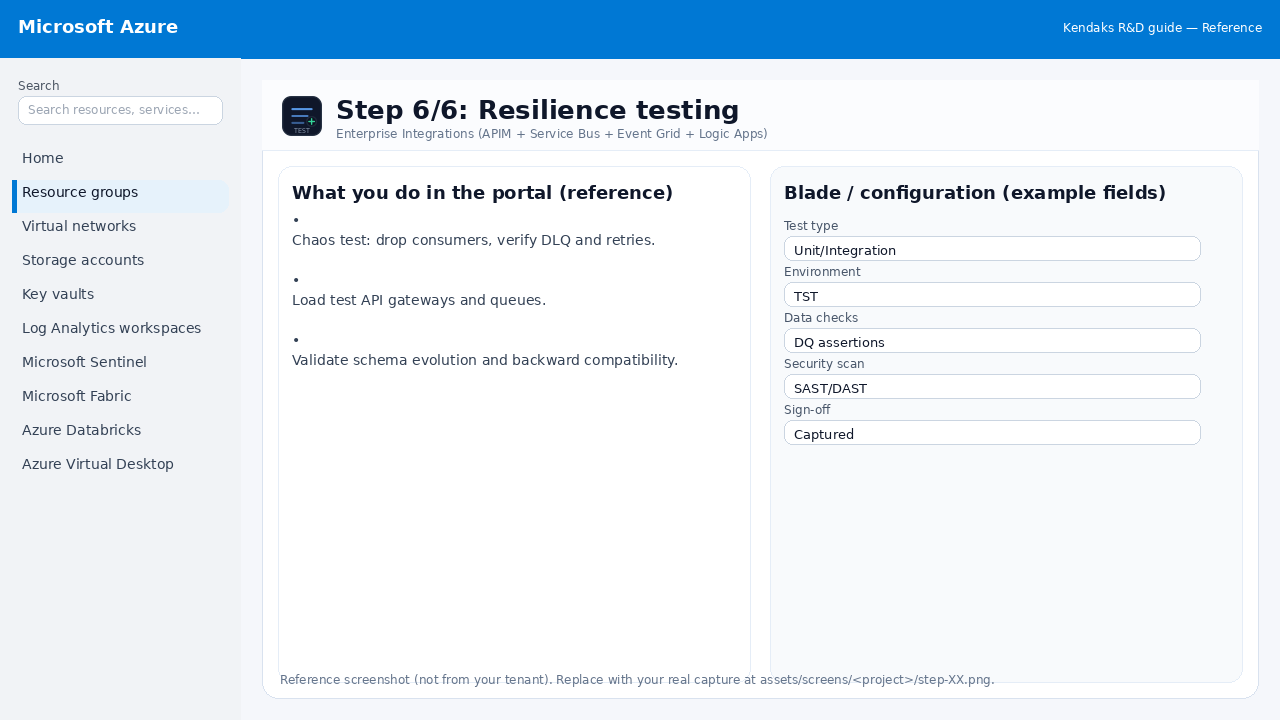
Enterprise Integrations (APIM + Service Bus + Event Grid + Logic Apps) 6 steps
Implementing Advanced Security Solutions (Defender for Cloud + Sentinel + Key Vault) 6 steps
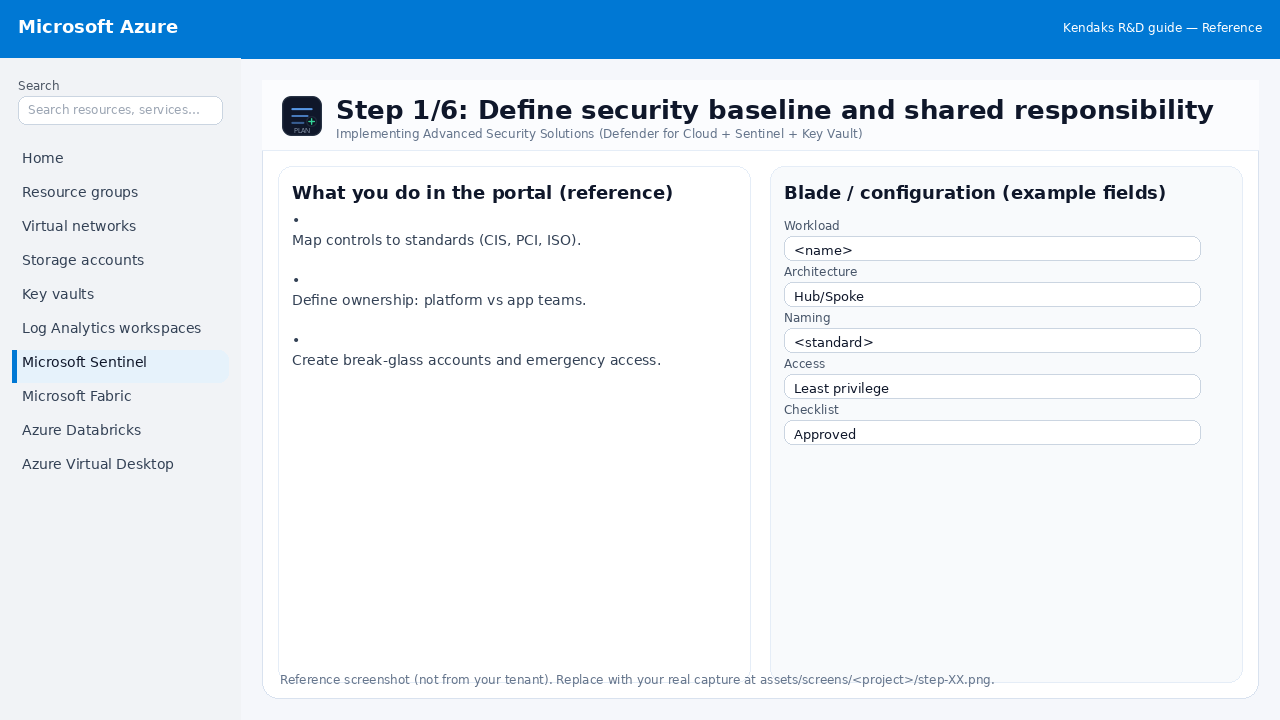
Step 1: Define security baseline and shared responsibility
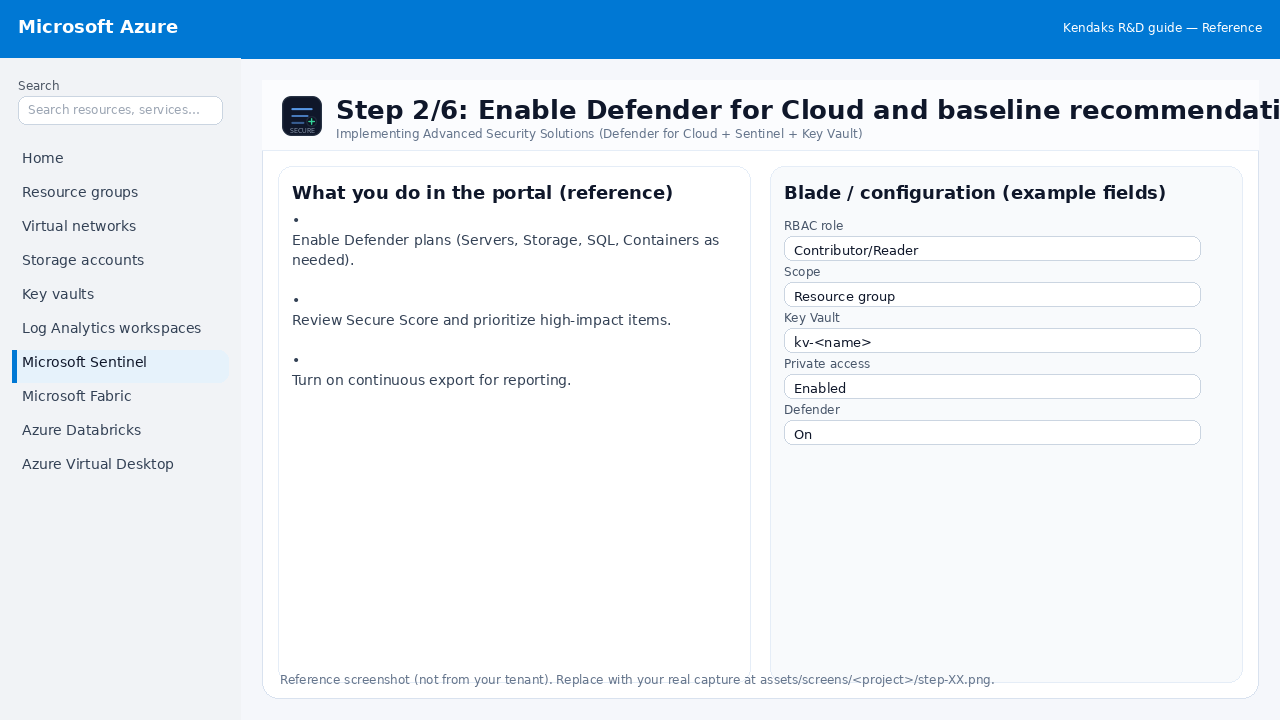
Step 2: Enable Defender for Cloud and baseline recommendations
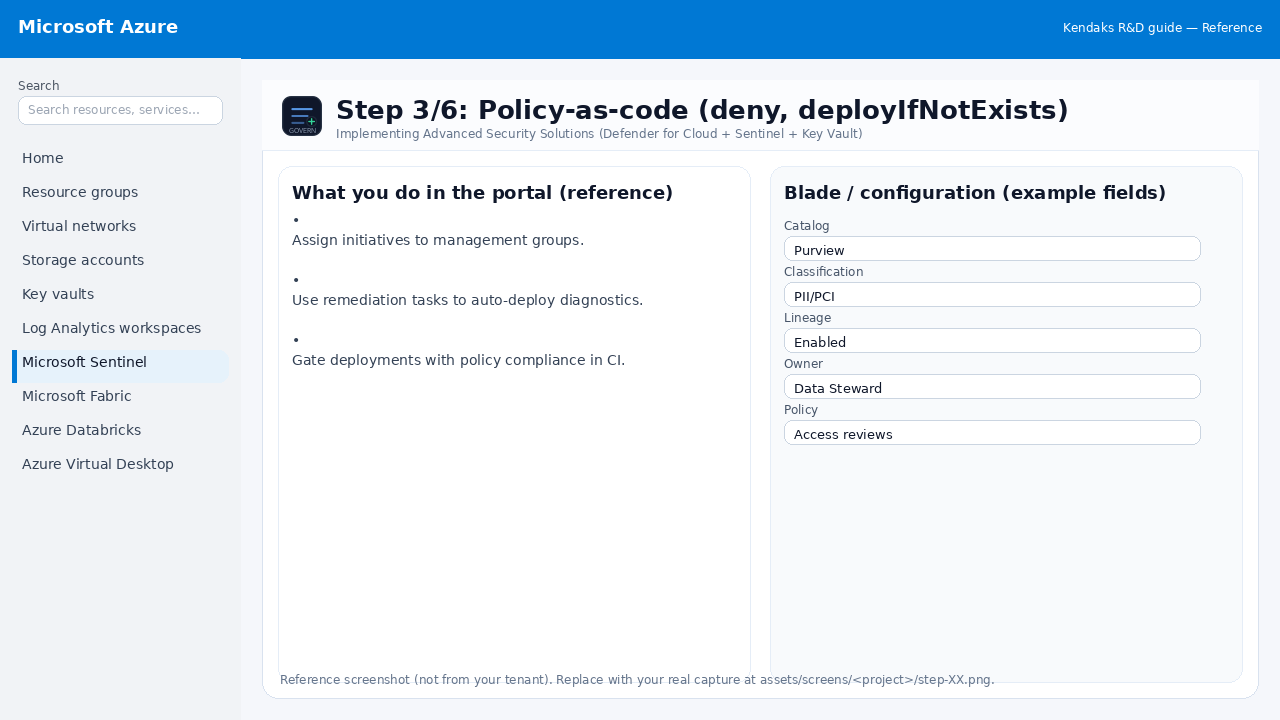
Step 3: Policy-as-code (deny, deployIfNotExists)
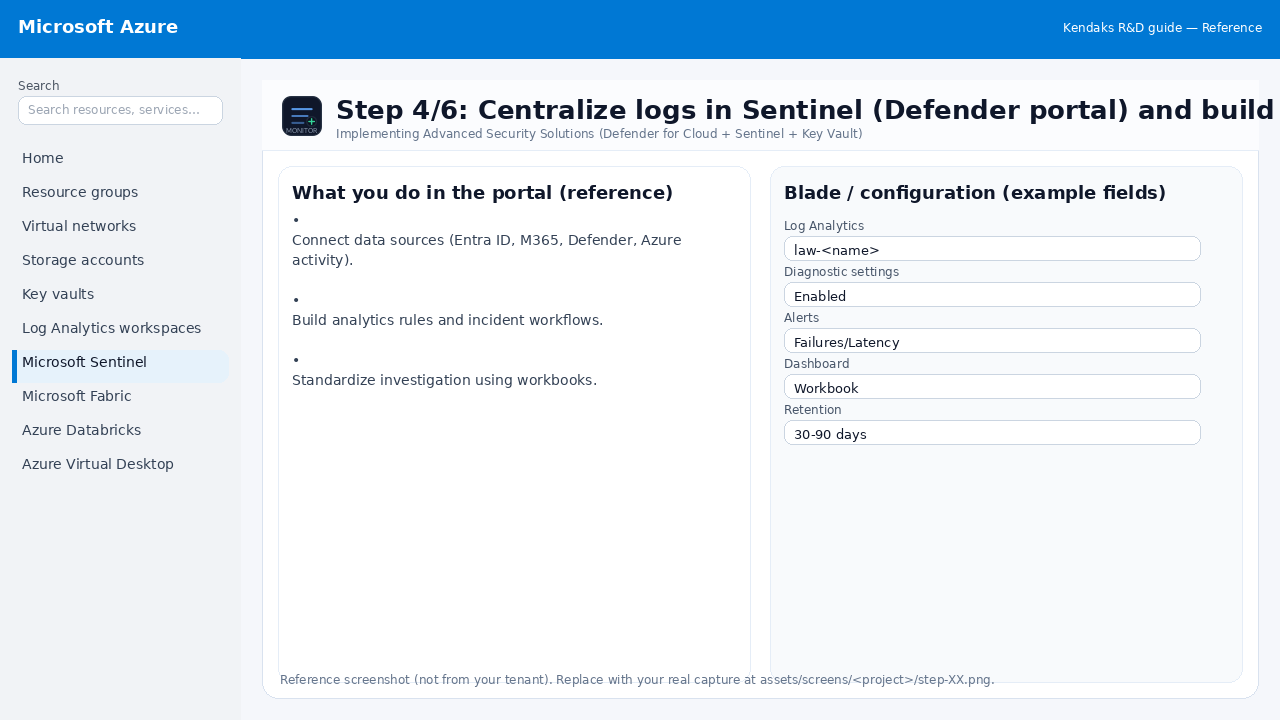
Step 4: Centralize logs in Sentinel (Defender portal) and build detections
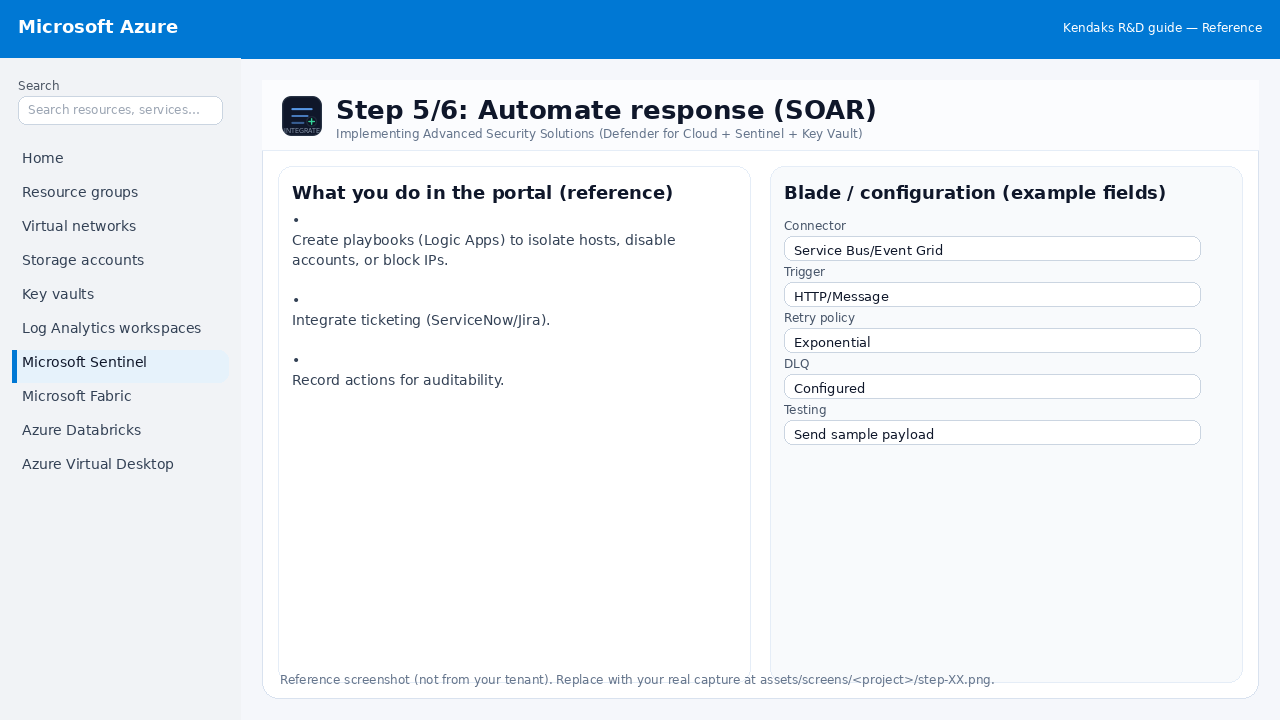
Step 5: Automate response (SOAR)
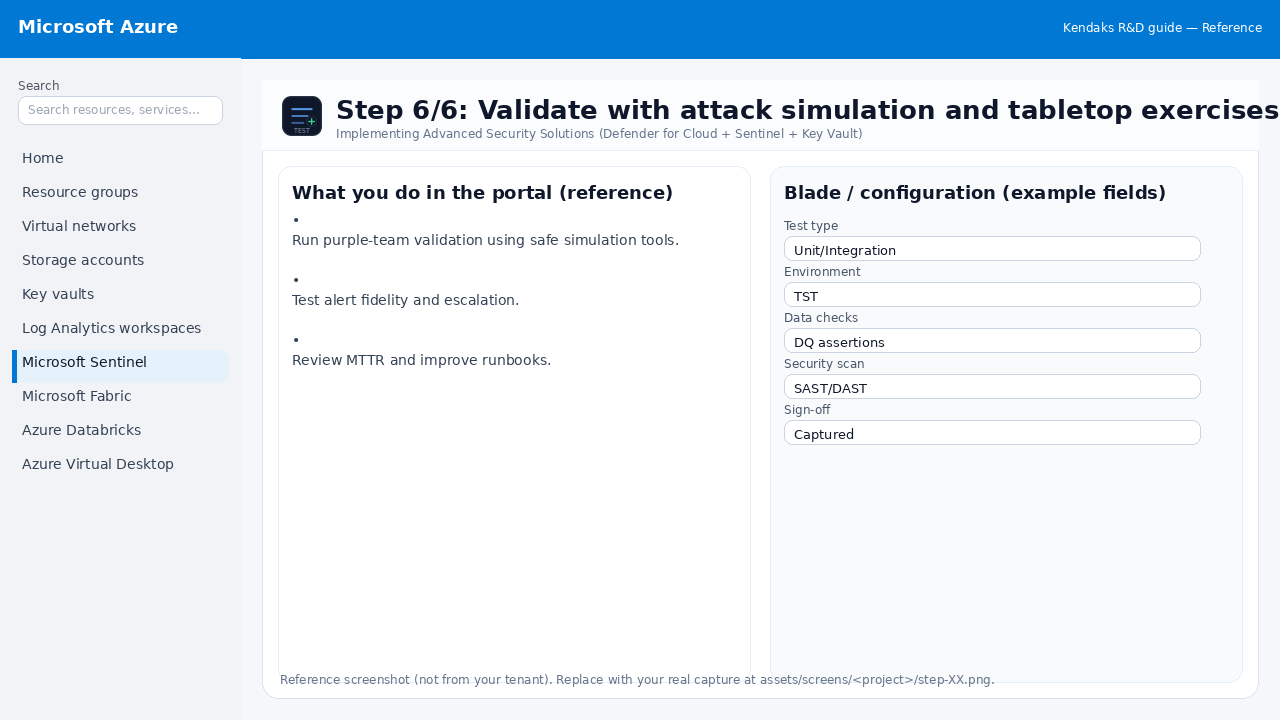
Step 6: Validate with attack simulation and tabletop exercises