Kendaks R&D guide

CI/CD Pipeline with Infrastructure as Code (Bicep + GitHub Actions)

Category: DevOps

Scenario: Platform team wants repeatable, audited infra deployments. Example: 'Kendaks Platform' provisions VNets, AKS, and PaaS with Bicep modules.

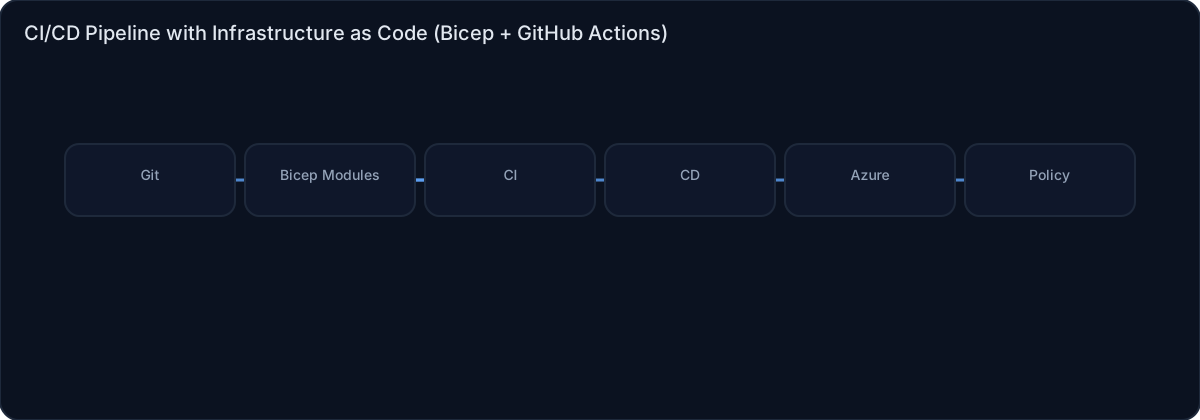
Architecture diagram

High-level view of the main components and data/control flows.

Architecture diagram

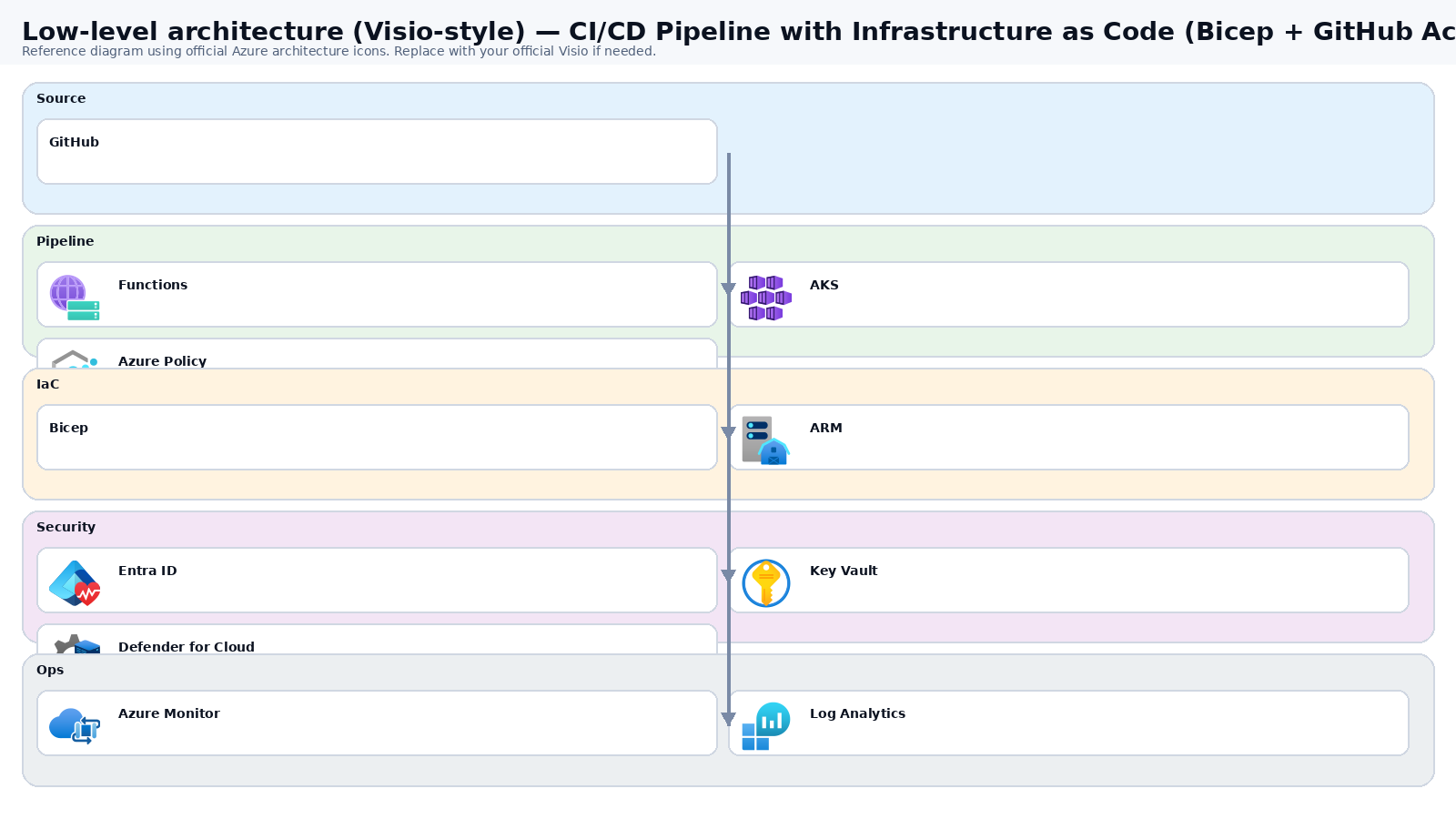
Low-level architecture diagram (Visio-style)

Implementation view (networking, security, ops). Click to open full size.

Low-level architecture diagram

Low-level architecture details

(No low-level text provided.)

Step-by-step implementation

Step 1/6
Plan

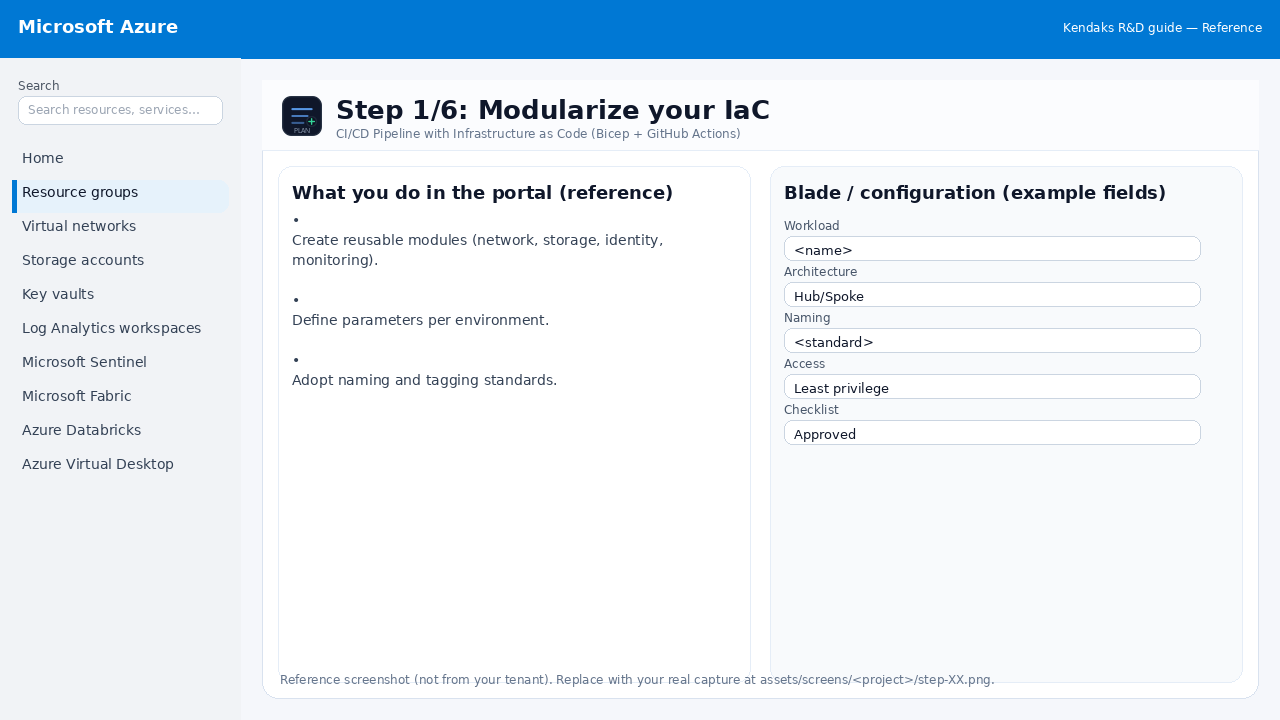
Modularize your IaC

Reference screenshot for CI/CD Pipeline with Infrastructure as Code (Bicep + GitHub Actions) step 1
Reference portal screenshot (click to zoom). Replace with your tenant capture if needed.
  • Create reusable modules (network, storage, identity, monitoring).
  • Define parameters per environment.
  • Adopt naming and tagging standards.
Validation checklist
  • Stakeholders have signed off the scope, SLAs, and data/security requirements.
  • You have documented naming standards, environments, and ownership (RACI).
Zoomed screenshot
Step 2/6
CI/CD

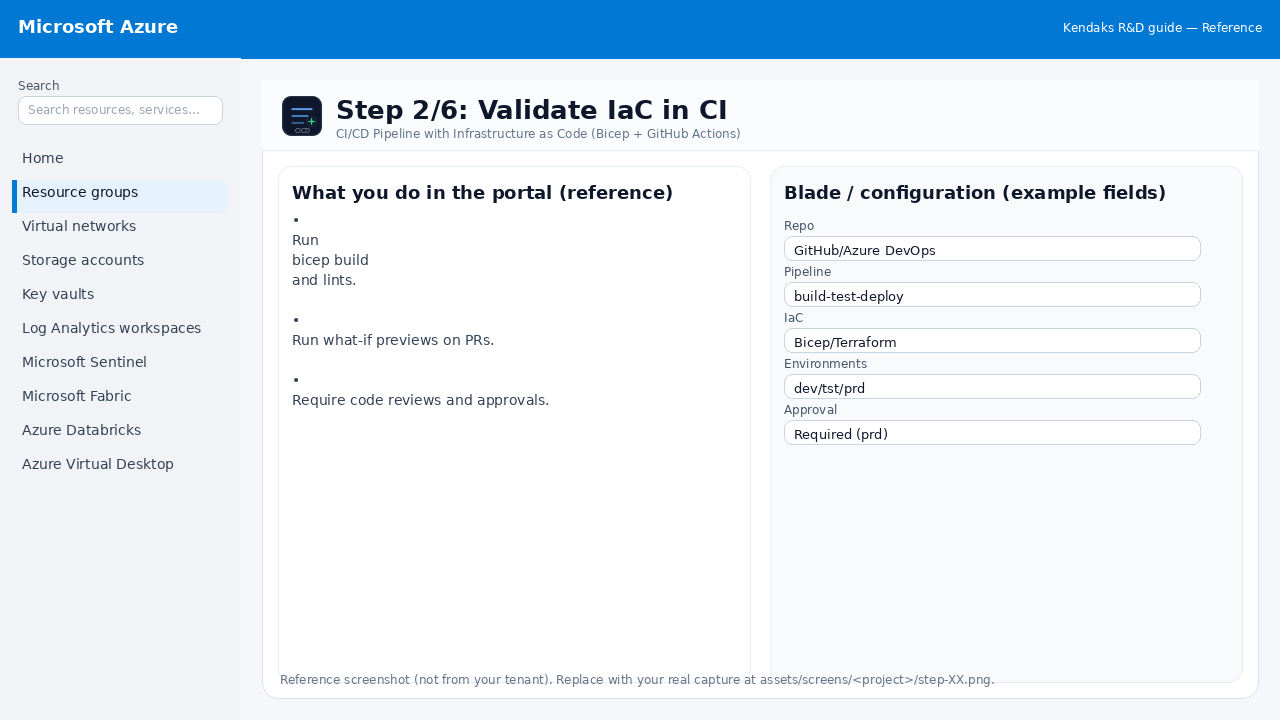
Validate IaC in CI

Reference screenshot for CI/CD Pipeline with Infrastructure as Code (Bicep + GitHub Actions) step 2
Reference portal screenshot (click to zoom). Replace with your tenant capture if needed.
  • Run bicep build and lints.
  • Run what-if previews on PRs.
  • Require code reviews and approvals.
Example code / notes
az deployment sub what-if --location eastus --template-file main.bicep --parameters env=dev
Validation checklist
  • Pipeline runs succeed (build/test/package) and artifacts are versioned.
  • Deploy stages require approvals for production and have rollback strategy.
Zoomed screenshot
Step 3/6
Govern

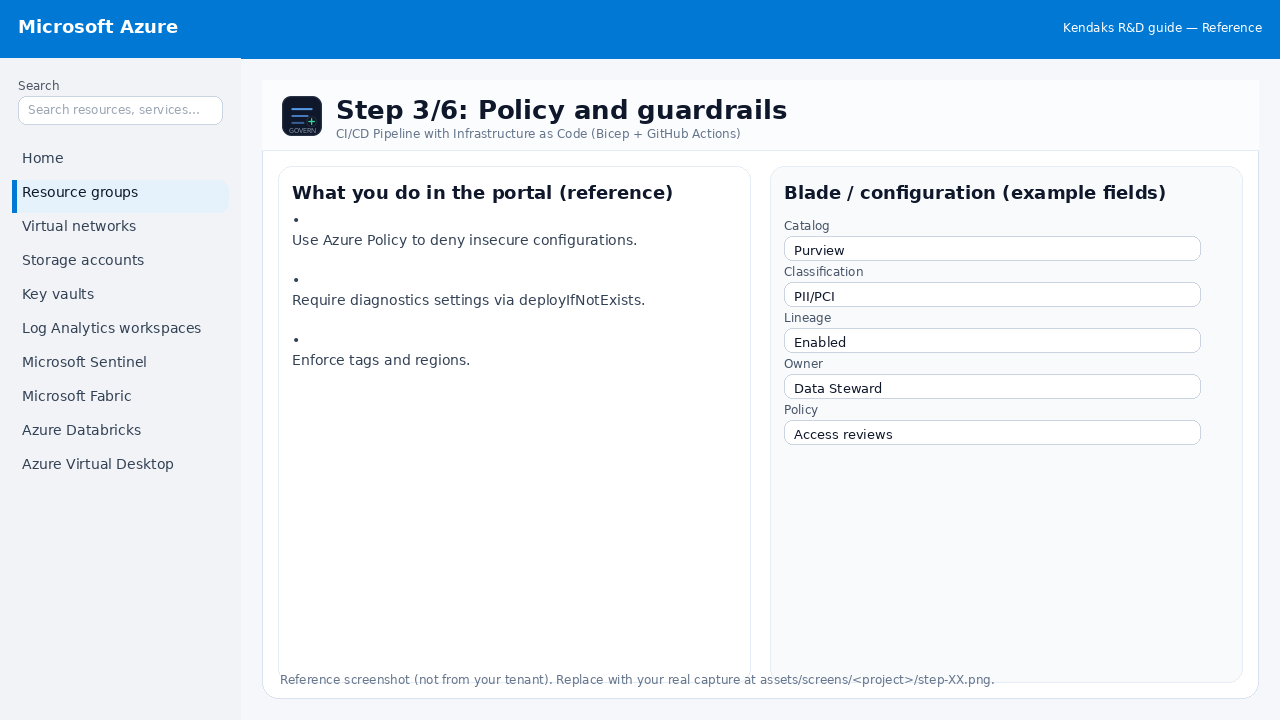
Policy and guardrails

Reference screenshot for CI/CD Pipeline with Infrastructure as Code (Bicep + GitHub Actions) step 3
Reference portal screenshot (click to zoom). Replace with your tenant capture if needed.
  • Use Azure Policy to deny insecure configurations.
  • Require diagnostics settings via deployIfNotExists.
  • Enforce tags and regions.
Validation checklist
  • RBAC/roles are assigned to Entra groups (no direct user assignments).
  • Policies/labels/lineage settings are enabled as required.
  • Audit logs are enabled and flowing to the central workspace/SIEM.
Zoomed screenshot
Step 4/6
Deploy

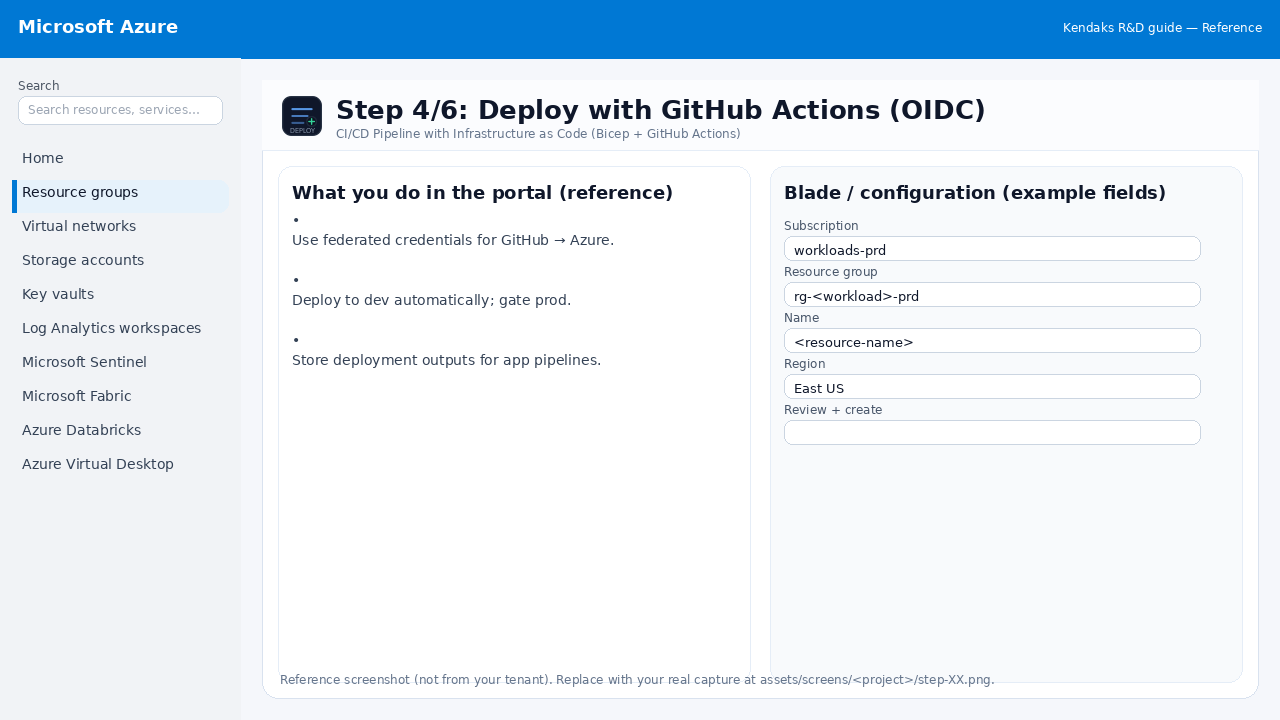
Deploy with GitHub Actions (OIDC)

Reference screenshot for CI/CD Pipeline with Infrastructure as Code (Bicep + GitHub Actions) step 4
Reference portal screenshot (click to zoom). Replace with your tenant capture if needed.
  • Use federated credentials for GitHub → Azure.
  • Deploy to dev automatically; gate prod.
  • Store deployment outputs for app pipelines.
Validation checklist
  • Deployment completed; smoke tests passed; rollback plan confirmed.
Zoomed screenshot
Step 5/6
Monitor

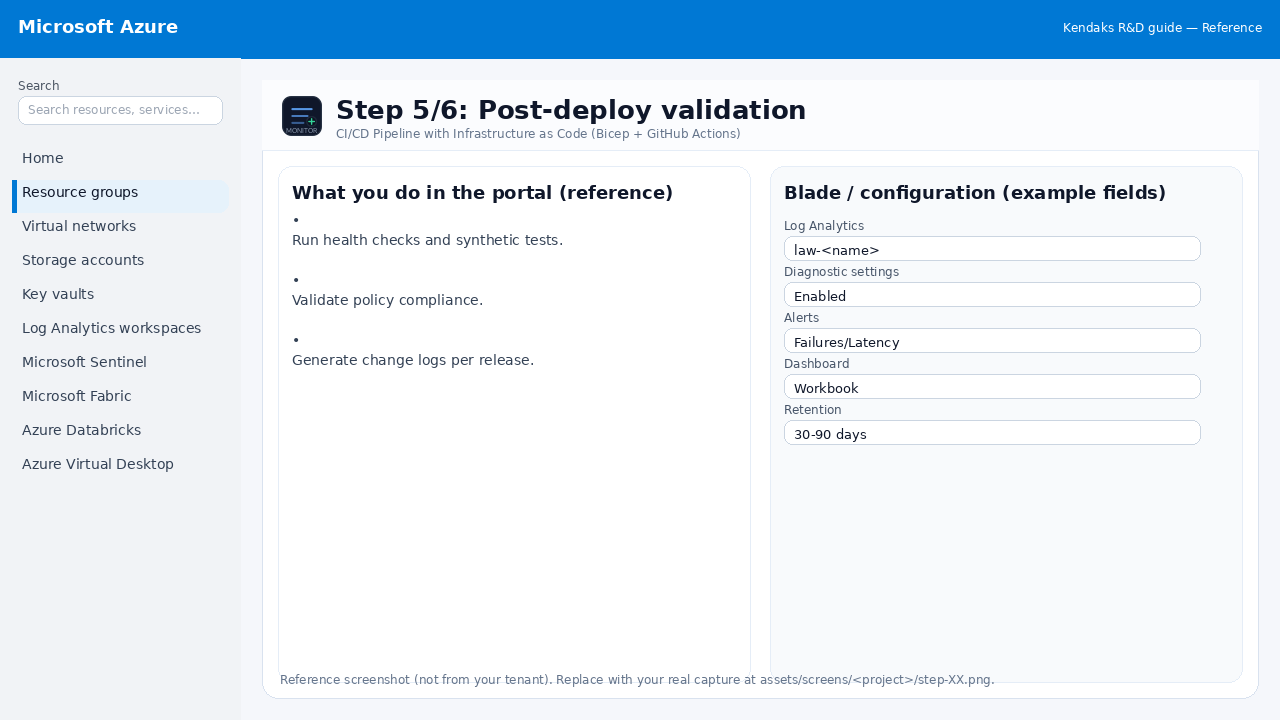
Post-deploy validation

Reference screenshot for CI/CD Pipeline with Infrastructure as Code (Bicep + GitHub Actions) step 5
Reference portal screenshot (click to zoom). Replace with your tenant capture if needed.
  • Run health checks and synthetic tests.
  • Validate policy compliance.
  • Generate change logs per release.
Validation checklist
  • Logs and metrics are flowing (check Log Analytics / Monitor).
  • Alerts trigger correctly (test alert path to email/Teams/ITSM).
Zoomed screenshot
Step 6/6
Test

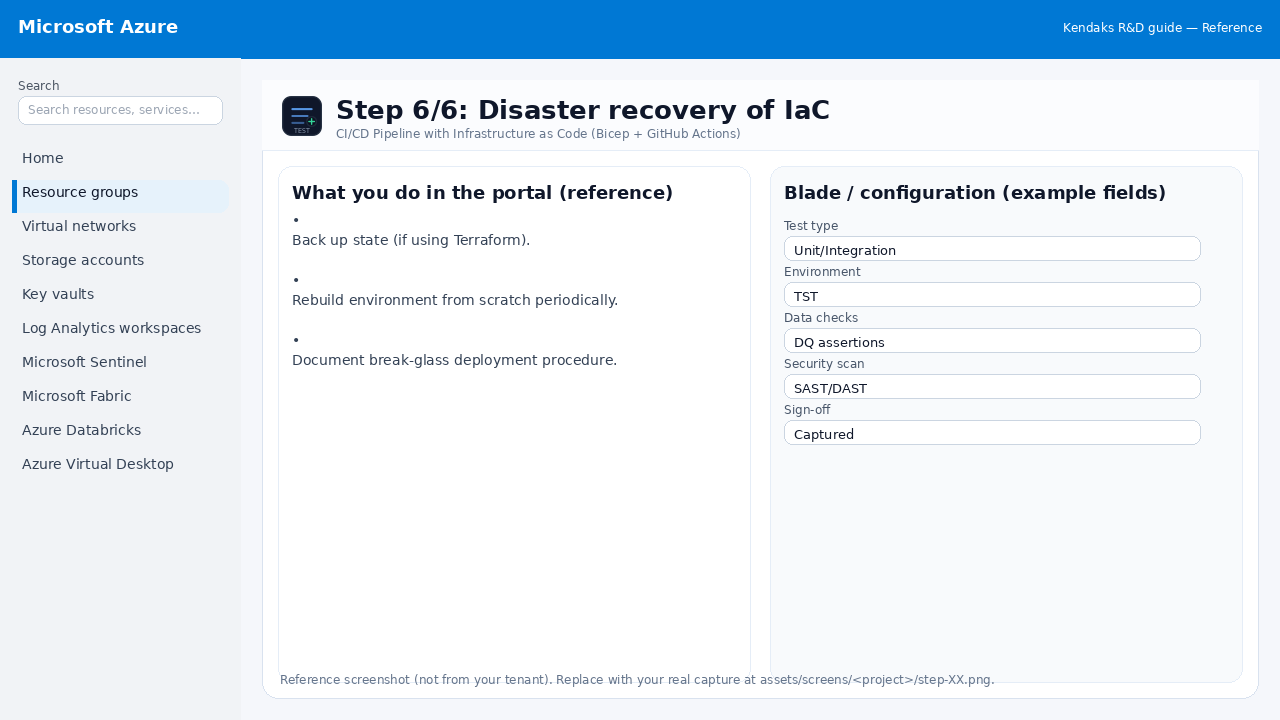
Disaster recovery of IaC

Reference screenshot for CI/CD Pipeline with Infrastructure as Code (Bicep + GitHub Actions) step 6
Reference portal screenshot (click to zoom). Replace with your tenant capture if needed.
  • Back up state (if using Terraform).
  • Rebuild environment from scratch periodically.
  • Document break-glass deployment procedure.
Validation checklist
  • UAT completed with representative users and scenarios.
  • Performance meets baseline; issues tracked and remediated.
Zoomed screenshot

Video tutorials

References